
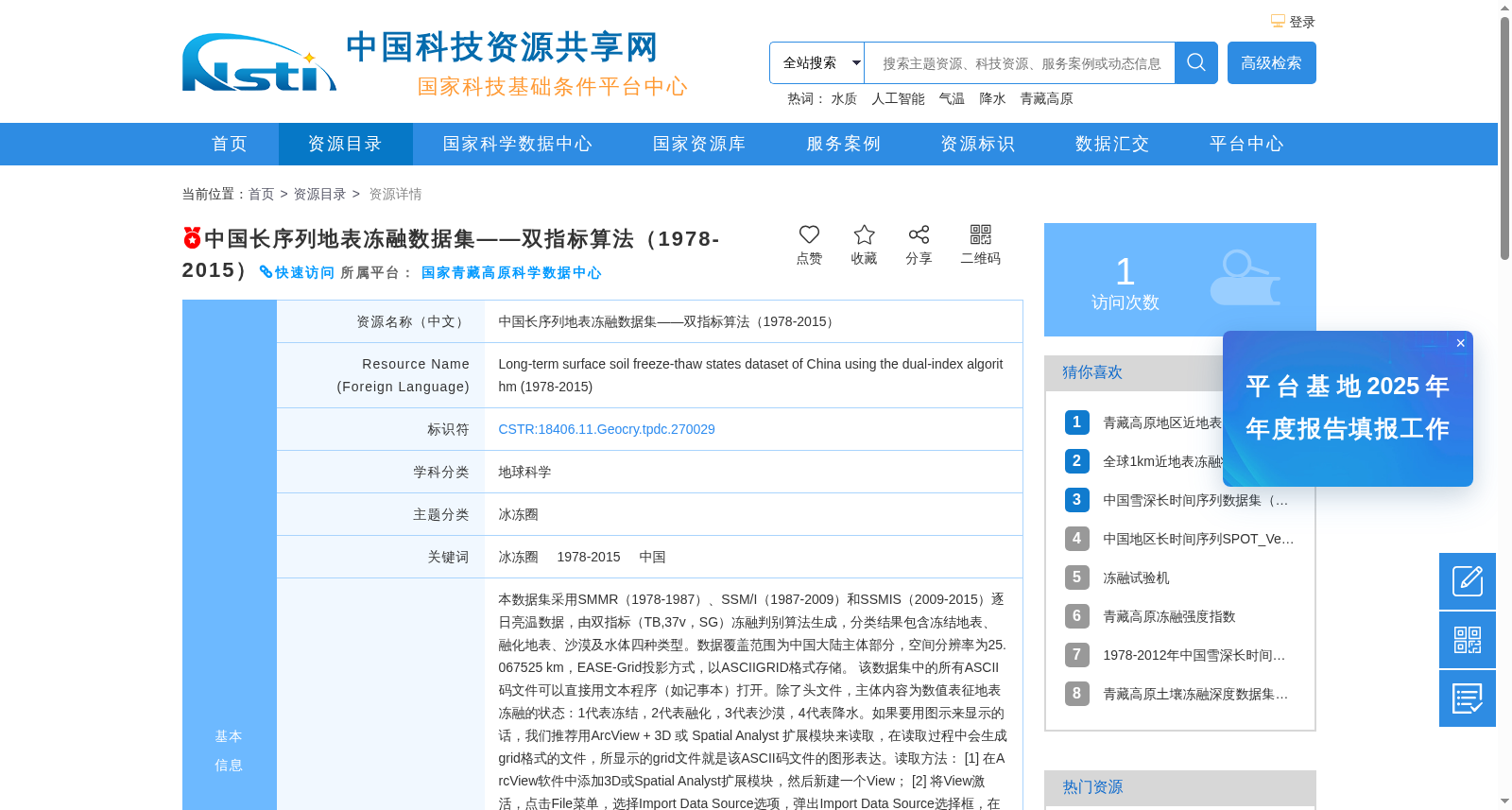
中国长序列地表冻融数据集——双指标算法(1978-2015)
收藏中国科技资源共享网2026-06-09 更新2026-01-30 收录
下载链接:
https://escience.org.cn/metadata/detail?cstrId=CSTR:18406.11.Geocry.tpdc.270029&id=da0e21dd01bcbea6d33bd0c6ce9c2c33:Geocry.tpdc.270029
下载链接
链接失效反馈官方服务:
资源简介:
本数据集采用SMMR(1978-1987)、SSM/I(1987-2009)和SSMIS(2009-2015)逐日亮温数据,由双指标(TB,37v,SG)冻融判别算法生成,分类结果包含冻结地表、融化地表、沙漠及水体四种类型。数据覆盖范围为中国大陆主体部分,空间分辨率为25.067525 km,EASE-Grid投影方式,以ASCIIGRID格式存储。
该数据集中的所有ASCII码文件可以直接用文本程序(如记事本)打开。除了头文件,主体内容为数值表征地表冻融的状态:1代表冻结,2代表融化,3代表沙漠,4代表降水。如果要用图示来显示的话,我们推荐用ArcView + 3D 或 Spatial Analyst 扩展模块来读取,在读取过程中会生成grid格式的文件,所显示的grid文件就是该ASCII码文件的图形表达。读取方法:
[1] 在ArcView软件中添加3D或Spatial Analyst扩展模块,然后新建一个View;
[2] 将View激活,点击File菜单,选择Import Data Source选项,弹出Import Data Source选择框,在此框中的Select import file type:中选择ASCII Raster,自动弹出选择源ASCII文件的对话框,点击寻找该数据集中的任一个ASCII文件,,然后按OK键;
[3] 在Output Grid对话框中键入的Grid文件名字(建议使用有意义的文件名,以便以后自己查看)和点击存放此Grid文件的路径,再次按Ok键,然后按Yes(要选择整型数据),Yes(把生成grid文件调入到当前的view中)。生成的文件可以按照Grid文件标准进行属性编辑。这样就完成了显示将ASCII文件显示成Grid文件的过程。
[4] 批处理时,可以使用ARCINFO的ASCIIGRID命令,编写成AML文件,再用Run命令在Grid模块中完成:
Usage: ASCIIGRID <in_ascii_file> <out_grid> {INT | FLOAT}
本数据的生产得到自然科学基金项目:中国西部环境与生态科学数据中心(90502010)、中国西部地区陆面数据同化系统研究(90202014)以及冻土主被动微波辐射传输模拟及其辐射散射特性研究(41071226)的支持。
This dataset is developed using daily brightness temperature data from SMMR (1978-1987), SSM/I (1987-2009), and SSMIS (2009-2015), generated via a two-index freeze-thaw discrimination algorithm (TB, 37v, SG). The classification results include four categories: frozen land surface, thawed land surface, desert, and water body.
The dataset covers the main mainland China region, with a spatial resolution of 25.067525 km, projected in EASE-Grid, and stored in ASCIIGRID format.
All ASCII files in this dataset can be directly opened with text editors such as Notepad. Apart from the header files, the main content consists of numerical values representing land surface freeze-thaw status: 1 for frozen, 2 for thawed, 3 for desert, and 4 for precipitation.
For visualization, we recommend using ArcView with the 3D or Spatial Analyst extension modules. During the import process, a grid-format file will be generated, which serves as the graphical representation of the original ASCII file. The reading steps are as follows:
[1] Add the 3D or Spatial Analyst extension module in ArcView, then create a new View;
[2] Activate the newly created View, click the File menu, select the Import Data Source option to bring up the Import Data Source dialog box. In the Select import file type dropdown of this dialog, choose ASCII Raster, which will automatically pop up the file selection dialog for source ASCII files. Locate any ASCII file in this dataset and click OK;
[3] In the Output Grid dialog, enter a name for the Grid file (it is recommended to use a descriptive filename for easy future reference) and select the storage path for the output Grid file, then click OK again. Then click Yes to confirm selecting integer data, and click Yes again to load the generated Grid file into the current View. The generated file can be edited for attributes following the Grid file standards. This completes the process of converting and visualizing the ASCII file as a Grid file.
[4] For batch processing, you can use the ASCIIGRID command of ARCINFO by writing an AML script, then execute it via the Run command in the Grid module:
Usage: ASCIIGRID <in_ascii_file> <out_grid> {INT | FLOAT}
This dataset was supported by the National Natural Science Foundation of China projects: the Western China Environmental and Ecological Science Data Center (90502010), the Research on Land Data Assimilation System in Western China (90202014), and the Research on Active and Passive Microwave Radiative Transfer Simulation and Radiation Scattering Characteristics of Frozen Soil (41071226).
提供机构:
国家青藏高原科学数据中心
创建时间:
2021-04-07
搜集汇总
数据集介绍
背景与挑战
背景概述
该数据集是一个覆盖1978年至2015年的中国长序列地表冻融状态数据集,采用双指标算法基于SMMR、SSM/I和SSMIS卫星亮温数据生成,分类包括冻结、融化、沙漠和水体四种类型。数据空间分辨率为25.067525公里,覆盖中国大陆主体,以ASCIIGRID格式存储,支持开放获取,适用于冰冻圈和地球科学研究。
以上内容由遇见数据集搜集并总结生成


