glaive-function-calling-openai
收藏OpenAI Function Calling Dataset
数据集概述
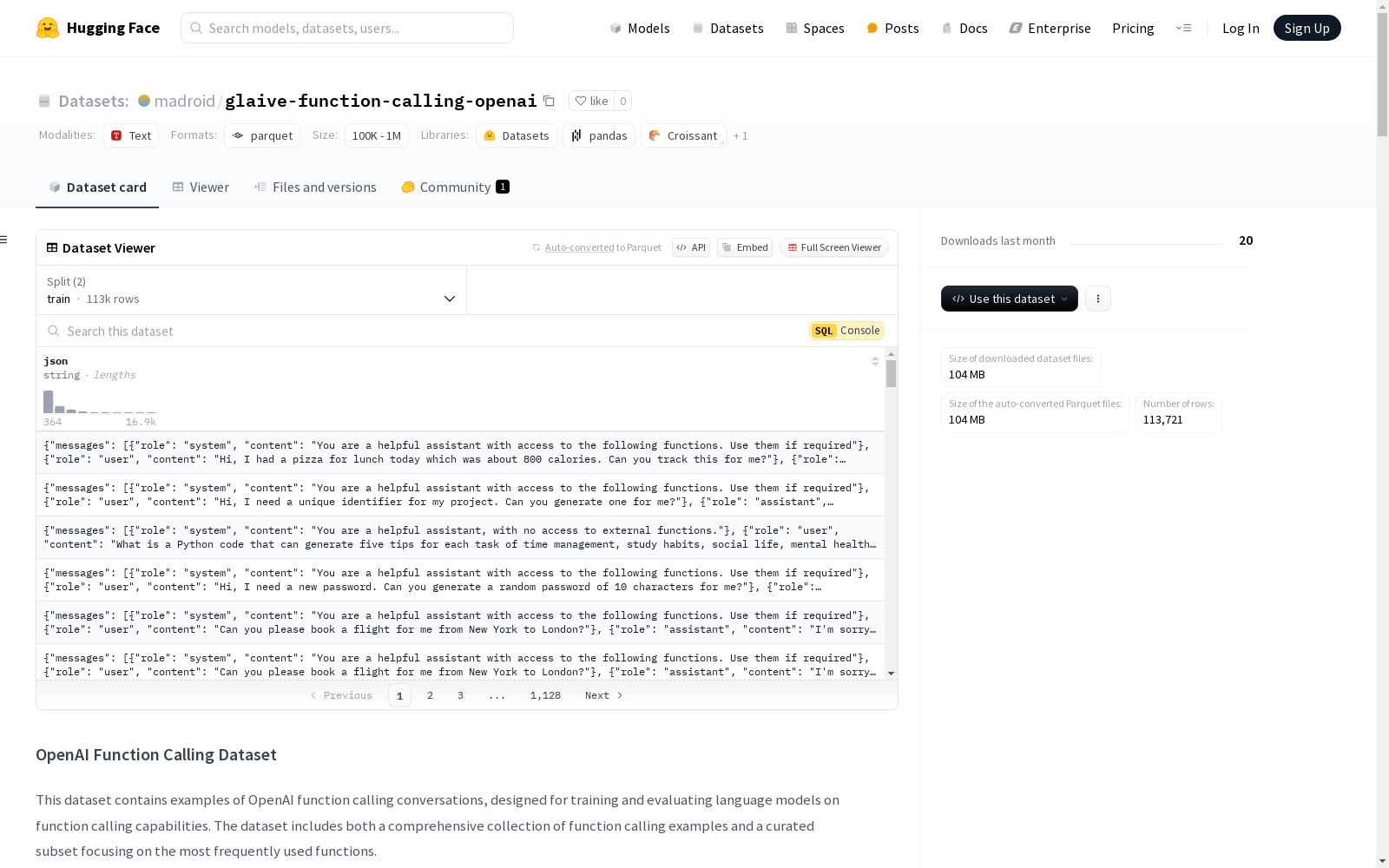
该数据集包含OpenAI函数调用对话的示例,旨在用于训练和评估语言模型在函数调用能力方面的表现。数据集包括一个全面的函数调用示例集合和一个精选的常用函数子集。
数据集结构
完整数据集
- 包含所有函数调用示例
- 文件:
openai_function_calling_all.jsonl - 大小: 112,754条记录
- 包含多种函数调用场景
测试子集
用户可以根据需求选择合适的测试子集:
- 快速评估: 使用Top 1000子集
- 全面测试: 使用更大的子集
- 模型训练: 使用完整数据集
数据格式
每条记录是一个JSON对象,包含以下结构:
json { "messages": [ { "role": "system", "content": "You are a helpful assistant with access to the following functions. Use them if required" }, { "role": "user", "content": "Hi, I had a pizza for lunch today which was about 800 calories. Can you track this for me?" }, { "role": "assistant", "content": "Sure, I can help you with that. Let me track this for you." } ], "tools": [ { "type": "function", "function": { "name": "track_calories", "description": "Track daily calorie intake", "parameters": { "type": "object", "properties": { "meal": { "type": "string", "description": "The meal for which calories are being tracked" }, "calories": { "type": "number", "description": "The number of calories consumed" }, "date": { "type": "string", "format": "date", "description": "The date for which calories are being tracked" } }, "required": [ "meal", "calories", "date" ] } } } ], "tool_calls": [ { "id": "mhnMNaInh", "type": "function", "function": { "name": "track_calories", "arguments": "{meal: pizza, calories: 800, date: 2022-03-01}" } } ] }
字段描述
messages: 对话消息列表,引导到函数调用role: 消息发送者的角色 ("system", "user", 或 "assistant")content: 消息内容
tools: 可用函数定义列表type: 工具类型 (目前仅支持 "function")function: 函数定义,包括名称、描述和参数
tool_calls: 助手实际进行的函数调用id: 函数调用的唯一标识符type: 工具调用类型function: 函数调用详情,包括名称和参数
常用函数分布
以下是数据集中使用频率最高的10个函数:
- calculate_distance: 5,063次调用
- convert_currency: 4,681次调用
- get_stock_price: 3,809次调用
- calculate_discount: 3,277次调用
- calculate_bmi: 3,241次调用
- calculate_tip: 3,106次调用
- calculate_age: 3,046次调用
- generate_random_number: 3,003次调用
- calculate_area: 2,866次调用
- get_movie_details: 2,509次调用
使用方法
加载数据集
可以使用Hugging Face datasets库加载数据集:
python from datasets import load_dataset
加载完整数据集
dataset = load_dataset("madroid/openai-function-calling", "train")
加载特定测试子集
eval = load_dataset("madroid/openai-function-calling", "eval")
模型评估示例
以下是如何使用测试子集评估模型的示例:
python import json import openai from tqdm import tqdm
def evaluate_function_calling(dataset, model="gpt-3.5-turbo"): results = { function_name_accuracy: 0, arguments_accuracy: 0, total_accuracy: 0 }
total = 0
correct_function_names = 0
correct_arguments = 0
correct_total = 0

for example in tqdm(dataset):
    # 解析JSON字符串
    data = json.loads(example[json])

    try:
        # 准备请求
        response = openai.chat.completions.create(
            model=model,
            messages=data[messages],
            tools=data[tools],
            tool_choice="auto"
        )

        # 比较结果
        expected_calls = data[tool_calls]
        actual_calls = response.choices[0].message.tool_calls

        for expected, actual in zip(expected_calls, actual_calls):
            total += 1

            # 检查函数名称
            if expected[function][name] == actual.function.name:
                correct_function_names += 1

                # 检查参数
                expected_args = json.loads(expected[function][arguments])
                actual_args = json.loads(actual.function.arguments)

                if expected_args == actual_args:
                    correct_arguments += 1
                    correct_total += 1

    except Exception as e:
        print(f"Error processing example: {e}")
        continue

# 计算准确率
results[function_name_accuracy] = correct_function_names / total
results[arguments_accuracy] = correct_arguments / total
results[total_accuracy] = correct_total / total

return results
示例用法
top_100_dataset = load_dataset("madroid/openai-function-calling", "top_100") results = evaluate_function_calling(top_100_dataset) print("Evaluation Results:") print(f"Function Name Accuracy: {results[function_name_accuracy]:.2%}") print(f"Arguments Accuracy: {results[arguments_accuracy]:.2%}") print(f"Total Accuracy: {results[total_accuracy]:.2%}")
可以根据需求使用不同的测试子集:
- 快速评估: 使用top_100
- 全面测试: 使用更大的子集
- 训练或彻底评估: 使用完整数据集
致谢
该数据集是从Locutusque/function-calling-chatml数据集编译而来。