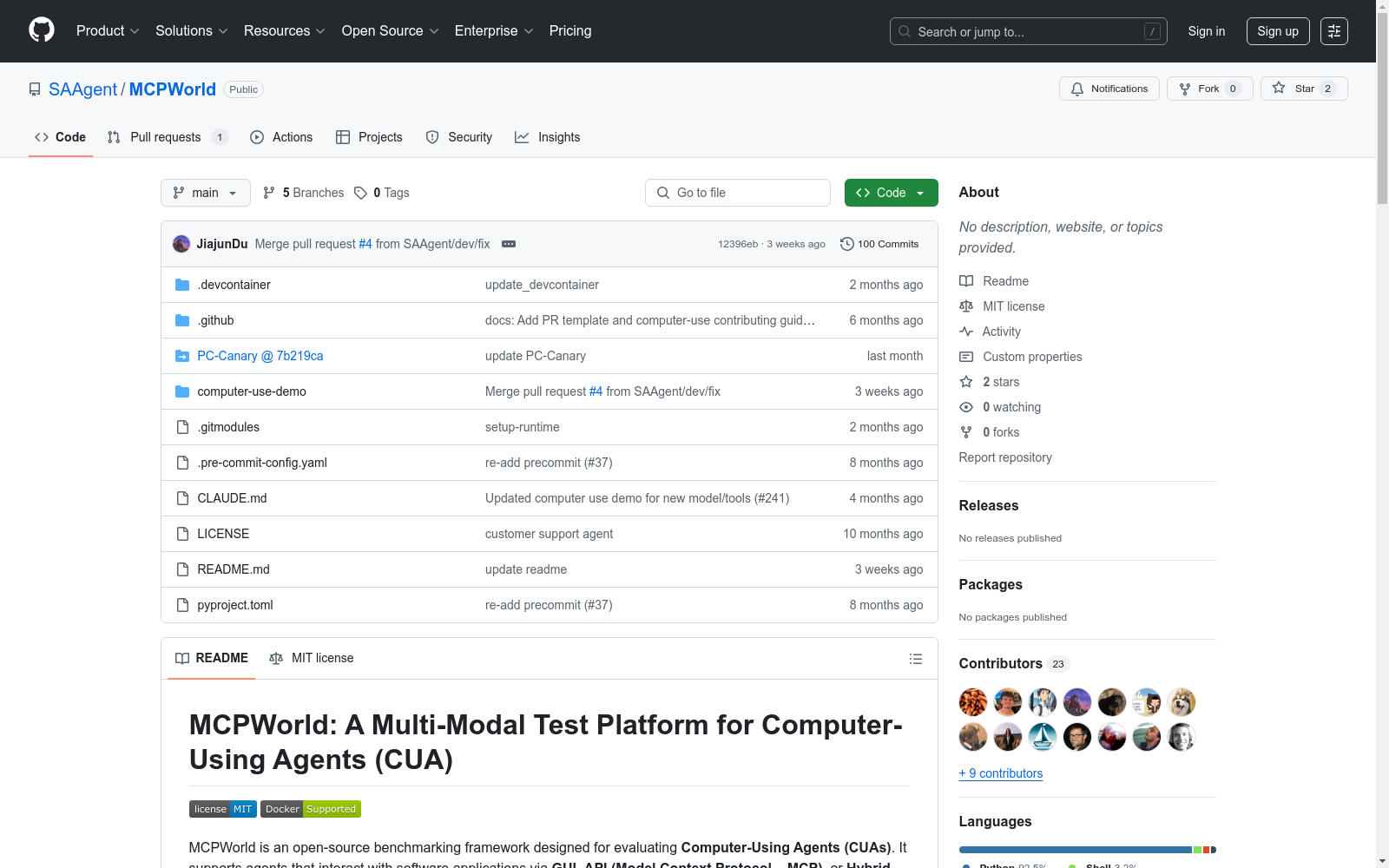
MCPWorld
收藏资源简介:
MCPWorld是一个针对API、GUI和混合桌面计算机使用代理(CUA)的统一基准测试平台。它使用“白盒应用”,即那些具有源代码可用性并且可以根据需要修改/重新编译的应用程序,例如添加MCP支持。这种设计选择不仅极大地扩展了CUA的设计空间,例如应用程序功能如何作为CUA可调用的API暴露/提取,而且还允许MCPWorld通过直接监控应用程序行为的技术(如动态代码检测)来编程方式验证任务完成情况,提供与特定代理实现或UI状态无关的鲁棒、准确的CUA评估。目前,MCPWorld包括201个精心策划和注释的用户任务,涵盖了多样化的用例和难度级别。MCPWorld也完全容器化,支持GPU加速,以适应不同的操作系统/硬件环境。我们的初步实验,使用一个代表性的LLM-powered CUA框架,实现了75.12%的任务完成准确性,同时提供了利用MCP进行代理自动化的实际有效性的初步证据。总的来说,我们预计MCPWorld将促进和标准化下一代计算机使用代理的基准测试,这些代理可以利用丰富的外部工具。
MCPWorld is a unified benchmarking platform for API-, GUI-, and hybrid desktop computer usage agents (CUA). It adopts "white-box applications", which refer to applications with available source code that can be modified or recompiled on demand—for example, to add MCP support. This design choice not only greatly expands the design space of CUAs, such as how application functions are exposed or extracted as callable APIs for CUAs, but also enables MCPWorld to programmatically verify task completion via techniques that directly monitor application behavior (e.g., dynamic code detection), delivering robust and accurate CUA evaluation that is independent of specific agent implementations or UI states. Currently, MCPWorld includes 201 carefully curated and annotated user tasks covering diverse use cases and difficulty levels. MCPWorld is also fully containerized and supports GPU acceleration to accommodate diverse operating system and hardware environments. Our preliminary experiments, conducted using a representative LLM-powered CUA framework, achieved a task completion accuracy of 75.12%, while providing preliminary evidence of the practical effectiveness of leveraging MCP for agent automation. Overall, we anticipate that MCPWorld will facilitate and standardize benchmarking for next-generation computer usage agents that can leverage a rich set of external tools.
MCPWorld 数据集概述
数据集简介
MCPWorld是一个开源的基准测试框架,专为评估计算机使用代理(CUAs)而设计。支持通过GUI、API(模型上下文协议-MCP)或混合方法与软件应用程序交互的代理。
关键特性
- 全面的任务套件
- 包含约170个任务,覆盖10多个开源应用程序(如VSCode、OBS、Zotero等)。
- GUI、API和混合交互
- 集成的MCP支持强大的混合模式控制,允许代理在API不可用时回退到GUI。
- 白盒评估
- 内置评估器检查内部应用程序信号或输出,确保任务验证的精确性和可重复性。
- 跨平台支持
- 通过Docker容器化环境,确保在Linux、macOS和Windows上的一致设置。
- 可扩展框架
- 通过清晰的文件夹结构和接口,轻松添加新任务、应用程序或自定义代理。
安装与设置
先决条件
- Docker
- (可选)VS Code + DevContainers扩展
快速安装
bash git clone https://github.com/SAAgent/MCPWorld.git cd MCPWorld git submodule update --init PC-Canary
快速开始
交互式代理演示与评估
-
安装依赖 bash pip install -r computer-use-demo/computer_use_demo/requirements.txt
-
启动服务
- VNC服务器
- noVNC代理
- 主页面HTTP服务器
- 代理演示与评估UI(Streamlit应用)
-
访问演示
- 统一接口:
http://localhost:8081 - VNC桌面(直接访问):
http://localhost:6080 - 代理与评估UI(直接访问):
http://localhost:8501
- 统一接口:
无头代理与评估执行(仅CLI)
bash python computer-use-demo/run_pure_computer_use_with_eval.py --api_key <YOUR_ANTHROPIC_API_KEY> --model claude-3-7-sonnet-20250219 --task_id telegram/task01_search --log_dir logs_computer_use_eval --exec_mode mixed
文档
- 任务:查看
PC-Canary/tests/tasks/中的JSON/JS/Python配置。 - 代理:参考
computer-use-demo/中的实现。 - 扩展:添加新应用程序/任务/代理(文档更新中)。
- 评估:白盒评估器确保客观指标。
许可证
MIT许可证。