
pixmo-clocks
收藏魔搭社区2025-12-05 更新2025-02-15 收录
下载链接:
https://modelscope.cn/datasets/allenai/pixmo-clocks
下载链接
链接失效反馈官方服务:
资源简介:
# PixMo-Clocks
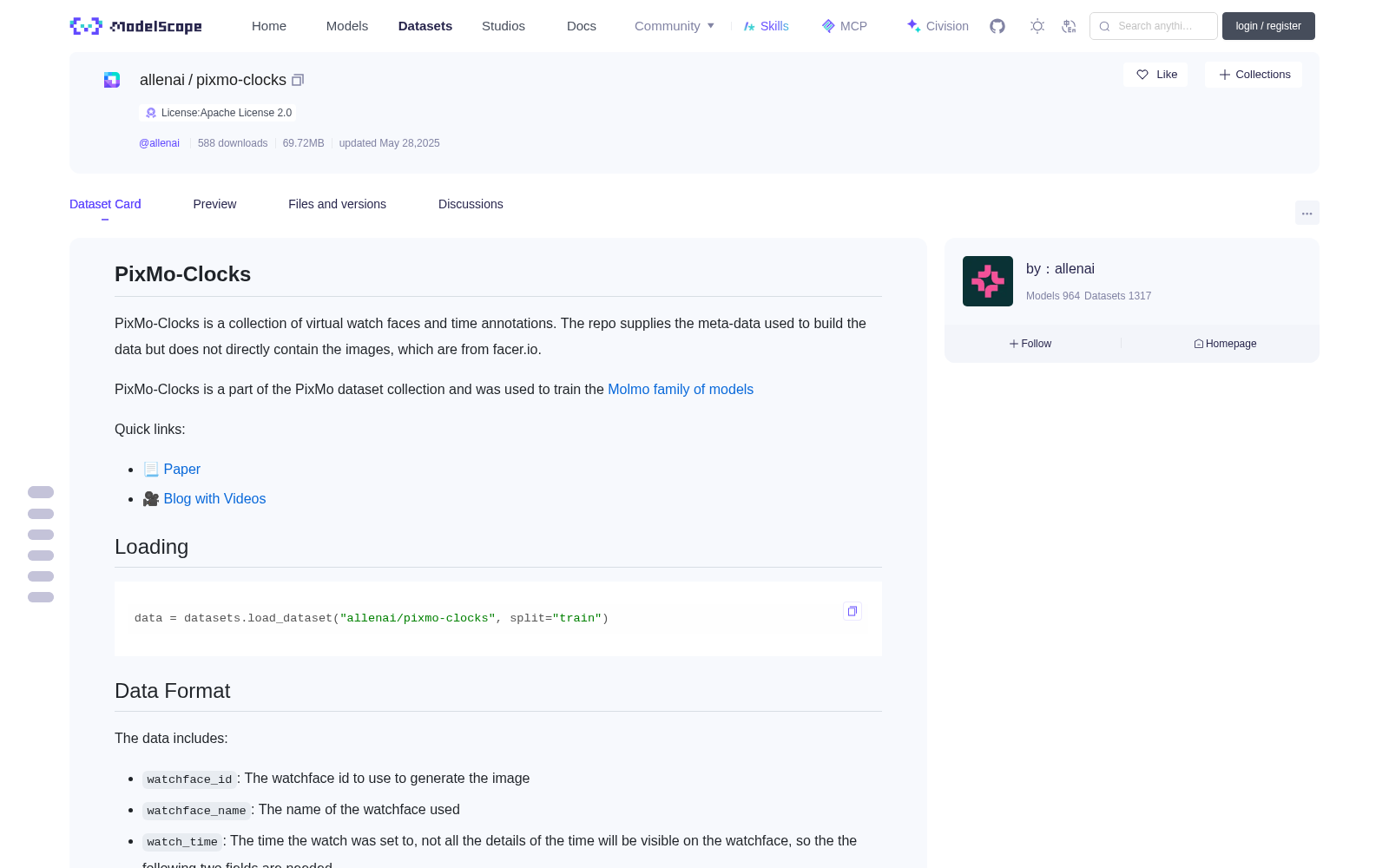
PixMo-Clocks is a collection of virtual watch faces and time annotations.
The repo supplies the meta-data used to build the data but does not directly contain the images, which are from facer.io.
PixMo-Clocks is a part of the PixMo dataset collection and was used to train the [Molmo family of models](https://huggingface.co/collections/allenai/molmo-66f379e6fe3b8ef090a8ca19)
Quick links:
- 📃 [Paper](https://molmo.allenai.org/paper.pdf)
- 🎥 [Blog with Videos](https://molmo.allenai.org/blog)
## Loading
```python
data = datasets.load_dataset("allenai/pixmo-clocks", split="train")
```
## Data Format
The data includes:
- `watchface_id`: The watchface id to use to generate the image
- `watchface_name`: The name of the watchface used
- `watch_time`: The time the watch was set to, not all the details of the time will be visible on the watchface, so the
the following two fields are needed.
- `time_format`: The format of the watch, can be:
- `"No time visible`": The time cannot be read at all, we still include these examples as no-answer training examples
- `"Without AM/PM`": AM/PM cannot be determined
- `"With AM/PM`": AM/PM can be determined (either because the watch shows military time, or shows a AM/PM indicator somehow)
- `shows_seconds`: Whether seconds are shown
For convenience, this dataset includes a few fields derived from this data about what is visible on the watch:
- `hour_visible`: The hour visible on the watch, between 0 and 23, -1 means not visible, 0 is 12:00am.
If AM/PM cannot be determined the hour will be between 0 and 11
- `minute_visible`: The minute the watch should be set to, between 0 and 59, -1 means not visible
- `second_visible`: The second the watch should be set to, between -1 and 59, -1 means not visible
- `text`: A text string of the time visible on the watch
## Downloading Images
Getting images requires downloading watchface images set to different times from facer.io.
We will include information about how to generate the watch images as part of our code release.
## Splits
The data is divided into validation and train splits. These splits are unofficial because we do not use this data for evaluation anyway. However,
they reflect what was used when training the Molmo models, which were only trained on the train split.
## License
This dataset is licensed under ODC-BY-1.0. It is intended for research and educational use in accordance with Ai2's [Responsible Use Guidelines](https://allenai.org/responsible-use).
# PixMo-Clocks
PixMo-Clocks 是虚拟表盘与时间标注的集合。本仓库仅提供构建该数据集所需的元数据,并未直接包含图像文件——图像资源均源自 facer.io 平台。
PixMo-Clocks 属于 PixMo 数据集集群的一部分,曾用于训练 [Molmo 系列模型](https://huggingface.co/collections/allenai/molmo-66f379e6fe3b8ef090a8ca19)。
快速链接:
- 📃 [研究论文](https://molmo.allenai.org/paper.pdf)
- 🎥 [带演示视频的博客](https://molmo.allenai.org/blog)
## 加载方式
可通过以下代码加载数据集:
python
data = datasets.load_dataset("allenai/pixmo-clocks", split="train")
## 数据格式
本数据集包含以下字段:
- `watchface_id`:用于生成图像的表盘ID
- `watchface_name`:当前使用的表盘名称
- `watch_time`:表盘设置的目标时间。由于并非所有时间细节都会在表盘上显示,因此需要以下两个字段辅助补充信息。
- `time_format`:表盘的时间显示格式,可选值包括:
- "无有效时间显示":完全无法读取时间,此类样本仍会被保留,用于无答案类训练任务
- "无AM/PM标识":无法确定上午/下午时段
- "带AM/PM标识":可确定上午/下午时段(要么表盘采用24小时制,要么带有明确的上午/下午指示符)
- `shows_seconds`:标识表盘是否显示秒数
为便于使用,本数据集额外包含若干基于原始数据派生的、关于表盘可见信息的字段:
- `hour_visible`:表盘上可见的小时数,取值范围为0~23。其中-1表示小时信息不可见,0代表凌晨12点。若无法确定AM/PM时段,则小时取值范围为0~11
- `minute_visible`:表盘设置的分钟数,取值范围为0~59,-1表示分钟信息不可见
- `second_visible`:表盘设置的秒数,取值范围为-1~59,-1表示秒数信息不可见
- `text`:表盘上可见的时间文本字符串
## 图像下载
获取图像需从 facer.io 平台下载针对不同时间设置的表盘图像。我们将在代码发布包中提供生成表盘图像的相关方法与信息。
## 数据集划分
本数据集包含验证集与训练集两个划分。由于本数据集并未用于模型评估,因此上述划分并非官方标准。不过,二者与 Molmo 模型训练时所使用的数据划分完全一致——Molmo 模型仅基于训练集完成训练。
## 授权协议
本数据集采用 ODC-BY-1.0 协议进行授权,仅可用于研究与教育用途,且需遵循 AI2 的[负责任使用指南](https://allenai.org/responsible-use)。
提供机构:
maas创建时间:
2025-05-28
搜集汇总
数据集介绍
背景与挑战
背景概述
PixMo-Clocks是一个包含虚拟表盘和时间标注的数据集,属于PixMo数据集系列,用于训练Molmo模型。它提供构建数据所需的元数据,如表盘ID、时间格式和可见性信息,但不直接包含图像,图像源自facer.io。该数据集遵循Apache 2.0许可证,主要用于研究和教育目的。
以上内容由遇见数据集搜集并总结生成


