WebRover Dataset
收藏资源简介:
WebRover数据集是一个高质量的数据集,专门用于训练大型语言模型和AI应用。它通过智能网页抓取技术自动收集、清理和结构化网页内容,支持多种输入格式,并生成适合模型训练的结构化JSONL格式数据。
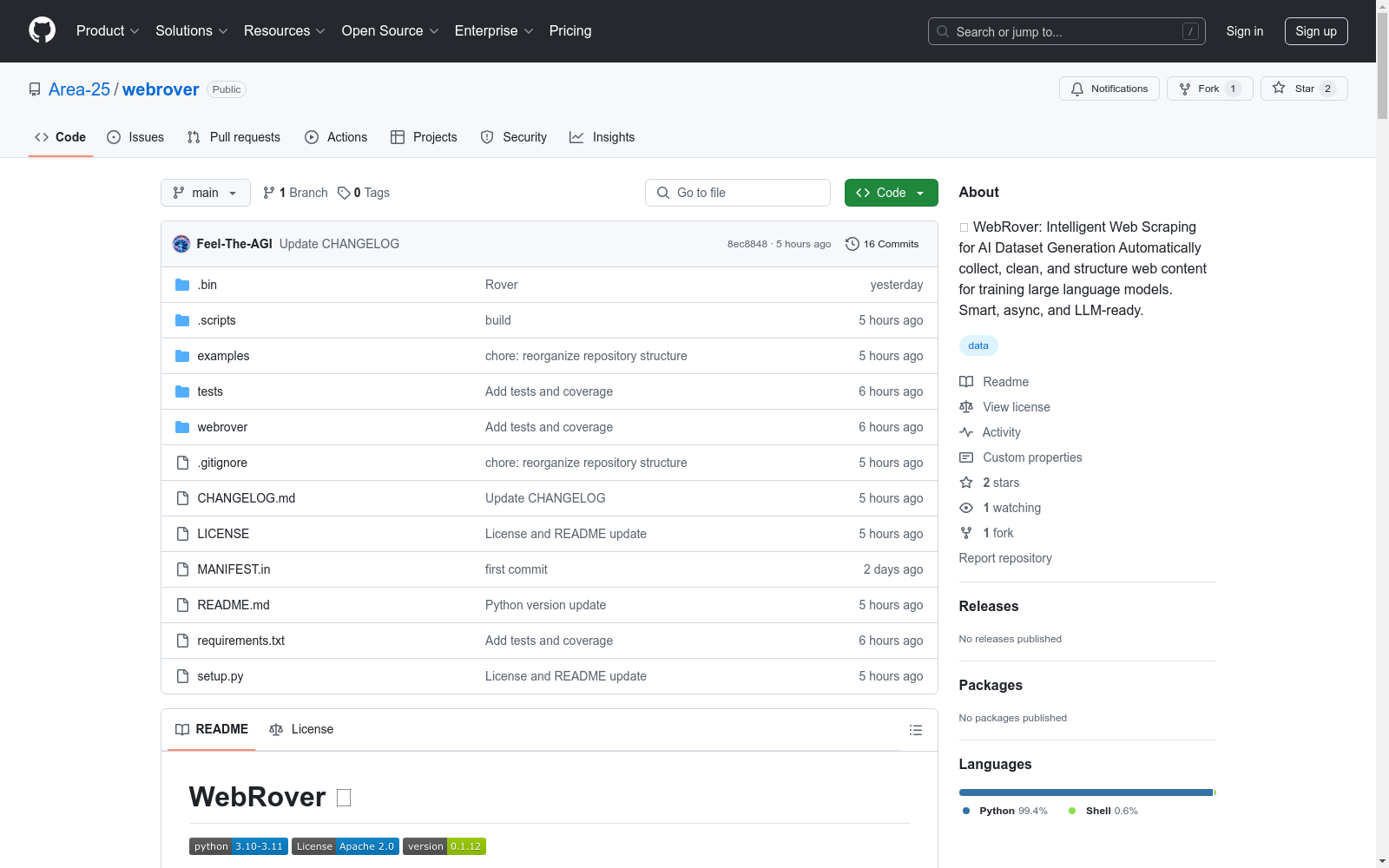
The WebRover dataset is a high-quality dataset specifically tailored for training large language models (LLMs) and AI applications. It employs intelligent web scraping technology to automatically collect, clean and structure web content, supports multiple input formats, and generates structured data in JSONL format suitable for model training.
WebRover 数据集生成库
概述
WebRover 是一个强大的 Python 库,专门用于从网页内容生成高质量的数据集,适用于训练大型语言模型和 AI 应用。
主要功能
- 智能网页抓取:根据主题自动查找和抓取相关内容。
- 多输入格式支持:支持 JSON、YAML、TXT 和 Markdown 格式的主题文件。
- 异步处理:内置速率限制的快速并发抓取。
- 质量控制:内置内容验证和清理功能。
- LLM 就绪输出:结构化的 JSONL 格式,适合模型训练。
- 错误处理:强大的错误跟踪和恢复机制。
重要说明
云环境兼容性
在 Google Colab 或 Kaggle Notebooks 等云环境中使用时,可能需要处理嵌套的 asyncio 循环。解决方法如下:
-
安装
nest_asyncio: bash pip install nest_asyncio -
在笔记本开头添加以下代码: python import nest_asyncio nest_asyncio.apply()
快速开始
安装
bash pip install webrover
基本用法
python from webrover import WebRover
初始化 WebRover
rover = WebRover()
从主题抓取内容
rover.scrape_topics( topics=["artificial intelligence", "machine learning"], sites_per_topic=20 # 每个主题获取 20 个站点 )
保存数据集
rover.save_dataset("my_dataset.jsonl")
使用主题文件
python
从 JSON 文件
rover.scrape_topics( topics="topics.json", num_websites=100 )
从 Markdown 列表
rover.scrape_topics( topics="topics.md", num_websites=100 )
支持的主题文件格式
JSON
json { "topics": [ "AI basics", "machine learning", "deep learning" ] }
YAML
yaml topics:
- AI basics
- machine learning
- deep learning
Markdown
- AI basics
- machine learning
- deep learning
输出结构
python { url: https://example.com/article, title: Article Title, content: Article content..., metadata: { length: 1234, has_title: true, domain: example.com } }
高级用法
python
初始化自定义输出目录
rover = WebRover(output_dir="my_datasets")
获取抓取统计信息
stats = rover.get_stats() print(f"成功率: {stats[success_rate]*100:.1f}%")
程序化访问数据集
dataset = rover.get_dataset()
输出文件
final_dataset/dataset.jsonl:主数据集,JSONL 格式。websites_master.json:所有发现的 URL 列表。websites_completed.json:成功抓取的 URL 列表。websites_errors.json:失败的尝试,包含错误详情。
错误处理
WebRover 自动处理常见问题:
- 速率限制
- 网络超时
- 无效 URL
- 被阻止的请求
- 格式错误的内容
限制
- 遵守 robots.txt 和站点速率限制。
- 某些站点可能阻止自动化访问。
- 大型数据集需要更多处理时间。
- Google 搜索可能会限制过多的请求。