OccScanNet
收藏资源简介:
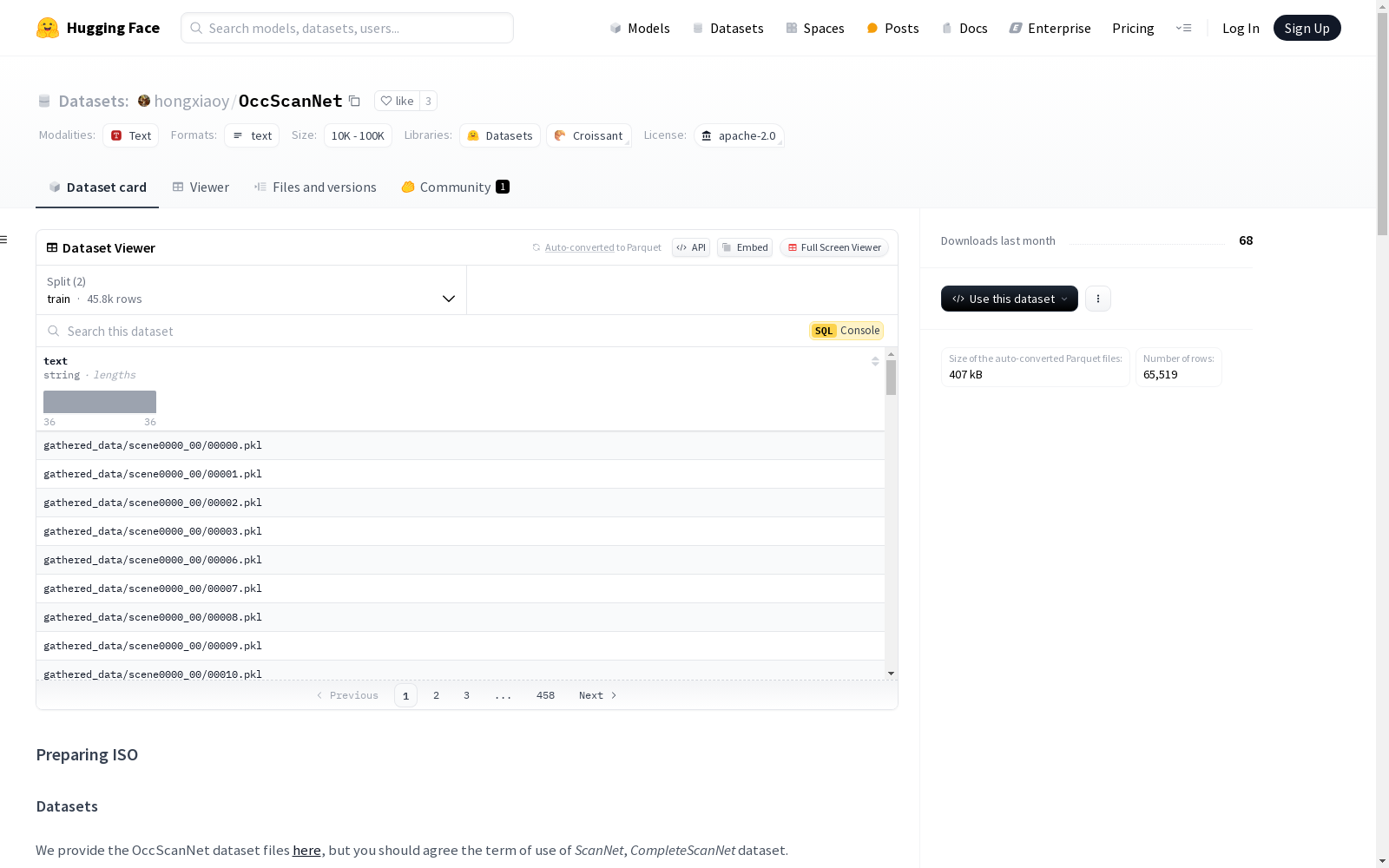
OccScanNet数据集是通过一系列步骤从ScanNet和CompleteScanNet数据集生成的。首先,下载并处理ScanNet数据集,提取图像和姿态信息。然后,下载CompleteScanNet数据集的地面真实标签并进行预处理。最后,通过生成脚本创建OccScanNet数据集,包括预处理体素和收集的数据。
The OccScanNet dataset is generated from the ScanNet and CompleteScanNet datasets through a series of steps. First, the ScanNet dataset is downloaded and processed to extract image and pose information. Then, the ground-truth labels of the CompleteScanNet dataset are downloaded and preprocessed. Finally, the OccScanNet dataset is constructed using generation scripts, incorporating the preprocessed voxels and collected data.
OccScanNet 数据集准备
数据集概述
OccScanNet 数据集文件可在 此处 下载,但需同意 ScanNet 和 CompleteScanNet 数据集的使用条款。
数据集生成过程
步骤
-
克隆官方 MMDetection3D 仓库 bash git clone https://github.com/open-mmlab/mmdetection3d.git ISO
-
切换到
v1.3.0版本 bash cd ISO git checkout v1.3.0 -
下载 ScanNet 数据集 按照 指示 下载并放置
scans目录为ISO/data/scannet/scans。 -
提取带姿态的 RGB 图像 运行以下命令: bash python extract_posed_images.py --max-images-per-scene 100
提示:添加
--max-images-per-scene -1以禁用每场景图像数量限制。 -
下载原始 CompleteScanNet 使用 SCFusion 的地面真实标签,放置为
ISO/data/completescannet/CompleteScanNet_GT。 -
重构 CompleteScanNet 运行以下命令: bash python preprocess_gt.py
结果目录为
ISO/data/completescannet/CompleteScanNet_preprocessed_GT。 -
创建 OccScanNet 创建
preprocessed_voxels和gathered_data目录,并链接到ISO/data/occscannet。 运行以下命令: bash python generate_gt.py --step [1, 2, 3, 4, 5]步骤可按顺序指示以确保每一步正确运行。
OccScanNet-mini
OccScanNet-mini 使用的场景在配置文件中反映。