
Caltech-101
收藏魔搭社区2025-12-05 更新2024-08-31 收录
下载链接:
https://modelscope.cn/datasets/HuggingFaceM4/Caltech-101
下载链接
链接失效反馈官方服务:
资源简介:
## Code snippet to visualise the position of the box
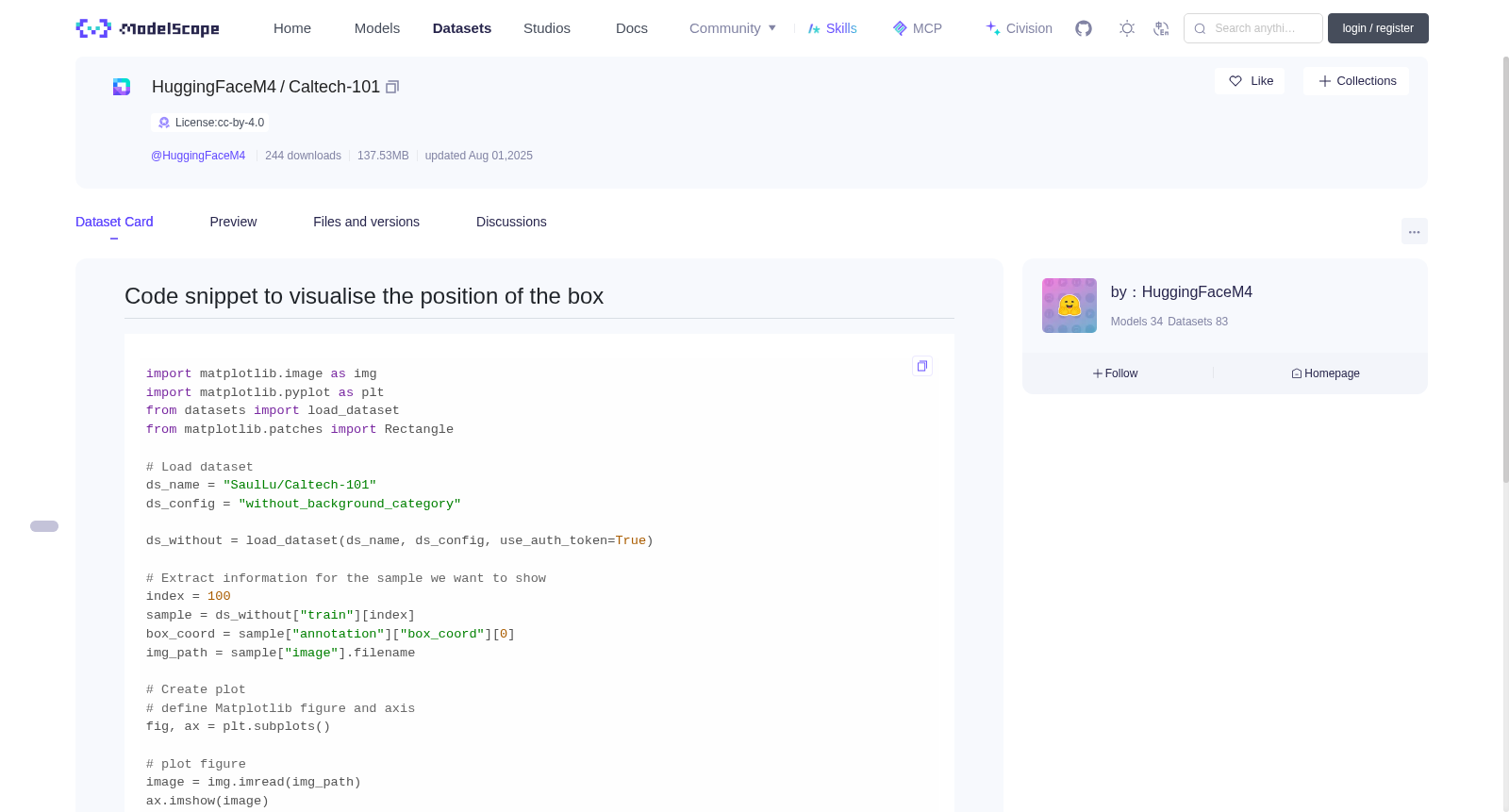
```python
import matplotlib.image as img
import matplotlib.pyplot as plt
from datasets import load_dataset
from matplotlib.patches import Rectangle
# Load dataset
ds_name = "SaulLu/Caltech-101"
ds_config = "without_background_category"
ds_without = load_dataset(ds_name, ds_config, use_auth_token=True)
# Extract information for the sample we want to show
index = 100
sample = ds_without["train"][index]
box_coord = sample["annotation"]["box_coord"][0]
img_path = sample["image"].filename
# Create plot
# define Matplotlib figure and axis
fig, ax = plt.subplots()
# plot figure
image = img.imread(img_path)
ax.imshow(image)
# add rectangle to plot
ax.add_patch(
Rectangle((box_coord[2], box_coord[0]), box_coord[3] - box_coord[2], box_coord[1] - box_coord[0], fill=None)
)
# display plot
plt.show()
```
Result:

用于可视化边界框位置的代码片段
python
import matplotlib.image as img
import matplotlib.pyplot as plt
from datasets import load_dataset
from matplotlib.patches import Rectangle
# 加载数据集
ds_name = "SaulLu/Caltech-101"
ds_config = "without_background_category"
ds_without = load_dataset(ds_name, ds_config, use_auth_token=True)
# 提取待展示样本的相关信息
index = 100
sample = ds_without["train"][index]
box_coord = sample["annotation"]["box_coord"][0]
img_path = sample["image"].filename
# 创建绘图对象
# 定义 Matplotlib 画布与坐标轴
fig, ax = plt.subplots()
# 绘制图像
image = img.imread(img_path)
ax.imshow(image)
# 向绘图中添加矩形补丁
ax.add_patch(
Rectangle((box_coord[2], box_coord[0]), box_coord[3] - box_coord[2], box_coord[1] - box_coord[0], fill=None)
)
# 显示绘图结果
plt.show()
结果:
提供机构:
maas
创建时间:
2025-08-01
搜集汇总
数据集介绍
背景与挑战
背景概述
Caltech-101是一个图像数据集,包含图像和对应的标注框信息,大小为137.53MB,使用cc-by-4.0许可证,由HuggingFaceM4维护。
以上内容由遇见数据集搜集并总结生成



