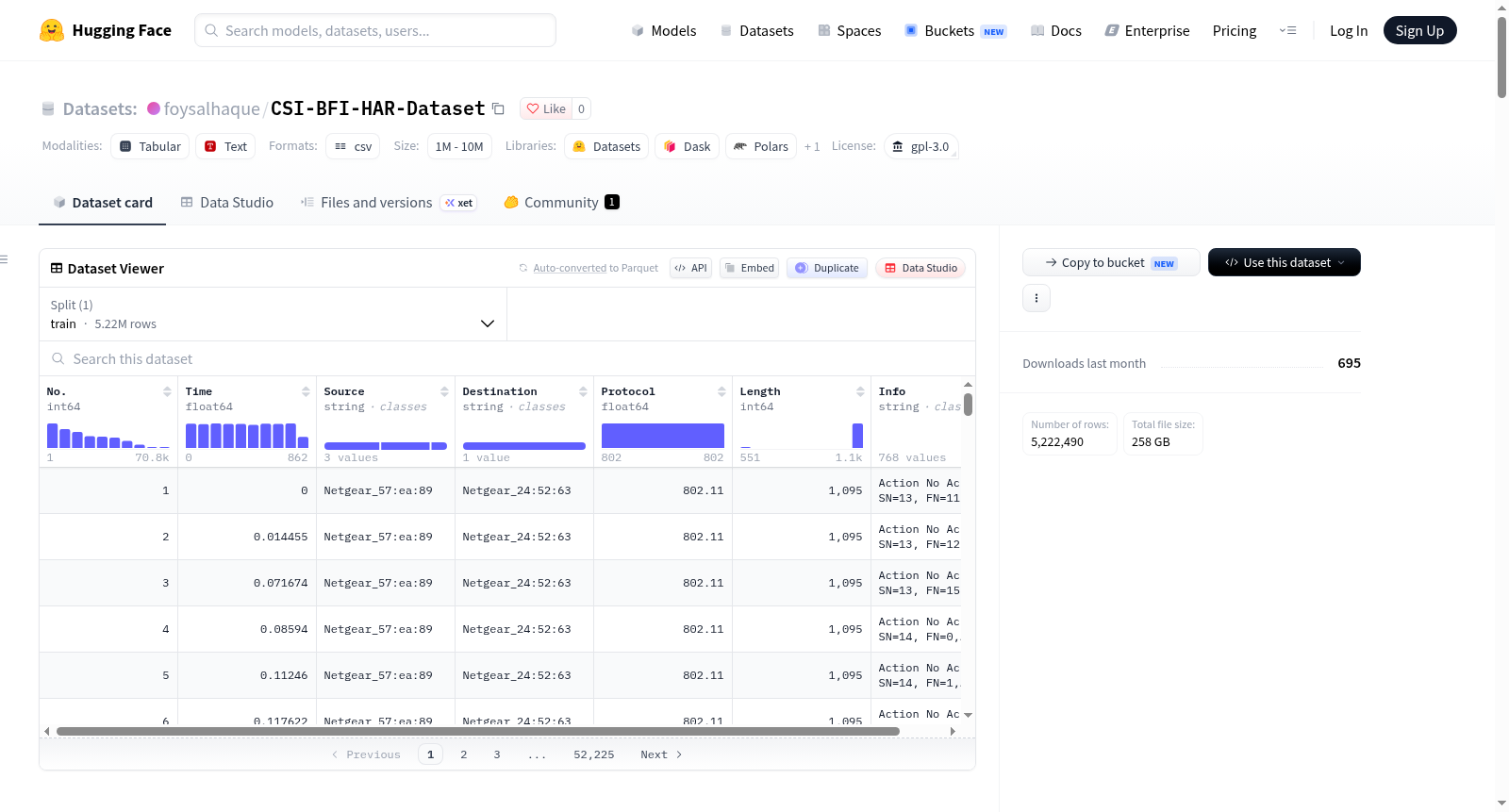
foysalhaque/CSI-BFI-HAR-Dataset
收藏资源简介:
--- license: gpl-3.0 --- # CSI-BFI-HAR Dataset This repository contains the dataset, structure and usage of the CSI-BFI-HAR dataset of the corresponding dataset paper: Please download the dataset either from huggingface or IEEE dataport: - https://huggingface.co/datasets/foysalhaque/CSI-BFI-HAR-Dataset - https://ieee-dataport.org/documents/csi-bfi-har-wi-fi-datasets-human-activity-recognition ## Dataset Structure The dataset is organized into two subsets: - `Dataset-1`: single-subject HAR (`HAR-1` to `HAR-6`) - `Dataset-2`: simultaneous multi-subject HAR (`HAR-7` to `HAR-12`) Each `HAR-*` folder contains two subfolders: - `CSI/`: channel state information traces - `BFI/`: beamforming feedback information traces ```text CSI-BFI-HAR-Dataset/ ├── Dataset-1/ │ ├── HAR-1/ │ │ ├── BFI/ │ │ └── CSI/ │ ├── HAR-2/ │ │ ├── BFI/ │ │ └── CSI/ │ ├── HAR-3/ │ │ ├── BFI/ │ │ └── CSI/ │ ├── HAR-4/ │ │ ├── BFI/ │ │ └── CSI/ │ ├── HAR-5/ │ │ ├── BFI/ │ │ └── CSI/ │ └── HAR-6/ │ ├── BFI/ │ └── CSI/ └── Dataset-2/ ├── HAR-7/ │ ├── BFI/ │ └── CSI/ ├── HAR-8/ │ ├── BFI/ │ └── CSI/ ├── HAR-9/ │ ├── BFI/ │ └── CSI/ ├── HAR-10/ │ ├── BFI/ │ └── CSI/ ├── HAR-11/ │ ├── BFI/ │ └── CSI/ └── HAR-12/ ├── BFI/ └── CSI/ ``` ## HAR Folder Mapping | HAR Set | Environment | Device(s) | LoS/NLoS | Concurrent Subjects | Subject IDs | |---|---|---|---|---|---| | HAR-1 | Kitchen (Orientation 1-3) | M1, M2 | LoS | 1 | P1-P6 | | HAR-2 | Kitchen (Orientation 1-3) | M3 | NLoS | 1 | P1-P6 | | HAR-3 | Classroom | M1, M2 | LoS | 1 | P1-P6 | | HAR-4 | Classroom | M3 | NLoS | 1 | P1-P6 | | HAR-5 | Living room | M1, M2 | LoS | 1 | P1-P6 | | HAR-6 | Living room | M3 | NLoS | 1 | P1-P6 | | HAR-7 | Kitchen (Orientation 1-3) | M1, M2 | LoS | 3 | P1-P3 | | HAR-8 | Kitchen (Orientation 1-3) | M3 | NLoS | 3 | P1-P3 | | HAR-9 | Classroom (Orientation 1-3) | M1, M2 | LoS | 3 | P1-P3 | | HAR-10 | Classroom (Orientation 1-3) | M3 | NLoS | 3 | P1-P3 | | HAR-11 | Office (Orientation 1-3) | M1, M2 | LoS | 3 | P1-P3 | | HAR-12 | Office (Orientation 1-3) | M3 | NLoS | 3 | P1-P3 | ## Trace Naming Convention Each trace filename follows: ```text X_D_YY_ZZ ``` Where: - `X`: activity code (`A` to `T`) - `D`: day index (`1` to `6`) - `YY`: sensing device ID - `ZZ`: subject ID Device IDs: - CSI devices: `M1`, `M2`, `M3` - BFI devices: `M1`, `M2`, `M3` Subject IDs: - `P1` to `P6` for `Dataset-1` - `P1` to `P3` for `Dataset-2` Activity code map: - `A`: jogging - `B`: clapping - `C`: push forward - `D`: boxing - `E`: writing - `F`: brushing teeth - `G`: rotating - `H`: standing - `I`: eating - `J`: reading a book - `K`: waving - `L`: walking - `M`: browsing phone - `N`: drinking - `O`: hands-up-down - `P`: phone call - `Q`: side bends - `R`: check wrist (watch) - `S`: washing hands - `T`: browsing laptop Examples: - `A_3_M1_P2` -> jogging, day 3, CSI device M1, subject P2 - `N_6_M2_P1` -> drinking, day 6, BFI device M2, subject P1 ## CSI Extraction CSI traces are extracted from Nexmon PCAP files using: - `CSI-Extraction/Extract_CSI.m` ### Prerequisites - MATLAB (or GNU Octave with compatible MEX support) - Files in `CSI-Extraction/`: - `Extract_CSI.m` - `readpcap.m` - `plotcsi.m` (optional visualization) - `unpack_float.mexa64` (for Broadcom float unpacking) ### Input - A Nexmon CSI capture file (`.pcap`), for example: - `D_1_M1_P2_short.pcap` Set the file path at the top of `Extract_CSI.m`: ```matlab FILE = '../CSI-Samples/D_1_M1_P2_short.pcap'; ``` ### Configuration In `Extract_CSI.m`, set: - `CHIP` (e.g., `4366c0`) - `BW` in MHz (e.g., `80`) For `BW = 80`, the script keeps valid data subcarriers and removes null/pilot bins, producing 242 CSI subcarriers per packet. ### Run From repository root: ```bash cd CSI-Extraction matlab -batch "Extract_CSI" ``` Or run `Extract_CSI.m` directly from the MATLAB editor while your current folder is `CSI-Extraction`. ### Output The script saves a `.mat` file next to the input PCAP, with the same base filename: - Input: `../CSI-Samples/D_1_M1_P2_short.pcap` - Output: `../CSI-Samples/D_1_M1_P2_short.mat` Saved variables: - `csi`: complex CSI matrix of size `[num_packets x num_subcarriers]` (242 subcarriers for 80 MHz) - `seq_num`: sequence identifier extracted per packet - `core_num`: RF core identifier extracted per packet ## BFI Extraction BFI traces are extracted with Wi-BFI using: - `Wi-BFI/main.py` ### Prerequisites - Python environment with `numpy` and `pyshark` - `tshark` installed and available in PATH (required by `pyshark`) - Wi-BFI files in `Wi-BFI/` (`main.py`, `bfi_angles.py`, `vmatrices.py`, `utils.py`) Optional setup (from Wi-BFI project files): ```bash cd Wi-BFI conda env create -f wi-bfi.yml conda activate wi-bfi ``` ### Run (your current command) From `Wi-BFI/`: ```bash python main.py ./traces/11ac_MU_3x1_80.pcapng AC MU 3x1 80 b0:b9:8a:63:55:9c 200 V_ac_mu_3x1_80 bfa_ac_mu_3x1_80 ``` ### Argument meaning ```text python main.py <file_name> <standard> <mimo> <config> <bw> <MAC> <num_packet_to_process> <saved_vmatrices> <saved_angles> ``` - `file_name`: input pcap/pcapng trace path - `standard`: `AC` or `AX` - `mimo`: `SU` or `MU` (for this dataset use `MU` with AC) - `config`: antenna setup (`3x1` in your command) - `bw`: bandwidth in MHz (`80` in your command) - `MAC`: target beamformee MAC address to filter frames - `num_packet_to_process`: number of packets to parse (must be <= available packets after MAC/filter match) - `saved_vmatrices`: output filename prefix for reconstructed V matrices - `saved_angles`: output filename prefix for extracted beamforming angles ### Output `main.py` stores two NumPy files (`.npy`) in the current directory: - `V_ac_mu_3x1_80.npy`: reconstructed V matrices - `bfa_ac_mu_3x1_80.npy`: extracted beamforming feedback angles For the shown example command with `200` packets and AC MU `3x1` at `80 MHz`, output shapes are: - `V_ac_mu_3x1_80.npy`: `(200, 234, 3, 1)` complex array - `bfa_ac_mu_3x1_80.npy`: `(200, 234, 4)` integer array In the `3x1` case, the 4 angles per subcarrier correspond to: - `phi_11`, `phi_21`, `psi_21`, `psi_31` #### For any question or query, please contact [Foysal Haque](https://kfoysalhaque.github.io/) (**haque.k@northeastern.edu**)
The CSI-BFI-HAR dataset is a Wi-Fi-based human activity recognition (HAR) dataset containing channel state information (CSI) and beamforming feedback information (BFI) data. The dataset is divided into two subsets: Dataset-1 for single-subject HAR (including HAR-1 to HAR-6) and Dataset-2 for simultaneous multi-subject HAR (including HAR-7 to HAR-12). Each HAR folder contains CSI and BFI trace files, covering various environments such as kitchen, classroom, living room, and office, with both line-of-sight (LoS) and non-line-of-sight (NLoS) conditions. Data collection involves multiple devices (M1, M2, M3) and subjects (P1 to P6), encompassing 20 human activities like jogging, clapping, boxing, writing, etc. The dataset provides tools and scripts for CSI and BFI extraction, supporting CSI extraction from Nexmon PCAP files and BFI extraction using the Wi-BFI tool, making it suitable for wireless sensing and machine learning research.