SWE-INTERACT
收藏资源简介:
SWE-INTERACT是由Scale AI研究团队构建的新型软件工程评估测试平台,旨在模拟真实开发工作流程中的多轮交互式编码任务。该数据集包含75个精心设计的任务,源自SWE-bench Pro、SWE Atlas和DeepSWE三大前沿基准,通过用户模拟器逐步揭示需求并引入动态反馈机制。数据创建过程基于大规模真实编码会话分析,采用专家级用户角色建模,并整合了容器化沙箱环境与工具调用框架。该数据集主要应用于评估编码智能体在模糊初始指令下的目标发现能力、迭代优化性能以及人机协作效率,旨在解决现有单轮基准与真实开发场景之间的能力评估鸿沟。
SWE-INTERACT is a novel software engineering evaluation testbed developed by the Scale AI research team, designed to simulate multi-turn interactive coding tasks in real-world software development workflows. This dataset includes 75 meticulously crafted tasks sourced from three cutting-edge benchmarks: SWE-bench Pro, SWE Atlas, and DeepSWE. It leverages user simulators to progressively unveil requirements and integrate dynamic feedback mechanisms. The dataset's construction process is grounded in the analysis of large-scale real-world coding sessions, adopts expert-level user role modeling, and incorporates containerized sandbox environments and tool invocation frameworks. This dataset is primarily used to evaluate coding AI agents' capabilities in objective discovery under ambiguous initial instructions, their iterative optimization performance, and human-agent collaboration efficiency, aiming to bridge the capability evaluation gap between existing single-turn benchmarks and real-world software development scenarios.
数据集概述:SWE-Interact
SWE-Interact 是一个专注于评估编程代理在多轮软件工程任务中表现的基准测试,旨在模拟真实用户驱动的开发场景。
- 任务规模:包含 75 个任务。
- 核心定位:强调多轮交互(multi-turn)的复杂编程工作流,区别于传统的单轮任务。
数据与配置结构
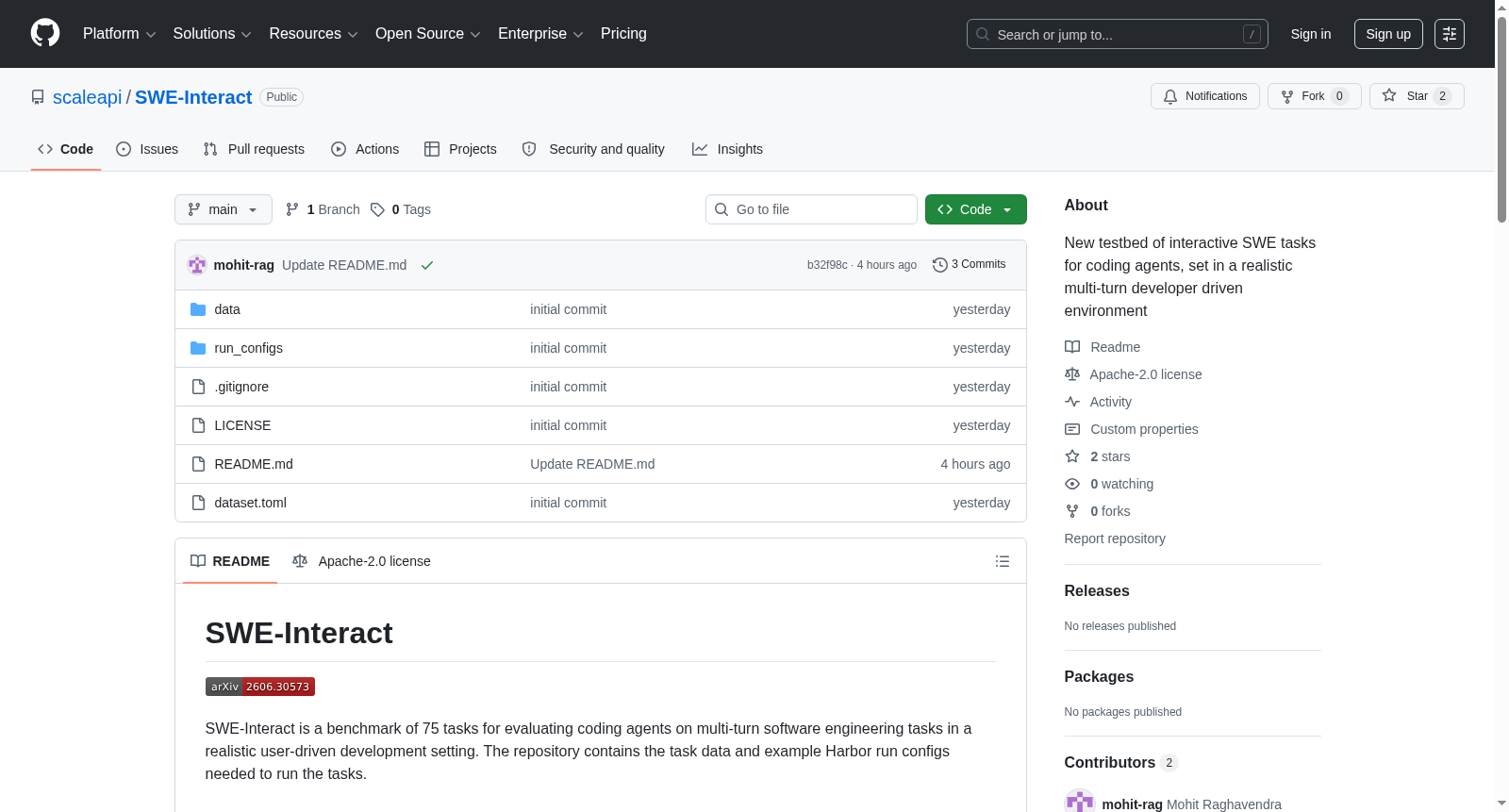
该仓库的组织结构如下,便于用户快速上手:
data/multiturn/:存放多轮任务的核心数据。run_configs/multiturn/:提供用于运行多轮任务的示例配置文件。
运行环境与依赖
要运行该基准测试,需要安装 Harbor 框架并配置沙箱环境(使用 Modal)。
-
安装 Harbor: bash git clone https://github.com/laude-institute/harbor.git cd harbor uv tool install .
-
设置 Modal: bash uv pip install modal modal setup
环境变量配置
所有运行配置需从 harbor/.env 文件加载凭证。请先在仓库根目录创建此文件:
bash mkdir -p harbor $EDITOR harbor/.env
通用设置(适用于所有配置):
模拟用户模型为 openai/gpt-5.5,默认评分模型为 anthropic/claude-opus-4-5-20251101。需要设置兼容的 API 网关。
bash OPENAI_API_KEY=<your-gateway-api-key> OPENAI_API_BASE=<openai-compatible-gateway-url>/v1
各模型额外设置:
| 配置 | 需要添加的变量 |
|---|---|
gpt-5p5-high_codex.sh |
无需额外设置 |
opus-4p8-high_claude-code.sh |
ANTHROPIC_API_KEY=<your-anthropic-api-key> |
sonnet-4p6-high_claude-code.sh |
ANTHROPIC_API_KEY=<your-anthropic-api-key> |
gemini-3p5-flash-high_opencode.sh |
GEMINI_API_KEY=<your-gemini-api-key> |
kimi-k2p6_kimi-cli.sh |
OPENAI_API_KEY 和 OPENAI_API_BASE 或 OPENAI_BASE_URL |
运行方法
从仓库根目录执行命令。
-
多轮任务示例: bash bash run_configs/multiturn/gpt-5p5-high_codex.sh
-
单轮基线任务示例: bash bash run_configs/singleturn/gpt-5p5-high_codex.sh
脚本运行后,结果将输出至 results/ 目录。用户可通过复制并修改现有脚本来创建自定义配置。
引用信息
如研究中使用了 SWE-Interact,请引用以下论文:
bibtex @misc{raghavendra2026sweinteractreimaginingswebenchmarks, title={SWE-INTERACT: Reimagining SWE Benchmarks as User-Driven Long-Horizon Coding Sessions}, author={Mohit Raghavendra and Anisha Gunjal and Aakash Sabharwal and Yunzhong He}, year={2026}, eprint={2606.30573}, archivePrefix={arXiv}, primaryClass={cs.LG}, url={https://arxiv.org/abs/2606.30573}, }