
ngocuong/Ghepmat
收藏Hugging Face2023-06-13 更新2024-03-04 收录
下载链接:
https://hf-mirror.com/datasets/ngocuong/Ghepmat
下载链接
链接失效反馈官方服务:
资源简介:
# FaceSwap Extension - Automatic 1111 - Proof of Concept
This repository contains a quick and dirty proof of concept inspired by [roop](https://github.com/s0md3v/roop) and using [insightface](https://github.com/deepinsight/insightface), allowing you to swap faces in images generated by stable diffusion.
The main objective of this extension is to enable face swapping for single images in stable diffusion.
To ensure compatibility, this extension currently runs only on CPU. However, it can be easily ported to GPU for improved performance.

**Ethical viewpoint :** The primary goal of this extension is to ensure consistency in generated images through the capability of face swapping. It is essential to clarify that this extension does not incorporate censorship functionalities. Although censorship mechanisms can be implemented (as demonstrated by roop), they inherently remain vulnerable to bypassing when users have access to the source code. Consequently, it is crucial to exercise responsible usage of this extension and abstain from employing it for malicious purposes. We strongly emphasize the ethical application of this tool, urging respect for the privacy and consent of individuals when swapping faces in images. **Engaging in activities that may cause harm, violate privacy rights, or infringe upon the well-being of others is strictly discouraged.**
Furthermore, it is equally important to raise awareness among the general public about the existence of such tools and the ease with which deepfakes can be generated. As the technology advances, it becomes increasingly crucial for individuals to exercise critical thinking and skepticism when encountering media content. By fostering a culture of media literacy, we can collectively mitigate the potential negative impacts associated with the misuse of these tools and promote responsible use in the digital realm.
**In the event of violation of the legal and ethical requirements of the user's country or region, this code repository is exempt from liability**
## Install
To install the extension, follow these steps:
+ Clone the repository to your automatic 1111 extensions directory.
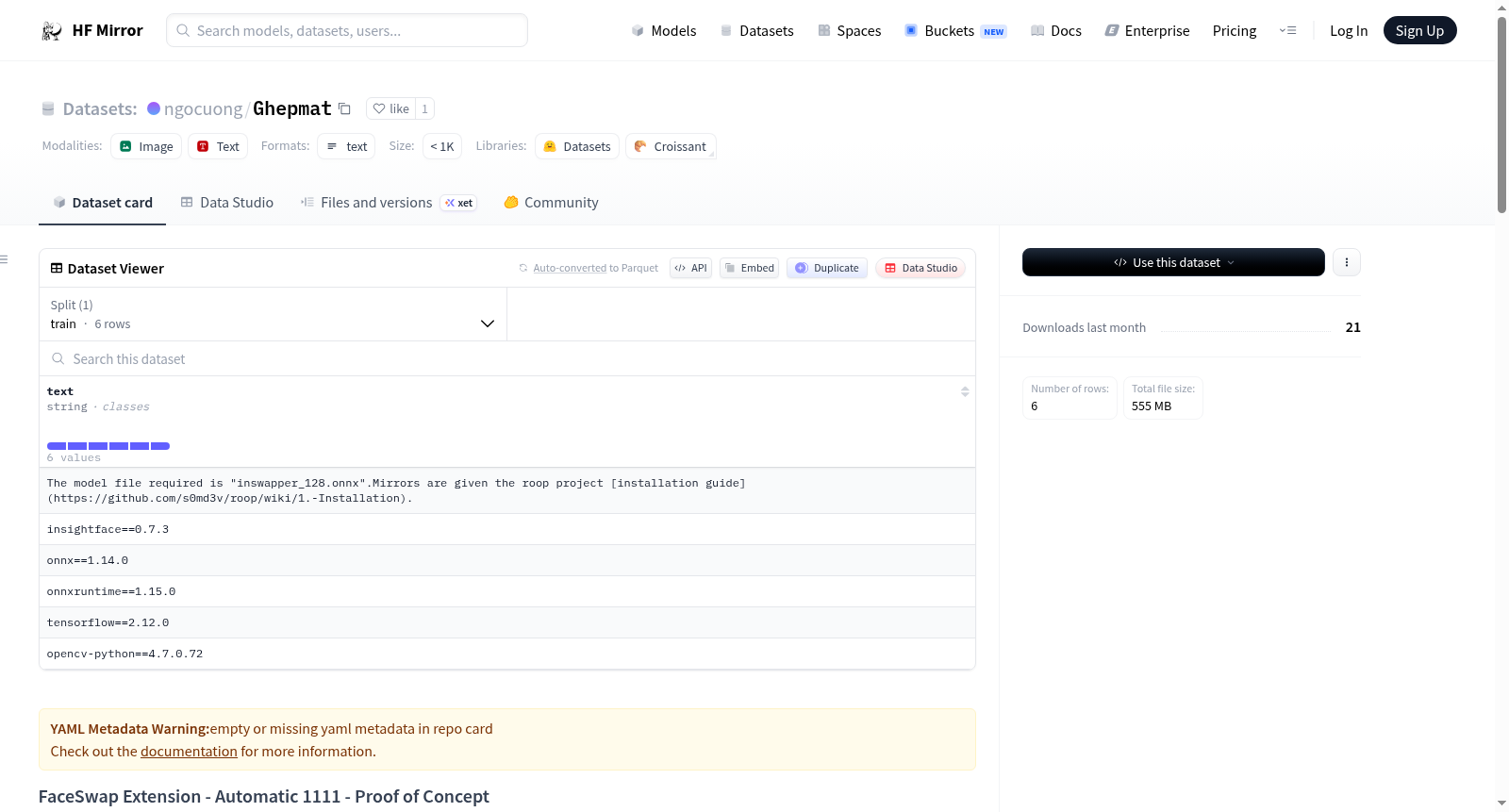
+ Download the pre-trained model used by "Roop" and place it in the models directory of this extension (/stable-diffusion-webui/extensions/sd-webui-faceswap/models/ or /stable-diffusion-webui/models/FaceSwap). The model file required is "inswapper_128.onnx".Mirrors are given the roop project [installation guide](https://github.com/s0md3v/roop/wiki/1.-Installation).
On Windows, Microsoft Visual C++ 14.0 or greater is required. [During the install, make sure to include the Python and C++ packages.](https://github.com/s0md3v/roop/issues/153)
The inswapper_128.onnx model I use has the following sha1sum : 17a64851eaefd55ea597ee41e5c18409754244c5
**Use of the models must comply with their respective terms of the license (see [insightface repository](https://github.com/deepinsight/insightface/tree/master/python-package))**. No model will be directly provided or hosted here.
## Usage
To use the FaceSwap extension, follow these instructions:
1. In the face swap box, import an image containing a face.
2. Click on the "Activate" before generate.
3. Optionally, select the face number you wish to swap (from right to left) if multiple faces are detected in the image.
4. The resulting swapped face will be displayed.
5. If the quality is not satisfactory (and it is often quite average), you can try using the "Restore Face" feature or explore additional options in the "Extra" tab for further improvement. You can also select an upscaler from the menu. This will activate CodeFormer and the chosen upscaler (scale=1). The result may be satisfactory, but gives less control than the extra tab.
### Img2Img :
You can choose to activate the swap on the source image or on the generated image, or on both. Activate on source image allows you to start from a given base and apply the diffusion process to it.
Inpainting should work but only the masked part will be swapped.
## Credits
+ The developers of roop for their great work.
+ deepinsight for their insightface project, which offers a well-crafted library and models that have greatly enhanced the capabilities of this project.
# 面部交换扩展(FaceSwap Extension)—— Automatic 1111 插件——概念验证原型
本仓库为受 [roop](https://github.com/s0md3v/roop) 启发、基于 [insightface](https://github.com/deepinsight/insightface) 开发的快速原型级概念验证项目,可实现对Stable Diffusion(稳定扩散模型)生成图像的面部交换操作。
本扩展的核心目标是为Stable Diffusion的单张图像提供面部交换功能。
为保证兼容性,本扩展当前仅支持CPU运行,但可轻松移植至GPU以提升运行性能。

**伦理声明:**
本扩展的核心设计目标是通过面部交换能力实现生成图像的一致性,需明确说明的是,本扩展未内置审查功能。尽管审查机制可如roop项目般实现,但鉴于用户可获取源代码,此类机制本质上极易被绕过。因此,使用者需负责任地使用本扩展,严禁将其用于恶意用途。我们强烈呼吁以伦理规范为本工具的使用准则,在进行图像面部交换时,务必尊重他人隐私与肖像权。**任何可能造成伤害、侵犯隐私或损害他人福祉的行为均被严格禁止。**
此外,向公众普及此类工具的存在以及深度伪造内容的生成门槛极低这一事实同样至关重要。随着技术不断迭代,公众在接触媒体内容时,愈发需要保持批判性思维与审慎态度。通过营造媒介素养文化,我们可共同缓解此类工具被滥用所带来的潜在负面影响,推动数字空间中的负责任使用。
**若使用者违反其所在国家或地区的法律法规与伦理准则,本代码仓库概不承担任何责任**
## 安装
如需安装本扩展,请按照以下步骤操作:
+ 将本仓库克隆至你的Automatic 1111插件目录。
+ 下载roop项目所使用的预训练模型,并将其放置至本扩展的models目录下(路径为`/stable-diffusion-webui/extensions/sd-webui-faceswap/models/` 或 `/stable-diffusion-webui/models/FaceSwap`)。所需模型文件为`inswapper_128.onnx`。相关镜像获取方式可参考roop项目的[安装指南](https://github.com/s0md3v/roop/wiki/1.-Installation)。
在Windows系统中,需安装Microsoft Visual C++ 14.0或更高版本。[安装过程中请确保勾选Python与C++组件](https://github.com/s0md3v/roop/issues/153)。
本人所使用的`inswapper_128.onnx`模型的sha1哈希值为:`17a64851eaefd55ea597ee41e5c18409754244c5`
**使用模型需遵守其对应许可证条款(详见[insightface仓库](https://github.com/deepinsight/insightface/tree/master/python-package))**。本仓库不会直接提供或托管任何模型文件。
## 使用方法
如需使用本面部交换扩展,请按照以下步骤操作:
1. 在面部交换面板中导入一张包含人脸的图像。
2. 在生成图像前点击「启用」按钮。
3. 若导入图像中检测到多张人脸,可按需选择你希望替换的人脸编号(编号顺序为从右至左)。
4. 系统将显示完成面部交换后的结果图像。
5. 若对生成结果的画质不满意(通常初始效果较为普通),可尝试使用「面部修复」功能,或在「额外」标签页中探索更多优化选项。你也可从菜单中选择图像放大器,该操作将启用CodeFormer与所选的放大器(缩放比例设为1)。此方式可获得不错的效果,但可控性不如「额外」标签页。
### 图像到图像(Img2Img)模式:
你可选择对源图像、生成图像或同时对两者执行面部交换。在源图像上启用交换功能,可让你基于指定的基础图像启动扩散生成流程。
图像修复(Inpainting)模式亦可正常工作,但仅会对蒙版覆盖的区域执行面部交换。
## 致谢
+ roop项目的开发者们,感谢其出色的工作成果。
+ deepinsight团队,感谢其推出的insightface项目,该项目提供了精良的库与模型,极大提升了本项目的功能上限。
提供机构:
ngocuong
原始信息汇总
数据集概述
数据集名称
FaceSwap Extension - Automatic 1111 - Proof of Concept
数据集目的
该扩展旨在为稳定扩散生成的单张图像提供面部交换功能。
技术细节
- 兼容性:目前仅支持CPU运行,但可轻松移植到GPU以提升性能。
- 模型使用:使用inswapper_128.onnx模型,该模型必须遵守其许可证条款。
安装指南
- 克隆仓库至自动1111扩展目录。
- 下载并放置预训练模型至扩展的模型目录。
- 确保安装了Microsoft Visual C++ 14.0或更高版本。
使用方法
- 在面部交换框中导入包含面部的图像。
- 点击“激活”后再生成。
- 可选地,选择要交换的面部编号(从右至左)。
- 查看交换后的面部结果。
- 如不满意,可尝试使用“恢复面部”功能或探索“额外”选项卡中的其他改进选项。
特别注意事项
- 强调负责任的使用,避免用于恶意目的。
- 提醒用户注意隐私和同意问题,禁止侵犯他人权益。
- 用户需遵守其所在国家或地区的法律和伦理要求。
搜集汇总
数据集介绍
构建方式
在计算机视觉与生成式人工智能的交汇领域,Ghepmat数据集作为一项概念验证应运而生,其构建核心在于利用先进的深度学习方法实现面部特征的精准替换。该数据集并非传统意义上通过人工标注或大规模爬取构建的静态集合,而是依托于insightface项目提供的预训练模型inswapper_128.onnx,结合Stable Diffusion的图像生成能力,动态地创建面部交换后的图像对。构建过程强调技术可行性验证,通过在生成图像中检测并替换指定人脸,形成源图像与目标图像的对应关系,为研究面部一致性与身份保持提供了可控的数据生成途径。
特点
Ghepmat数据集展现出鲜明的技术驱动特征,其核心在于实现了生成式人工智能与面部识别技术的无缝融合。数据集生成的面部交换图像具有高度针对性,专注于在Stable Diffusion生成内容中维持特定人物的面部特征一致性,为解决AI生成图像的身份延续问题提供了实验数据。该数据集在构建时特别考虑了多面部场景的处理能力,允许用户选择图像中的特定人脸进行交换,增强了应用的灵活性与可控性。同时,其生成过程完全基于CPU环境,确保了技术的可及性与部署便利性,为在资源受限环境下研究面部交换技术提供了实用基础。
使用方法
在深度学习模型评估与生成艺术研究领域,Ghepmat数据集的使用遵循清晰的技术流程。研究者或开发者首先需在Automatic 1111环境中配置扩展,并获取符合许可要求的预训练模型文件。使用过程中,用户通过导入包含人脸的源图像并激活交换功能,系统即自动执行面部检测与特征替换。对于多面部图像,可通过指定面部序号实现精确控制。若生成结果在视觉质量上未尽理想,可进一步结合CodeFormer等面部修复工具或利用Extra选项卡中的增强功能进行后处理优化。该数据集尤其适用于Img2Img工作流,允许在源图像、生成图像或两者同时进行面部交换,为研究生成过程中的身份注入与风格迁移提供了灵活的实验框架。
背景与挑战
背景概述
随着生成式人工智能技术的飞速发展,深度伪造与面部交换技术逐渐成为计算机视觉领域的研究热点。ngocuong/Ghepmat数据集作为一项概念验证项目,由独立开发者基于roop和insightface开源工具构建,旨在为稳定扩散生成的图像提供面部交换功能。该项目聚焦于提升生成图像中面部特征的连贯性与可控性,其核心研究问题在于如何高效、精准地实现单张图像的面部替换,同时确保生成结果的视觉自然度。尽管该项目并非由传统学术机构主导,但其依托的开源生态反映了社区驱动的研究范式,对推动个性化内容生成与数字媒体编辑技术的发展具有潜在影响力。
当前挑战
该数据集所针对的面部交换任务面临多重技术挑战:首先,在复杂光照、姿态变化及遮挡条件下保持面部特征的逼真性与一致性极为困难;其次,生成图像的面部细节往往缺乏高频信息,导致交换后边缘模糊或纹理失真。在构建过程中,开发者需克服模型兼容性限制,例如初始版本仅支持CPU运行,虽可移植至GPU但需额外优化;同时,依赖外部预训练模型如inswapper_128.onnx,需严格遵循许可协议且无法直接分发,增加了技术集成的复杂性。此外,伦理与滥用风险始终伴随此类技术,如何在推进功能的同时规避恶意使用,亦是贯穿项目发展的持续挑战。
常用场景
经典使用场景
在计算机视觉与生成式人工智能领域,人脸交换技术作为一项前沿研究方向,其核心挑战在于实现高保真度与自然度的面部特征迁移。ngocuong/Ghepmat数据集通过集成稳定扩散模型与insightface库,为单张图像生成中的人脸交换提供了经典应用场景。该数据集主要用于训练和评估人脸交换算法,使模型能够在生成图像时保持面部一致性,从而在艺术创作、虚拟角色生成等场景中实现精准的面部特征替换,推动了生成式模型在可控性方面的进展。
衍生相关工作
围绕ngocuong/Ghepmat数据集,衍生出了一系列经典研究工作,进一步拓展了人脸交换技术的边界。例如,基于insightface库的改进模型提升了面部检测与交换的精度;与roop项目的结合促进了实时人脸交换算法的优化。此外,该数据集激发了在深度伪造检测、面部身份保护等安全领域的研究,如开发对抗性训练方法以增强模型鲁棒性。这些工作共同推动了计算机视觉社区在人脸合成、伦理AI治理等方面的深入探索,形成了技术迭代与伦理反思并行的研究生态。
数据集最近研究
最新研究方向
在生成式人工智能与计算机视觉交叉领域,ngocuong/Ghepmat数据集作为基于Stable Diffusion的人脸交换扩展工具,其前沿研究聚焦于提升生成图像中人脸交换的逼真度与一致性。当前热点围绕对抗性攻击防御与深度伪造检测技术展开,旨在应对人脸交换技术可能引发的隐私侵犯与虚假信息传播风险。该数据集推动了生成模型在可控内容创作中的应用,同时促进了媒体素养与伦理规范的讨论,对数字身份安全与人工智能治理具有深远影响。
以上内容由遇见数据集搜集并总结生成



