julia527/omnihuman_dataset
收藏资源简介:
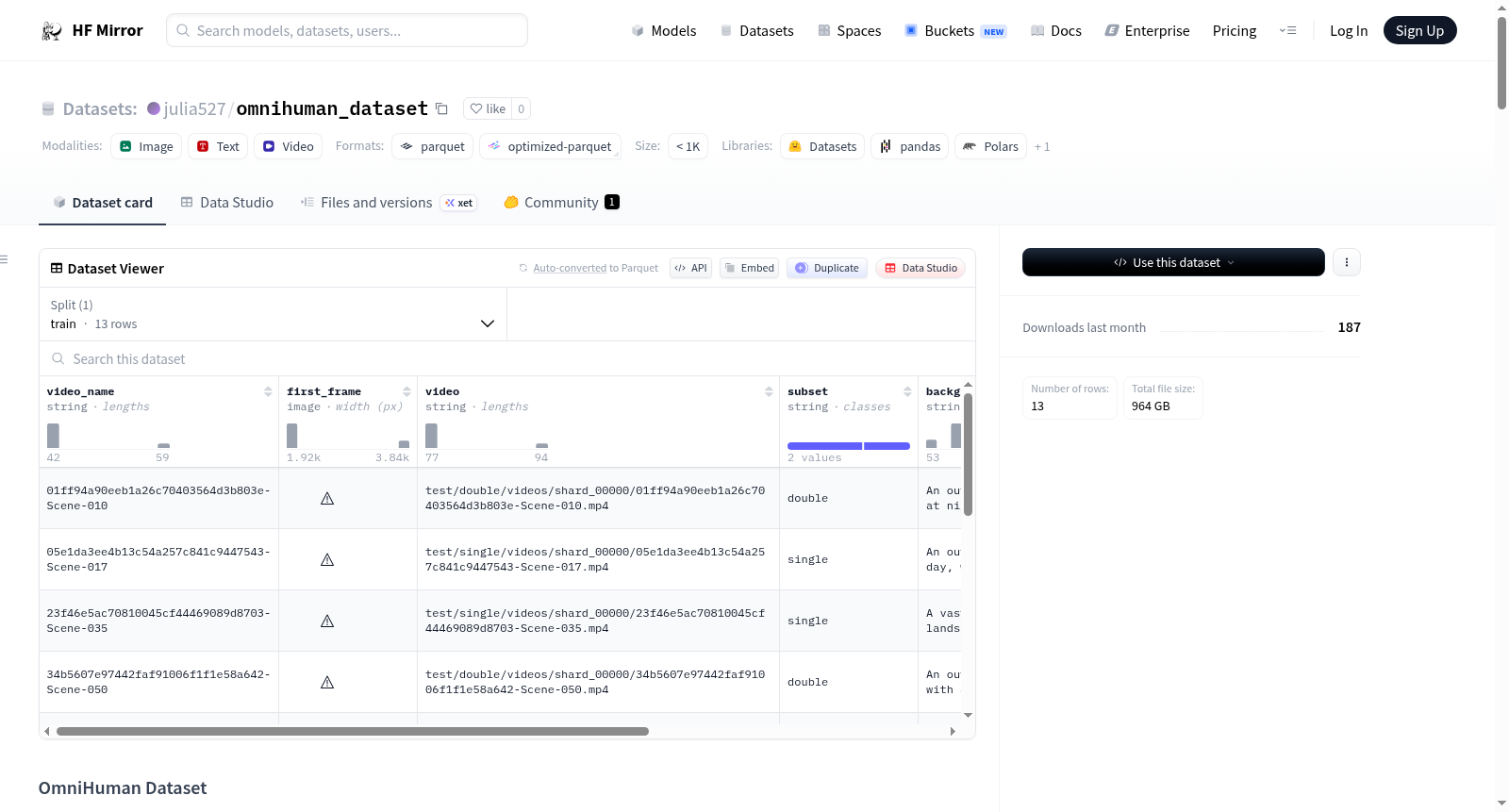
--- configs: - config_name: omnihuman_supp_all data_files: - split: train path: preview/omnihuman_supp_all_viewer.parquet --- ⚠️ **WARNING: Dataset under construction** - Current upload: <10% - This is NOT the full dataset - Do NOT use for training - Structure and data may change # OmniHuman Dataset OmniHuman is a large-scale video dataset release for human-centric understanding and generation tasks. ## Key Facts - Total released videos: **200,000** - Double-person videos: **20%** of the full release - Total unique identities (`id`): **20,000** ## Repository Structure All large assets are stored as tar shards under `archives/`. The `train/` and `test/` directories are **not** included in the repository; they are reconstructed by extracting the archives. What ships on the Hub: ```text omnihuman_1/ ├── README.md ├── scripts/ # extraction & utility scripts ├── preview/ # lightweight preview data └── archives/ ├── videos_index.csv ├── videos_part_00000.tar ├── videos_part_00001.tar ├── ... ├── tracking_npz_index.csv ├── tracking_npz_part_*.tar ├── ref_face_index.csv ├── ref_face_part_*.tar ├── sample_json_index.csv ├── sample_json_part_*.tar.gz ├── metadata_index.csv └── metadata_part_*.tar.gz ``` ## Download from Hugging Face You need the full repository contents (including `archives/`) on disk before extraction. ### Option A: `git lfs` (recommended if available) ```bash # install git-lfs once, then: git lfs install git clone https://huggingface.co/datasets/<HF_DATASET_ID> cd <HF_DATASET_ID> git lfs pull ``` ### Option B: `huggingface-cli` (no git required) ```bash pip install -U "huggingface_hub[cli]" huggingface-cli login # downloads the repo snapshot into the current folder huggingface-cli download <HF_DATASET_ID> --repo-type dataset --local-dir . --local-dir-use-symlinks False ``` ## Quick Start: Extract from archives Run everything from the **repo root** (the directory containing `archives/` and `scripts/`). ### Extract everything (videos + all assets) ```bash python scripts/extract_video_from_archives.py --repo-root . --all && \ for asset in tracking_npz ref_face sample_json metadata; do python scripts/extract_asset_from_archives.py --repo-root . --asset "$asset" --all done ``` To resume after interruption (skip already-extracted files), add `--skip-existing` to each command above. ### Extract videos only ```bash python scripts/extract_video_from_archives.py --repo-root . --all ``` ### Partial extraction To extract a single tar shard or a single file instead of everything: **Videos** (index: `archives/videos_index.csv`): ```bash # one tar shard python scripts/extract_video_from_archives.py --repo-root . --archive archives/videos_part_00000.tar # one file (use a video_relpath value from archives/videos_index.csv) python scripts/extract_video_from_archives.py --repo-root . --video "<video_relpath>" ``` Shards can also be unpacked with plain `tar`: `tar xf archives/videos_part_00000.tar` (member paths match `video_relpath`). **Other assets** (index: `archives/<asset>_index.csv`; `<asset>` is one of `tracking_npz`, `ref_face`, `sample_json`, `metadata`, `reports`): ```bash # one tar shard python scripts/extract_asset_from_archives.py --repo-root . --asset <asset> --archive archives/<asset>_part_00000.tar # one file (use a relpath value from archives/<asset>_index.csv) python scripts/extract_asset_from_archives.py --repo-root . --asset <asset> --relpath "<relpath>" ``` ## Dataset Layout (after extraction) After extracting, the repo root will contain: - `train/`: training split - `test/`: benchmark split for evaluation and comparison Each split is divided into two subsets: - `single/`: single-person videos - `double/`: double-person videos ```text omnihuman_1/ ├── README.md ├── archives/ ├── train/ │ ├── single/ │ │ ├── videos/ │ │ ├── tracking_npz/ │ │ ├── ref_face/ │ │ ├── sample_json/ │ │ ├── metadata/ │ │ └── reports/ │ └── double/ │ ├── videos/ │ ├── tracking_npz/ │ ├── ref_face/ │ ├── sample_json/ │ ├── metadata/ │ └── reports/ └── test/ └── ... ``` ## Folder Description For each subset (`single/` or `double/`): | Folder | Description | | --------------- | --------------------------------------------------------------- | | `videos/` | Released videos from `video_input_path` | | `tracking_npz/` | Tracking `.npz` files from source tracking output | | `ref_face/` | Cropped reference face images (e.g. `REF_0_face`, `REF_1_face`) | | `sample_json/` | One cleaned JSON annotation per sample | | `metadata/` | JSONL index files for scanning and loading | Note: for `double/` samples, both persons' tracking data are stored in the same `.npz` file. ## Naming and Sharding ```text train/single/ ├── videos/ │ └── shard_00000/ │ └── xxx.mp4 ├── tracking_npz/ │ └── shard_00000/ │ └── xxx.npz ├── ref_face/ │ └── shard_00000/ │ ├── xxx__REF_0.jpg │ └── xxx__REF_1.jpg ├── sample_json/ │ └── shard_00000/ │ └── xxx.json └── metadata/ └── train_single_shard_00000.jsonl ``` Rules: - Sample name is derived from `Path(video_input_path).stem`. - Duplicate basenames are disambiguated with `__dupXXXX`. - Metadata files use split/subset prefixes such as `train_single_*`. - When sharding is enabled, each shard contains up to 2000 samples. ## `sample_json` Content `sample_json/xxx.json` is the core per-sample annotation. It typically contains: 1. Person tracking - `person_id`, matched identity (e.g. `REF_1`), `face_id`, frame span, audio alignment fields, blur/quality statistics 2. Video-level metadata - `fps`, duration, resolution, and background audio fields 3. Structured subject annotations (`output`) - appearance, action, expression, position, subject type, and main-subject flag 4. Caption and language annotations - English/Chinese captions, REF-linked variants (double-person case), replacement-text variants, and audio-caption fields 5. Speech annotations - speaker language, transcript text, emotion, and offscreen flags 6. Quality/consistency signals - fields such as `semantic_consistency` ## Preview with `datasets` The Hub hosts a lightweight preview split that can be loaded without extracting archives: ```python from datasets import load_dataset ds = load_dataset("<HF_DATASET_ID>", "omnihuman_supp_all", split="train") print(ds) print(ds[0]) ``` To work with the full dataset (videos, tracking, ref_face, etc.), extract from archives first as described above.