
Test Automation for Snowflake
收藏Snowflake2023-06-26 更新2024-11-12 收录
下载链接:
https://app.snowflake.com/marketplace/listing/GZT1Z7J3T6
下载链接
链接失效反馈官方服务:
资源简介:
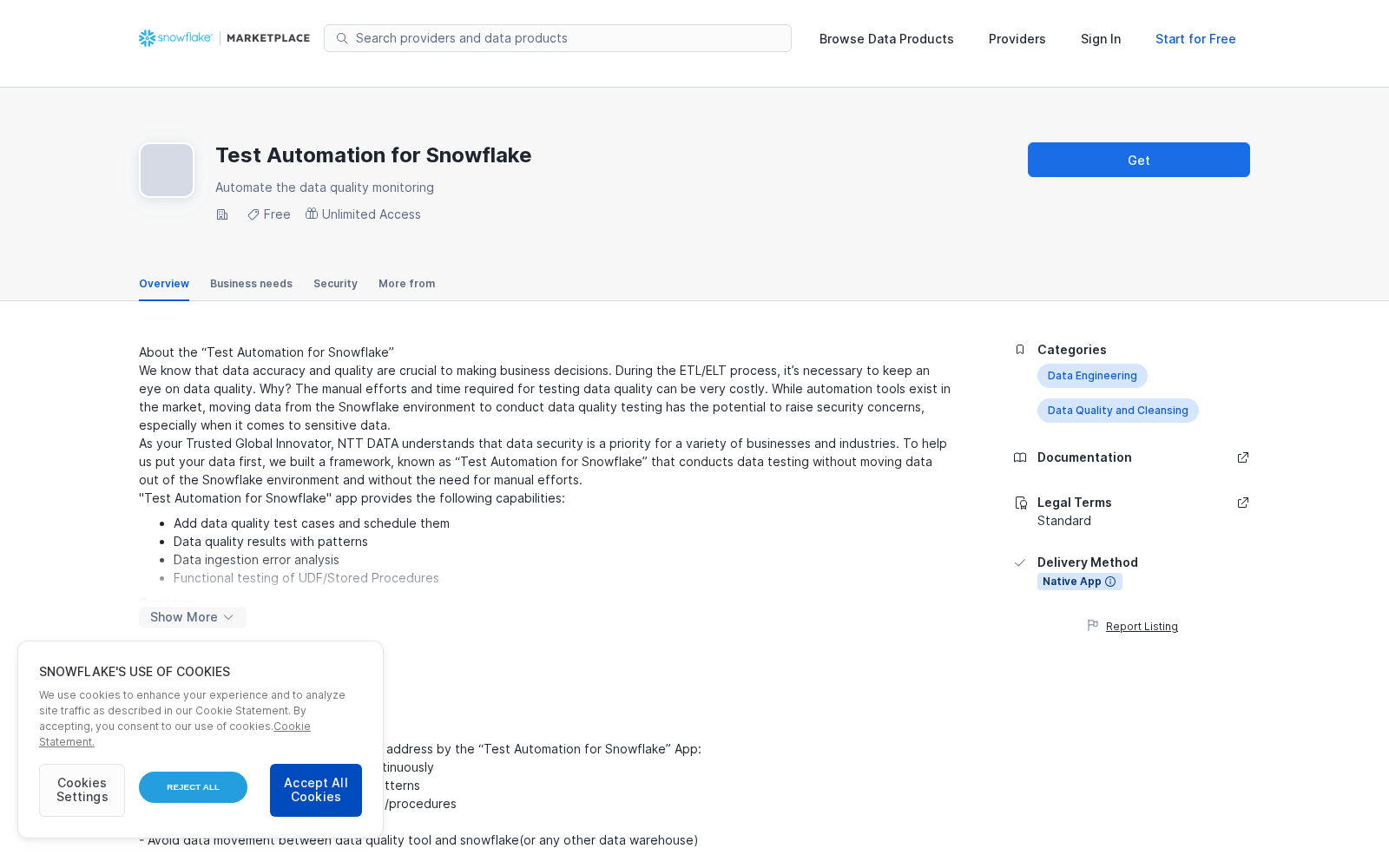
About the “Test Automation for Snowflake”
We know that data accuracy and quality are crucial to making business decisions. During the ETL/ELT process, it’s necessary to keep an eye on data quality. Why? The manual efforts and time required for testing data quality can be very costly. While automation tools exist in the market, moving data from the Snowflake environment to conduct data quality testing has the potential to raise security concerns, especially when it comes to sensitive data.
As your Trusted Global Innovator, NTT DATA understands that data security is a priority for a variety of businesses and industries. To help us put your data first, we built a framework, known as “Test Automation for Snowflake” that conducts data testing without moving data out of the Snowflake environment and without the need for manual efforts.
"Test Automation for Snowflake" app provides the following capabilities:
- Add data quality test cases and schedule them
- Data quality results with patterns
- Data ingestion error analysis
- Functional testing of UDF/Stored Procedures
Overview
The overview section in the app visually represents number of data quality checks failed in last 30 days on various databases if any data quality checks are applied. This section also answers: How many checks are added per databases? When is the data last modified in various databases? How many records are failed during data ingestion? This section will be almost blank Just after the installation of the app but very useful after data quality checks are added and executed over the period.
DQ Test Results
This section visualizations the data quality test results if any quality checks already executed. This section also facilitates to explore test results that are based on Test IDs or table names. The test results dashboard shows test results along with changes over the period. Sometimes it is useful to take a deeper dive by looking at the pattern of test results over a period and correlating it with events like deployments/ETL changes etc.
DQ Test Cases
This section shows list of data quality checks already added on a specific table. This section gives ability to filter it down to a particular table on which data quality checks are already added.
This section also facilitates adding new data quality checks on a specific table in the snowflake environment. This also facilitates adding multiple data quality checks on multiple columns in one go to save time. There are two types of data quality checks present i.e.
- Parameterized
- Non- Parameterized
The non-parameterized tests are those tests which doesn’t requires additional information, e.g., if quality check is “Column values need to be unique”, then it does not need any additional information. Following are non-parameterized tests that are currently supported, if you need some quality check that is not present here, please contact us and we are more than happy to add that check into the list:
- Expect Column Values to Be Unique
- Expect Column Values to Not Be Null
- Expect Column Values to Be Null
- Expect Column Values to Be Increasing
- Expect Column Values to Be Decreasing
- Expect Column Values to Be Dateutil Parseable
- Expect Column Values to Be Json Parseable
Parameterized Test cases are those test cases that requires additional information e.g., when you expect column values to be in defined set of values, then you need to specify that set as well. Following are parameterized tests that are currently supported, If you need some quality check that is not present here, please contact us and we are more than happy to add that check into the list:
- Expect Column Values to Be in Set
- Expect Column Values to Be Between
- Expect Column Values to Not Match Regex
- Expect Column Values to Match Regex
If multiple parameters are required for the test, then add them as a comma separated list e.g.
In case you expect Column values to be between 0 to 10000, then parameter should be:
0,10000
Execute Test
Test cases are supposed to be executed automatically on the predefined schedule but even you can execute them manually by entering the test case id if you need to.
Functional Test
Important business logic is incorporated into UDF and stored procedures in Snowflake. Here is the capability to unit test such functions. Select the function and enter your test input and expected output. click on test and functional test results will be displayed on the screen.
Data Ingestion Quality
The app provides the capability to monitor Data ingestion quality in terms of number of errors reported/rows failed to load over the period.
Data Freshness
The app provides the capability to monitor the freshness of the data present in various tables in terms of last modified/refreshed. You can drill down through the filters to check freshness across the snowflake environment.
Settings
This section provides flexibility to change the frequency of execution of data quality checks. All data quality checks will be executed on the selected schedule to minimize the manual efforts.
提供机构:
NTT DATA
创建时间:
2023-06-14
搜集汇总
数据集介绍
背景与挑战
背景概述
该数据集介绍了一个名为'Test Automation for Snowflake'的测试自动化框架,旨在Snowflake环境中直接进行数据质量测试,避免数据移动和减少人工干预。它支持多种测试类型,包括参数化和非参数化测试,并提供测试结果可视化、数据新鲜度监控以及功能测试能力。
以上内容由遇见数据集搜集并总结生成



