
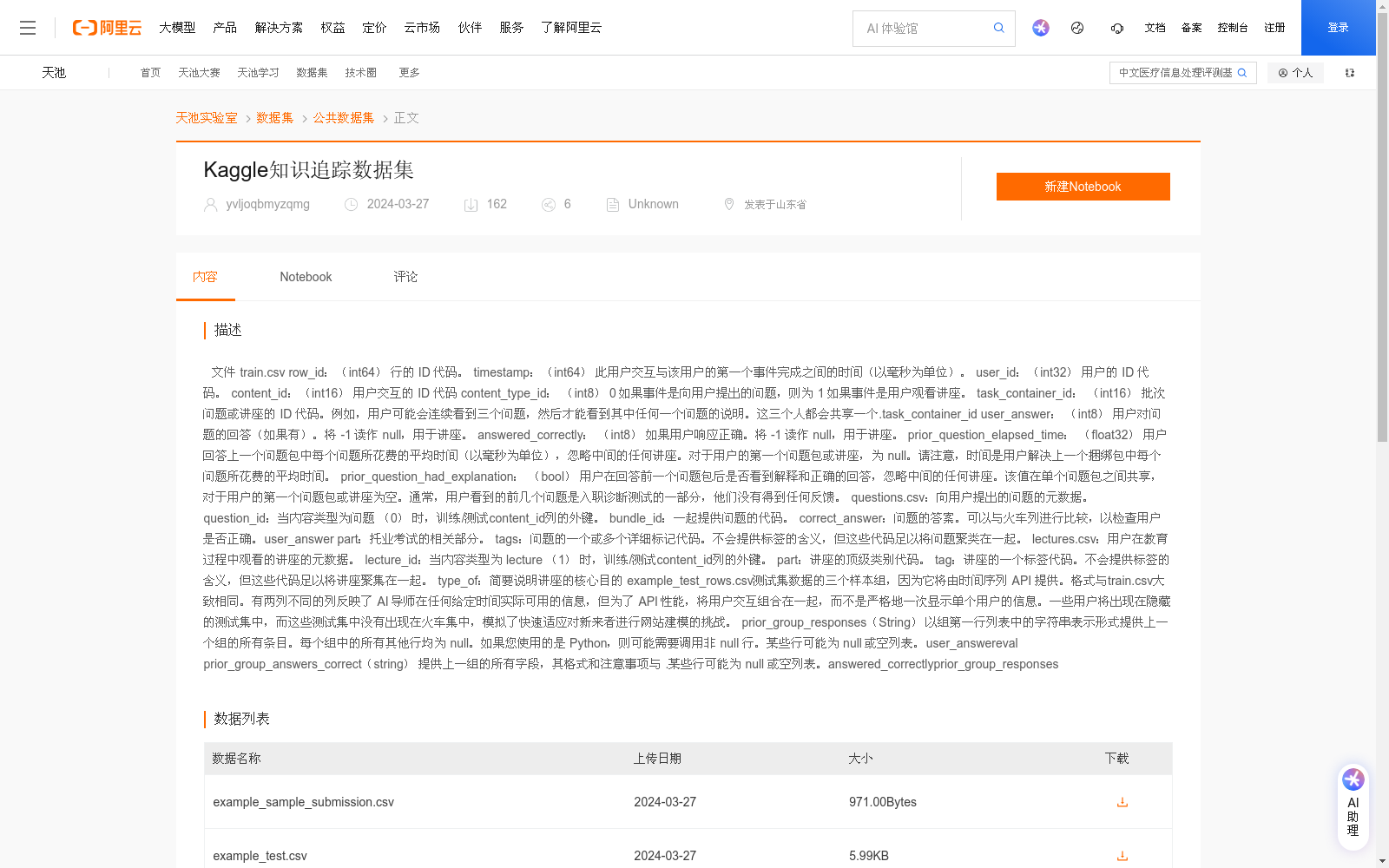
Kaggle知识追踪数据集
收藏阿里云天池2026-06-03 更新2024-04-12 收录
下载链接:
https://tianchi.aliyun.com/dataset/174053
下载链接
链接失效反馈官方服务:
资源简介:
文件
train.csv
row_id:(int64) 行的 ID 代码。
timestamp:(int64) 此用户交互与该用户的第一个事件完成之间的时间(以毫秒为单位)。
user_id:(int32) 用户的 ID 代码。
content_id:(int16) 用户交互的 ID 代码
content_type_id: (int8) 0 如果事件是向用户提出的问题,则为 1 如果事件是用户观看讲座。
task_container_id: (int16) 批次问题或讲座的 ID 代码。例如,用户可能会连续看到三个问题,然后才能看到其中任何一个问题的说明。这三个人都会共享一个.task_container_id
user_answer: (int8) 用户对问题的回答(如果有)。将 -1 读作 null,用于讲座。
answered_correctly: (int8) 如果用户响应正确。将 -1 读作 null,用于讲座。
prior_question_elapsed_time: (float32) 用户回答上一个问题包中每个问题所花费的平均时间(以毫秒为单位),忽略中间的任何讲座。对于用户的第一个问题包或讲座,为 null。请注意,时间是用户解决上一个捆绑包中每个问题所花费的平均时间。
prior_question_had_explanation: (bool) 用户在回答前一个问题包后是否看到解释和正确的回答,忽略中间的任何讲座。该值在单个问题包之间共享,对于用户的第一个问题包或讲座为空。通常,用户看到的前几个问题是入职诊断测试的一部分,他们没有得到任何反馈。
questions.csv:向用户提出的问题的元数据。
question_id:当内容类型为问题 (0) 时,训练/测试content_id列的外键。
bundle_id:一起提供问题的代码。
correct_answer:问题的答案。可以与火车列进行比较,以检查用户是否正确。user_answer
part:托业考试的相关部分。
tags:问题的一个或多个详细标记代码。不会提供标签的含义,但这些代码足以将问题聚类在一起。
lectures.csv:用户在教育过程中观看的讲座的元数据。
lecture_id:当内容类型为 lecture (1) 时,训练/测试content_id列的外键。
part:讲座的顶级类别代码。
tag:讲座的一个标签代码。不会提供标签的含义,但这些代码足以将讲座聚集在一起。
type_of:简要说明讲座的核心目的
example_test_rows.csv测试集数据的三个样本组,因为它将由时间序列 API 提供。格式与train.csv大致相同。有两列不同的列反映了 AI 导师在任何给定时间实际可用的信息,但为了 API 性能,将用户交互组合在一起,而不是严格地一次显示单个用户的信息。一些用户将出现在隐藏的测试集中,而这些测试集中没有出现在火车集中,模拟了快速适应对新来者进行网站建模的挑战。
prior_group_responses(String) 以组第一行列表中的字符串表示形式提供上一个组的所有条目。每个组中的所有其他行均为 null。如果您使用的是 Python,则可能需要调用非 null 行。某些行可能为 null 或空列表。user_answereval
prior_group_answers_correct(string) 提供上一组的所有字段,其格式和注意事项与 .某些行可能为 null 或空列表。answered_correctlyprior_group_responses
Dataset File: train.csv
### Field Descriptions:
1. row_id (int64): Unique identifier code for each row.
2. timestamp (int64): Time (in milliseconds) between the completion of the user's first event and this user interaction.
3. user_id (int32): Unique ID code of the user.
4. content_id (int16): ID code of the content the user interacted with.
5. content_type_id (int8): 0 if the event is a question posed to the user; 1 if the event is the user watching a lecture.
6. task_container_id (int16): ID code of the batch of questions or lectures. For example, a user may view three consecutive questions before accessing instructions for any of them, and all three will share the same task_container_id.
7. user_answer (int8): The user's answer to the question (if applicable). Treat -1 as null, which is used for lecture events.
8. answered_correctly (int8): Indicator of whether the user responded correctly. Treat -1 as null, which is used for lecture events.
9. prior_question_elapsed_time (float32): Average time (in milliseconds) the user spent on each question in the previous question batch, ignoring any intervening lectures. Null for the user's first question batch or lecture. Note that this value represents the average time the user spent solving each question in the prior batch.
10. prior_question_had_explanation (bool): Whether the user viewed explanations and correct answers after completing the previous question batch, ignoring any intervening lectures. This value is consistent across all rows in a single question batch, and is null for the user's first question batch or lecture. Typically, the initial questions a user encounters are part of an onboarding diagnostic test, for which no feedback is provided.
### questions.csv
Metadata for questions posed to users.
- question_id: Foreign key referencing the train/test content_id column when content_type is question (0).
- bundle_id: Code grouping questions that are presented together.
- correct_answer: The official correct answer to the question. Can be compared with the "user_answer" column in the train set to verify if the user responded correctly.
- part: Relevant section of the TOEIC test.
- tags: One or more detailed tag codes for the question. The specific meaning of each tag will not be provided, but these codes are sufficient for clustering questions.
### lectures.csv
Metadata for lectures watched by users during their learning process.
- lecture_id: Foreign key referencing the train/test content_id column when content_type is lecture (1).
- part: Top-level category code for the lecture.
- tag: A tag code for the lecture. The specific meaning of each tag will not be provided, but these codes are sufficient for clustering lectures.
- type_of: A brief description of the core purpose of the lecture.
### example_test_rows.csv
This file contains three sample groups of test set data, which will be provided via the time-series API. Its format is largely consistent with train.csv. Two columns differ to reflect the information actually accessible to the AI tutor at any given time. To optimize API performance, user interactions are grouped together rather than strictly displaying a single user's data at a time. Some users will appear in the hidden test set that are not present in the training set, simulating the challenge of rapidly adapting models to new platform users.
#### Additional Test Set Columns
1. prior_group_responses (String): Provides all user_answer entries from the previous group in string format within the first row of each group. All other rows in the group are null. If using Python, you may need to extract non-null user_answer values from these entries. Some rows may be null or contain empty lists.
2. prior_group_answers_correct (String): Provides all answered_correctly entries from the previous group with the same format and considerations as prior_group_responses. Some rows may be null or contain empty lists.
提供机构:
阿里云天池
创建时间:
2024-03-27
搜集汇总
数据集介绍
背景与挑战
背景概述
Kaggle知识追踪数据集包含用户交互数据、问题元数据和讲座元数据,适用于知识追踪和教育数据分析。数据集提供了丰富的字段信息,如用户ID、问题ID、回答正确性等,支持对用户学习行为进行深入分析。
以上内容由遇见数据集搜集并总结生成


