
秋训营:应急安全RAG系统Baseline
收藏魔搭社区2026-01-08 更新2025-11-03 收录
下载链接:
https://modelscope.cn/datasets/Datawhale/Smart-Emergency-Response
下载链接
链接失效反馈官方服务:
资源简介:
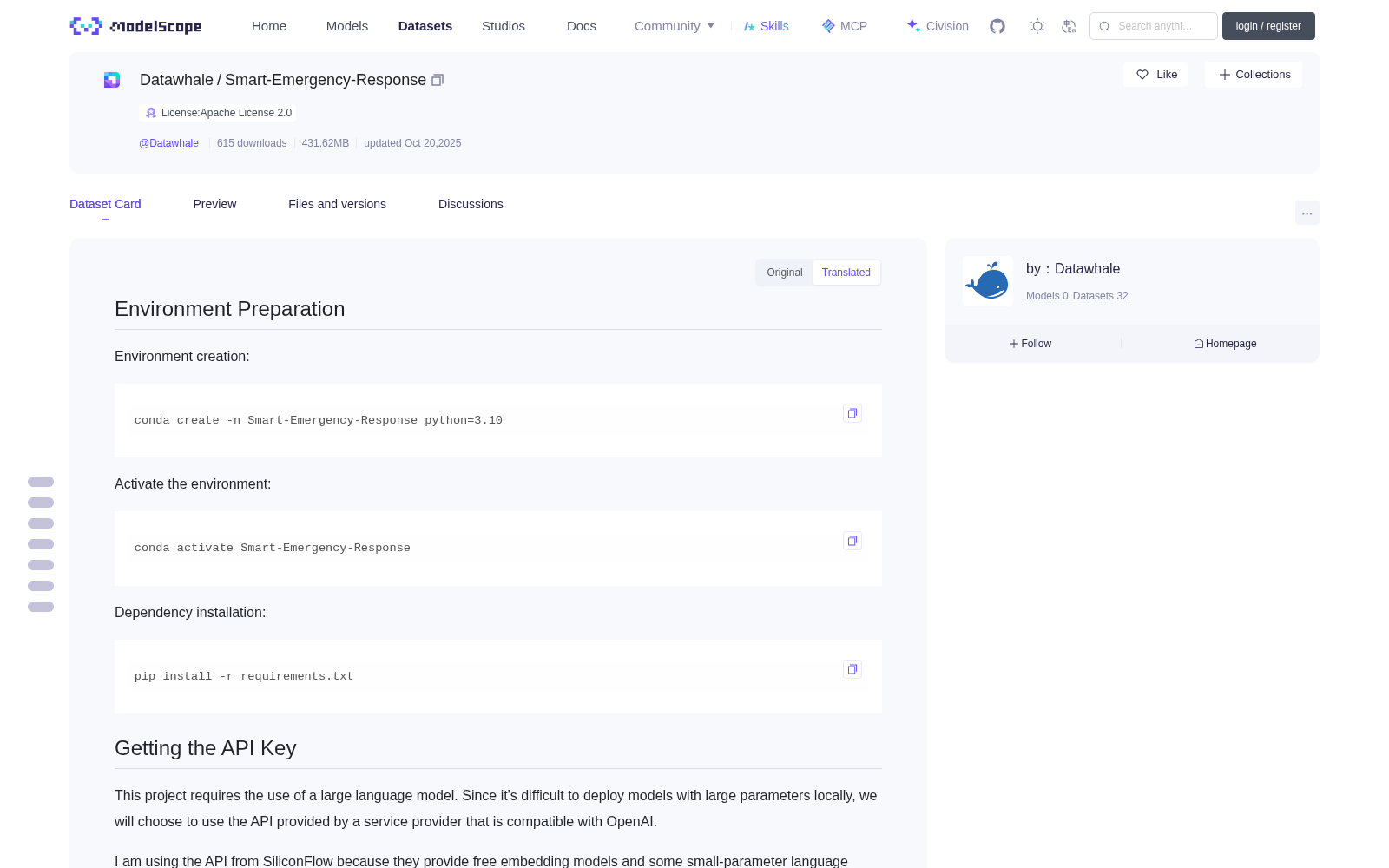
## 环境准备
环境创建:
```bash
conda create -n Smart-Emergency-Response python=3.10
```
激活环境:
```bash
conda activate Smart-Emergency-Response
```
依赖安装:
```bash
pip install -r requirements.txt
```
## 获取api_key
本次项目需要使用到大语言模型,由于本地部署的模型难以部署较大参数的模型,所以我们会选择使用兼容OpenAI的大语言模型服务商提供的api接口。
我这里使用的是硅基流动的api,因为他们上面有提供免费的embedding模型还有一些小参数的语言模型,用于基本的学习使用我觉得是合适的。
> 注意:不轨迹流动过上面有限速,如果你遇到限速的时候,我建议遇到报错之后,可以适当sleep一下,一般是动态刷新的,不过一般sleep的时间设置为10s或者50s应该是不会经常遇到限速报错了。
获取api_key的方法可以访问[硅基流动官网](https://cloud.siliconflow.cn/i/FcjKykMn),你也可以使用我的邀请码:`FcjKykMn`,我的邀请链接:<https://cloud.siliconflow.cn/i/FcjKykMn> 。**这样我可以获得2000 w的 token 奖励**。

## 配置环境变量
创建一个.env文件,将api_key写入其中,格式如下:
```bash
OPENAI_API_KEY=your_api_key_here
OPENAI_API_BASE=https://api.siliconflow.cn/v1 # 可以换成其他的服务商。
OPENAI_API_MODEL=Qwen/Qwen2.5-7B-Instruct
OPENAI_API_EMBEDDING_MODEL=BAAI/bge-m3
```
## baseline 目录结构
```text
/baseline
|-- datas/
| |-- 文本数据/
| | |-- file1.docx
| | |-- file2.pdf
| | `-- ... (所有文本文件)
|-- .env
|-- .env.example
|-- main.py
|-- local_llamaindex_llm.py
|-- remote_embedding.py
`-- question.csv
```
## 数据准备
将赛题所需要的数据放到对应的目录下,完整的目录是这样的:

我们的数据集需要放到baseline目录下的datas文件夹内,注意可以直接将数据集内的文本数据文件夹直接复制到 datas 下面即可,在进阶环节你可以使用表格的数据放到 datas 下面。

## 运行 baseline 的主程序
确保你已经切换到 baseline 目录下,然后执行下面的命令。
```bash
python main.py
```
## 运行之后的目录结构
运行之后baseline目录下会生成answer.csv文件,里面是所有问题对应的答案。

## Environment Setup
### Environment Creation
bash
conda create -n Smart-Emergency-Response python=3.10
### Activate Environment
bash
conda activate Smart-Emergency-Response
### Dependency Installation
bash
pip install -r requirements.txt
## Obtain API Key
This project requires the use of large language models (LLMs). Since locally deploying large-parameter LLMs is difficult, we will choose to use API interfaces provided by OpenAI-compatible LLM service providers.
Here we use the API from SiliconFlow, as they provide free embedding models and small-parameter language models, which are suitable for basic learning purposes.
> Note: SiliconFlow has rate limits. If you encounter errors due to rate limiting, it is recommended to add appropriate sleep delays after encountering such errors. The system generally refreshes dynamically, and setting the sleep time to 10s or 50s should avoid frequent rate-limiting errors.
To obtain an API key, visit the [SiliconFlow official website](https://cloud.siliconflow.cn/i/FcjKykMn). You can also use my invitation code: `FcjKykMn`, and my invitation link: <https://cloud.siliconflow.cn/i/FcjKykMn>. **This will earn me a 20-million-token reward**.

## Configure Environment Variables
Create a `.env` file and write the API key into it in the following format:
bash
OPENAI_API_KEY=your_api_key_here
OPENAI_API_BASE=https://api.siliconflow.cn/v1 # Can be replaced with other service providers.
OPENAI_API_MODEL=Qwen/Qwen2.5-7B-Instruct
OPENAI_API_EMBEDDING_MODEL=BAAI/bge-m3
## Baseline Directory Structure
text
/baseline
|-- datas/
| |-- text_data/
| | |-- file1.docx
| | |-- file2.pdf
| | `-- ... (all text files)
|-- .env
|-- .env.example
|-- main.py
|-- local_llamaindex_llm.py
|-- remote_embedding.py
`-- question.csv
## Data Preparation
Place the data required for the competition task into the corresponding directory. The complete directory structure is as follows:

Our dataset should be placed in the `datas` folder under the baseline directory. You can directly copy the text data folder from the dataset into the `datas` directory. In the advanced phase, you can also place tabular data into the `datas` directory.

## Run the Baseline Main Program
Ensure you have switched to the baseline directory, then execute the following command:
bash
python main.py
## Post-run Directory Structure
An `answer.csv` file will be generated in the baseline directory after running, which contains the answers to all questions.

提供机构:
maas
创建时间:
2025-10-17
搜集汇总
数据集介绍
背景与挑战
背景概述
该数据集为'秋训营:应急安全RAG系统Baseline'项目提供支持,包含文本数据文件,用于构建应急安全RAG系统的基准实现。它遵循Apache 2.0许可证,提供环境配置、API集成和运行指南,旨在帮助用户快速上手和测试相关功能。
以上内容由遇见数据集搜集并总结生成


