Smart-Emergency-Response
收藏资源简介:
2025“大运河杯”数据开发应用创新大赛——智慧应急赛道 baseline
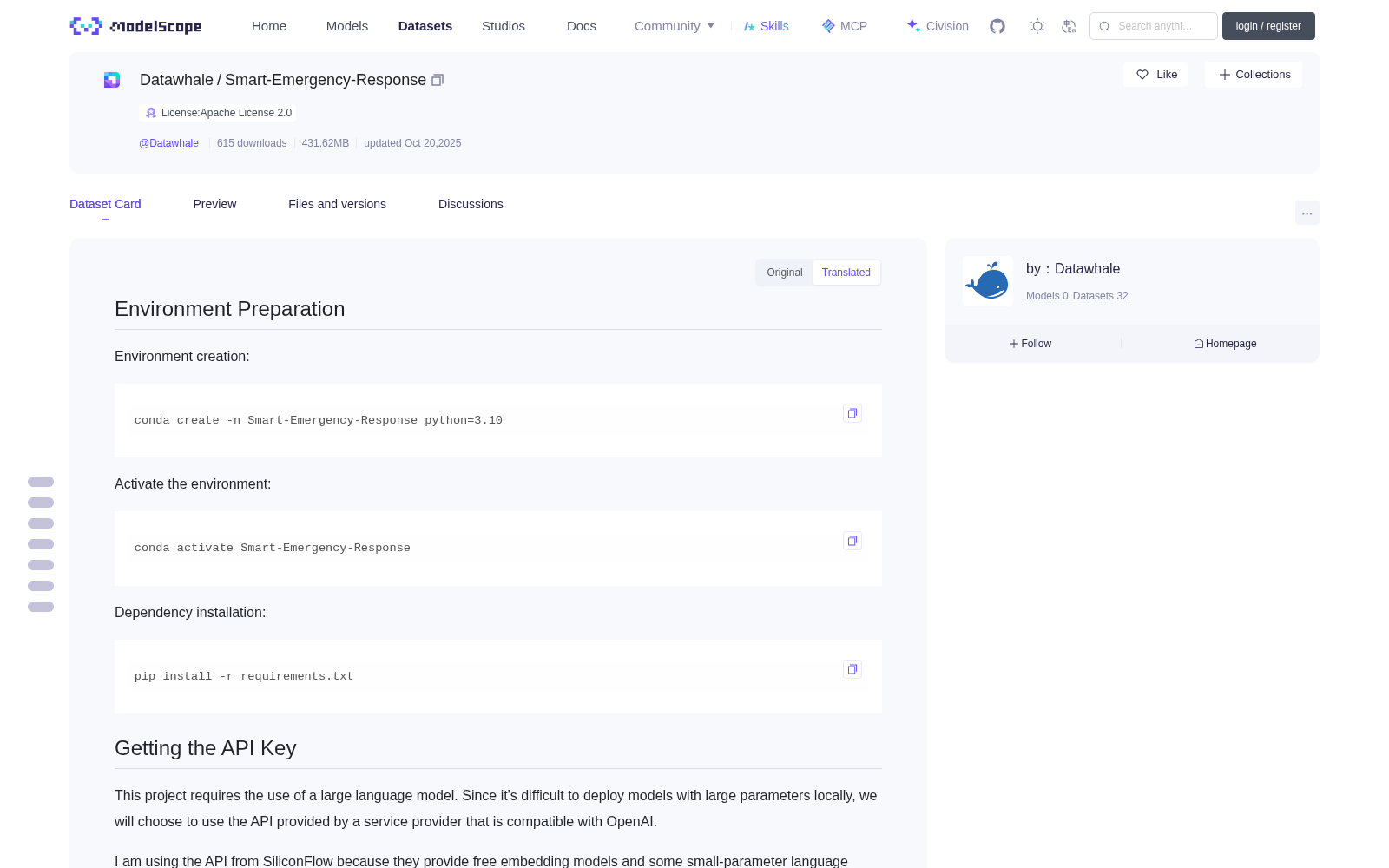
## Environment Setup ### Environment Creation bash conda create -n Smart-Emergency-Response python=3.10 ### Activate Environment bash conda activate Smart-Emergency-Response ### Dependency Installation bash pip install -r requirements.txt ## Obtain API Key This project requires the use of large language models (LLMs). Since locally deploying large-parameter LLMs is difficult, we will choose to use API interfaces provided by OpenAI-compatible LLM service providers. Here we use the API from SiliconFlow, as they provide free embedding models and small-parameter language models, which are suitable for basic learning purposes. > Note: SiliconFlow has rate limits. If you encounter errors due to rate limiting, it is recommended to add appropriate sleep delays after encountering such errors. The system generally refreshes dynamically, and setting the sleep time to 10s or 50s should avoid frequent rate-limiting errors. To obtain an API key, visit the [SiliconFlow official website](https://cloud.siliconflow.cn/i/FcjKykMn). You can also use my invitation code: `FcjKykMn`, and my invitation link: <https://cloud.siliconflow.cn/i/FcjKykMn>. **This will earn me a 20-million-token reward**.  ## Configure Environment Variables Create a `.env` file and write the API key into it in the following format: bash OPENAI_API_KEY=your_api_key_here OPENAI_API_BASE=https://api.siliconflow.cn/v1 # Can be replaced with other service providers. OPENAI_API_MODEL=Qwen/Qwen2.5-7B-Instruct OPENAI_API_EMBEDDING_MODEL=BAAI/bge-m3 ## Baseline Directory Structure text /baseline |-- datas/ | |-- text_data/ | | |-- file1.docx | | |-- file2.pdf | | `-- ... (all text files) |-- .env |-- .env.example |-- main.py |-- local_llamaindex_llm.py |-- remote_embedding.py `-- question.csv ## Data Preparation Place the data required for the competition task into the corresponding directory. The complete directory structure is as follows:  Our dataset should be placed in the `datas` folder under the baseline directory. You can directly copy the text data folder from the dataset into the `datas` directory. In the advanced phase, you can also place tabular data into the `datas` directory.  ## Run the Baseline Main Program Ensure you have switched to the baseline directory, then execute the following command: bash python main.py ## Post-run Directory Structure An `answer.csv` file will be generated in the baseline directory after running, which contains the answers to all questions.