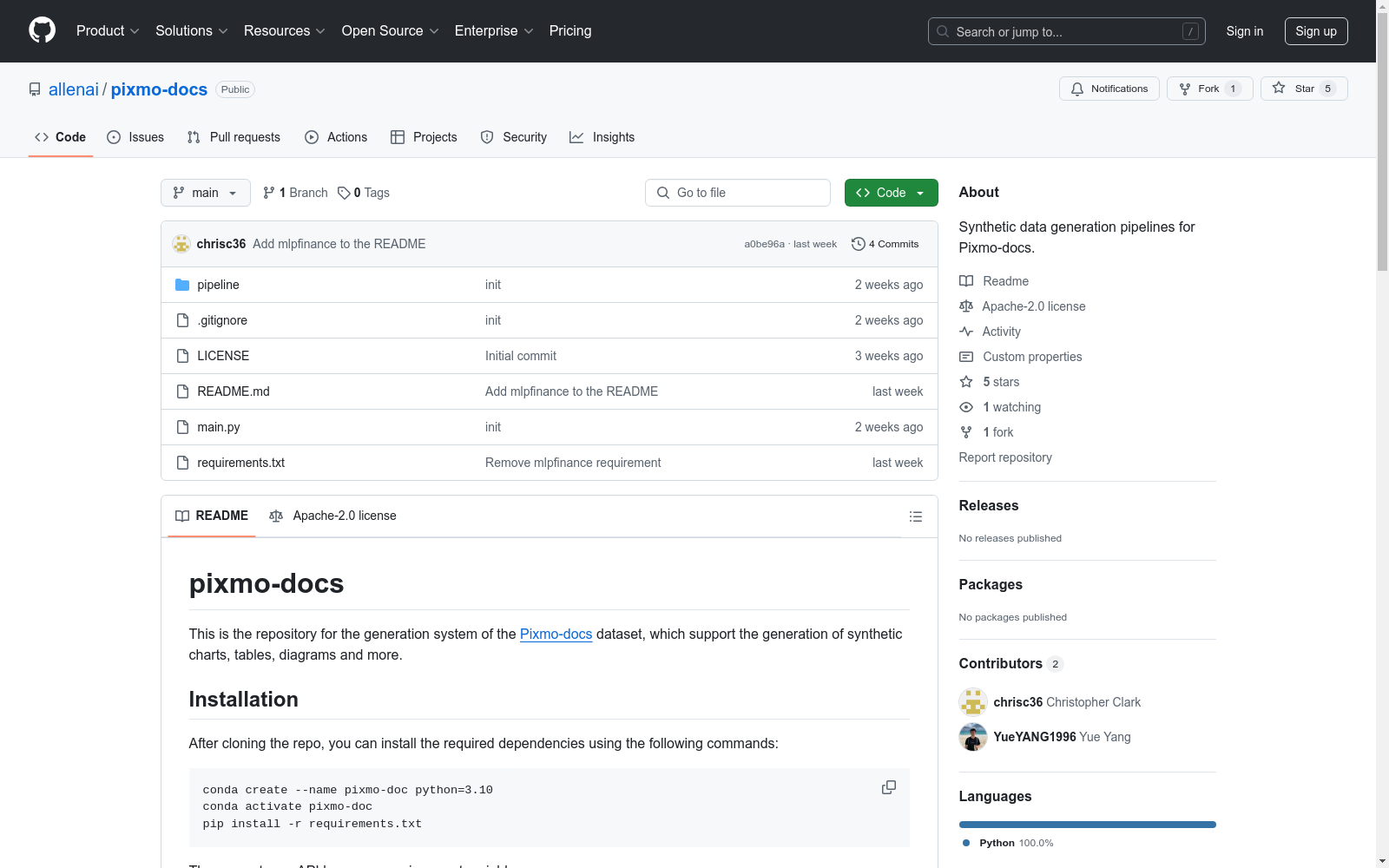
Pixmo-docs
收藏Pixmo-docs 数据集
概述
Pixmo-docs 数据集支持生成合成图表、表格、图示等多种类型的文本丰富图像。该数据集由 AllenAI 发布,旨在通过多种渲染器和编程语言生成不同类型的图像。
安装
-
使用 Conda 创建并激活虚拟环境: bash conda create --name pixmo-doc python=3.10 conda activate pixmo-doc pip install -r requirements.txt
-
导出 API 密钥: bash export OPENAI_API_KEY=your-api-key export ANTHROPIC_API_KEY=your-api-key export HF_TOKEN=your-api-key # 仅在需要上传数据集到 Hugging Face Hub 时使用
-
安装额外依赖包:
-
LaTeX:根据操作系统参考 官方 LaTeX 网站。
-
Mermaid:使用 npm 安装 Mermaid CLI: bash npm install -g @mermaid-js/mermaid-cli
-
HTML:安装 Playwright: bash pip install playwright playwright install
-
mlpfinance: bash pip install mpl_finance<=0.10.1 mplfinance<=0.12.10b0
-
快速开始
-
使用
main.py脚本生成数据集,支持的参数包括:-p:指定使用的管道(Pipeline)。-t:指定生成的数据类型。-n:指定生成的样本数量。-m:指定数据集的名称。
例如: python python main.py -p "MatplotlibChartPipeline" -n 5 -m "matplotlib_test" -t "bar chart"
将使用 MatplotlibChartPipeline 生成 5 个条形图,并保存为名为 "matplotlib_test" 的数据集。
管道(Pipelines)
Pixmo-docs 提供了 13 个管道,用于生成四类主要的文本丰富图像:图表、图示、表格和文档。每个管道使用不同的渲染器或编程语言生成图像。
图表(Chart)
- MatplotlibChartPipeline:使用 Matplotlib 生成图表,如条形图、折线图等。
- PlotlyChartPipeline:使用 Plotly 生成图表。
- VegaLiteChartPipeline:使用 Vega-Lite 生成图表。
- LaTeXChartPipeline:使用 TikZ 生成简单图表。
- HTMLChartPipeline:使用 HTML 和 CSS 生成简单图表。
图示(Diagram)
- GraphvizDiagramPipeline:使用 Graphviz 生成图示,如有向图、树等。
- MermaidDiagramPipeline:使用 Mermaid 生成图示,如流程图、序列图等。
- LaTeXDiagramPipeline:使用 TikZ 生成图示。
表格(Table)
- LaTeXTablePipeline:适用于复杂结构的表格。
- HTMLTablePipeline:仅适用于简单表格。
- PlotlyTablePipeline:仅适用于简单表格。
文档(Document)
- LaTeXDocumentPipeline:适用于多种类型的文档,如报告、文章等。
- HTMLDocumentPipeline:可以创建具有复杂样式和结构的文档。
引用
如果使用该代码进行工作,请引用以下论文: bibtex @article{deitke2024molmo, title={Molmo and pixmo: Open weights and open data for state-of-the-art multimodal models}, author={Deitke, Matt and Clark, Christopher and Lee, Sangho and Tripathi, Rohun and Yang, Yue and Park, Jae Sung and Salehi, Mohammadreza and Muennighoff, Niklas and Lo, Kyle and Soldaini, Luca and others}, journal={arXiv preprint arXiv:2409.17146}, year={2024} }