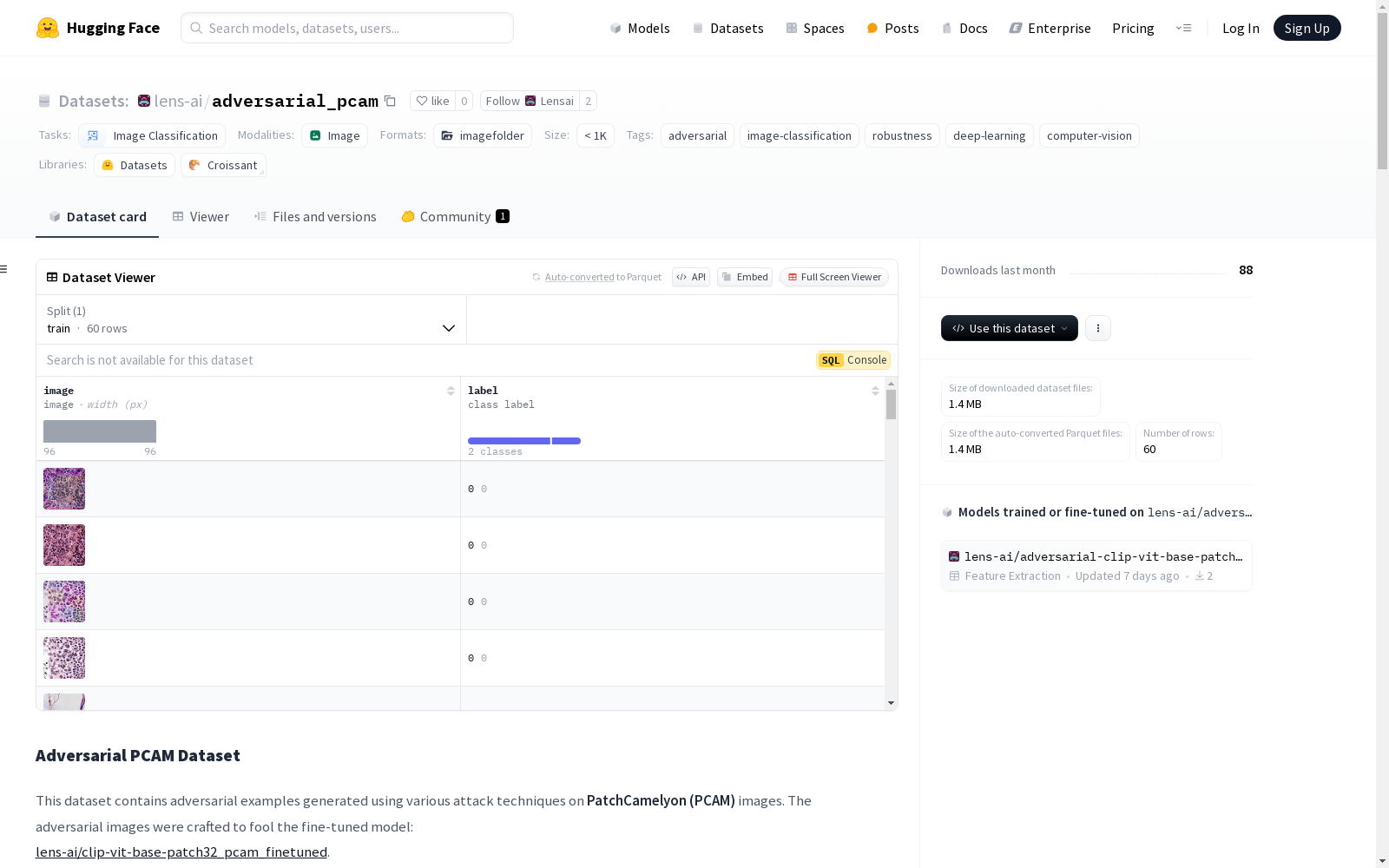
adversarial_pcam
收藏Adversarial PCAM Dataset
数据集标签
- adversarial
- image-classification
- robustness
- deep-learning
- computer-vision
任务类别
- image-classification
模型
- lens-ai/clip-vit-base-patch32_pcam_finetuned
数据集描述
本数据集包含使用各种攻击技术生成的PatchCamelyon (PCAM)图像的对抗性示例。对抗性图像旨在欺骗以下经过微调的模型:lens-ai/clip-vit-base-patch32_pcam_finetuned。
研究人员和工程师可以使用此数据集:
- 评估模型对抗攻击的鲁棒性
- 使用对抗性数据进行模型训练以改善其弹性
- 对新的对抗性防御机制进行基准测试
数据集结构
organized_dataset/ ├── train/ │ ├── 0/ # 负样本(仅对抗性图像) │ │ └── adv_0_labelfalse_pred1_SquareAttack.png │ └── 1/ # 正样本(仅对抗性图像) │ └── adv_1_labeltrue_pred0_SquareAttack.png ├── originals/ # 原始图像 │ ├── orig_0_labelfalse_SquareAttack.png │ └── orig_1_labeltrue_SquareAttack.png ├── perturbations/ # 扰动掩码 │ ├── perturbation_0_SquareAttack.png │ └── perturbation_1_SquareAttack.png └── dataset.json
每个对抗性示例包括:
train/{0,1}/adv_{id}_label{true/false}_pred{pred_label}_{attack_name}.png→ 带有模型预测的对抗性图像originals/orig_{id}_label{true/false}_{attack_name}.png→ 扰动前的原始图像perturbations/perturbation_{id}_{attack_name}.png→ 应用到原始图像的扰动- 文件名中的攻击名称指示使用了哪种方法
dataset.json 文件包含每个样本的详细元数据,包括:
json
{
"attack": "SquareAttack",
"type": "black_box_attacks",
"perturbation": "perturbations/perturbation_1_SquareAttack.png",
"adversarial": "train/0/adv_1_labelfalse_pred1_SquareAttack.png",
"original": "originals/orig_1_labelfalse_SquareAttack.png",
"label": 0,
"prediction": 1
}
攻击类型
数据集包含黑盒和非黑盒对抗性攻击。
黑盒攻击
这些攻击不需要访问模型梯度:
HopSkipJump Attack
- 查询高效的黑盒攻击,估计梯度
- 基于决策边界近似
Zoo Attack
- 零阶优化(ZOO)攻击
- 通过有限差分方法估计梯度
非黑盒攻击
这些攻击需要访问模型梯度:
SimBA (Simple Black-box Attack)
- 使用随机扰动误导模型
- 减少查询复杂度
Boundary Attack
- 查询高效的攻击,沿决策边界移动
- 最小化扰动大小
Spatial Transformation Attack
- 使用旋转、缩放和平移
- 不需要像素级扰动
使用方式
python import json import torch from torchvision import transforms from PIL import Image from pathlib import Path
加载数据集信息
with open(organized_dataset/dataset.json, r) as f: dataset_info = json.load(f)["train"]["rows"]
定义转换
transform = transforms.Compose([ transforms.Resize((224, 224)), transforms.ToTensor() ])
加载和处理图像的函数
def load_image(image_path): img = Image.open(image_path).convert("RGB") return transform(img)
示例:加载一组相关图像(原始、对抗性和扰动)
for entry in dataset_info: # 加载对抗性图像 adv_path = Path(organized_dataset) / entry[image_path] adv_image = load_image(adv_path)
# 加载原始图像
orig_path = Path(organized_dataset) / entry[original_path]
orig_image = load_image(orig_path)

# 加载扰动(如果有)
if entry[perturbation_path]:
    pert_path = Path(organized_dataset) / entry[perturbation_path]
    pert_image = load_image(pert_path)

# 访问元数据
attack_type = entry[attack]
label = entry[label]
prediction = entry[prediction]

print(f"Attack: {attack_type}")
print(f"True Label: {label}")
print(f"Model Prediction: {prediction}")
print(f"Image shapes: {adv_image.shape}")
攻击成功率
每种攻击在目标模型上的成功率: json { "HopSkipJump": {"success_rate": 14}, "Zoo_Attack": {"success_rate": 22}, "SimBA": {"success_rate": 99}, "Boundary_Attack": {"success_rate": 98}, "SpatialTransformation_Attack": {"success_rate": 99} }
引用
bibtex @article{lensai2025adversarial, title={Adversarial PCAM Dataset}, author={LensAI Team}, year={2025}, url={https://huggingface.co/datasets/lens-ai/adversarial_pcam} }