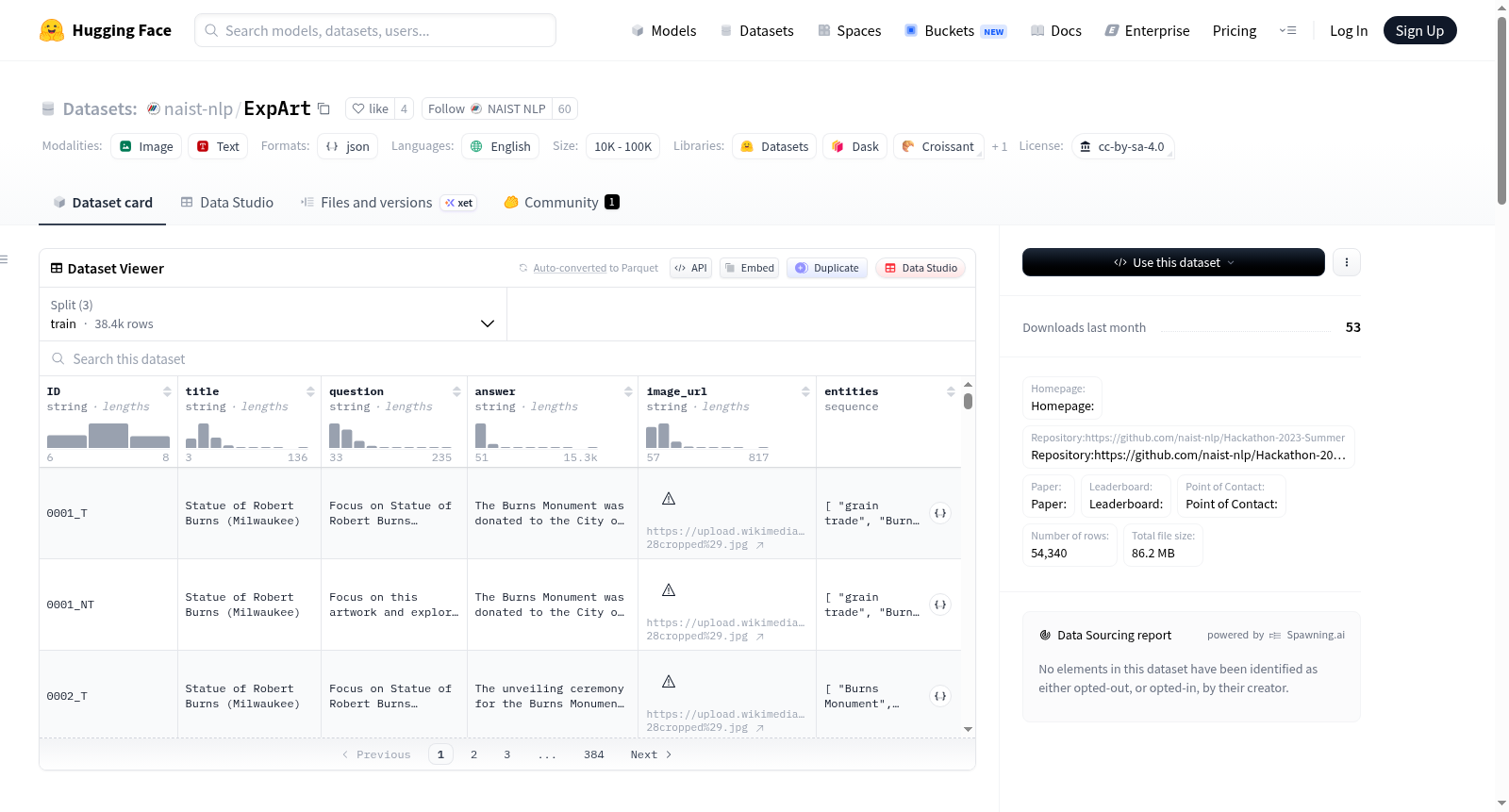
naist-nlp/ExpArt
收藏数据集卡片 for "Explain Artworks: ExpArt"
数据集描述
数据集摘要
Explain Artworks: ExpArt 旨在提升大规模视觉语言模型(LVLMs)在分析和描述艺术品方面的能力。该数据集从英语维基百科的艺术文章中提取,鼓励 LVLMs 根据带有或不带有标题的图像创建深入的描述。这一努力旨在提高 LVLMs 在辨别和阐述艺术的历史和主题细微差别方面的熟练度。Explain Artworks: ExpArt 不仅旨在提升 AI 对艺术的了解和批评,还寻求在人工智能和艺术史之间建立更紧密的联系。该数据集包含约 10,000 篇文章,并引入了专门的指标来评估 LVLMs 在艺术解释方面的有效性,重点是它们对视觉和文本线索的解释。
支持的任务和排行榜
[更多信息需要]
语言
该数据集提供英语版本。
数据集结构
以下示例展示了两种不同的训练数据集格式。第一种包含“title”字段,而第二种则不包含。
数据实例示例(带标题)
JSON { "id": "0001_T", "title": "Mona Lisa", "conversations": [ { "from": "user", "value": "<img>/images/Mona Lisa.jpg</img> Focus on Mona Lisa and explore the history." }, { "from": "assistant", "value": "Of Leonardo da Vinci’s works, the Mona Lisa is the only portrait whose authenticity...." } ] }
数据实例示例(不带标题)
JSON { "id": "0001_NT", "conversations": [ { "from": "user", "value": "<img>/images/Mona Lisa.jpg</img> Focus on this artwork and explore the history." }, { "from": "assistant", "value": "Of Leonardo da Vinci’s works, the Mona Lisa is the only portrait whose authenticity...." } ] }
数据实例
Python from datasets import load_dataset
dataset = load_dataset("naist-nlp/ExpArt")
print(dataset)
DatasetDict({
train: Dataset({
features: [id, title, conversations],
num_rows: X # Replace X with the actual number of rows in your dataset
})
})
Example of accessing a single data instance
example = dataset[train][0] print(example)
{
"id": "0001_T",
"title": "Mona Lisa",
"conversations": [
{
"from": "user",
"value": "<img src=/images/Mona Lisa.jpg></img>
Focus on Mona Lisa and explore the history."
},
{
"from": "assistant",
"value": "Of Leonardo da Vinci’s works, the Mona Lisa is the only portrait whose authenticity...."
}
]
}