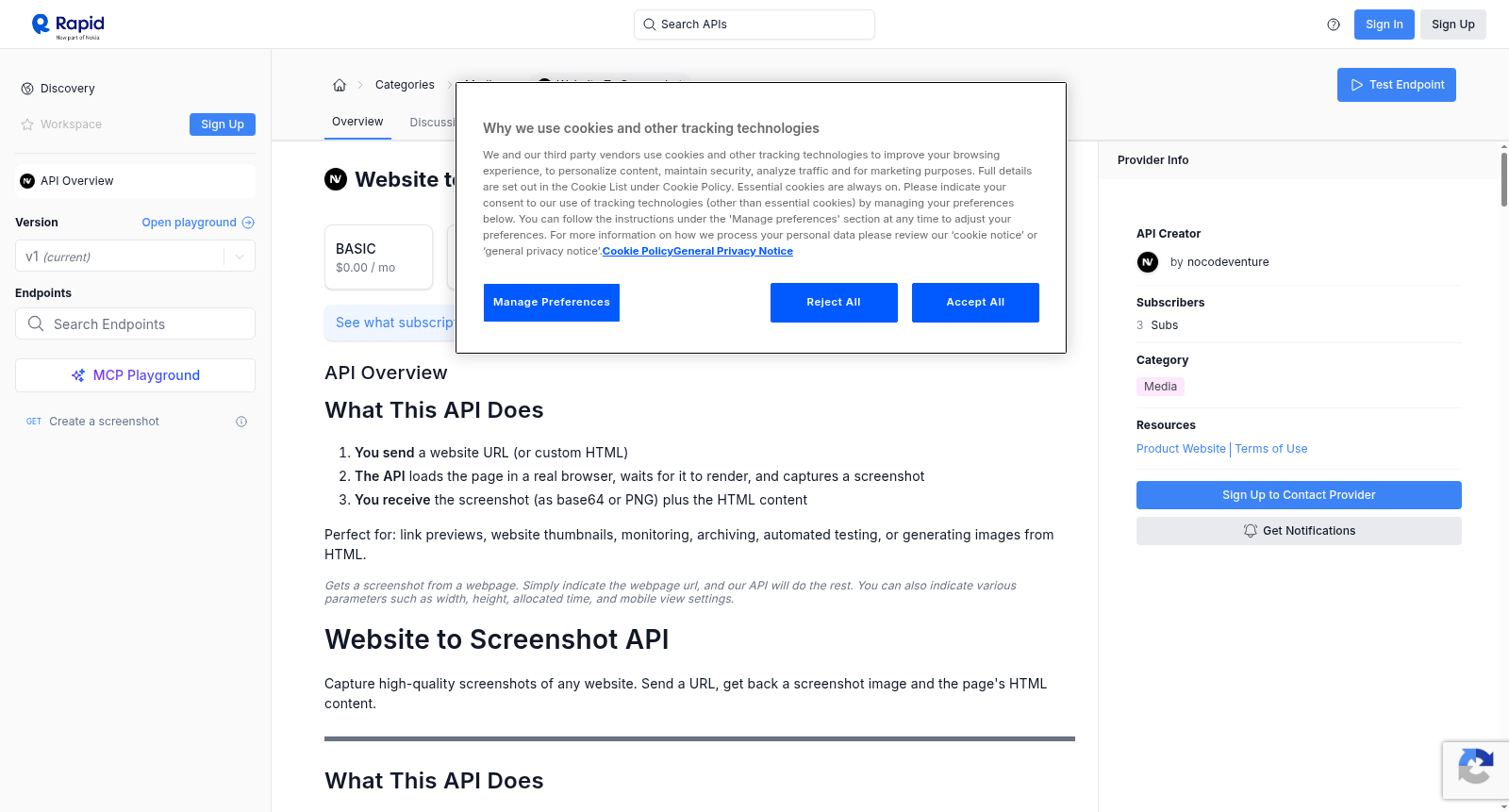
Website to Screenshot
收藏资源简介:
Gets a screenshot from a webpage. Simply indicate the webpage url, and our API will do the rest. You can also indicate various parameters such as width, height, allocated time, and mobile view settings.
本接口可从指定网页获取屏幕截图。仅需提供目标网页的统一资源定位符(Uniform Resource Locator,URL),我们的应用程序编程接口(API)将自动完成剩余全部操作。您还可配置多项参数,例如截图宽度、高度、分配的超时时长以及移动端视图设置。
Website to Screenshot API 数据集概述
基本信息
- API名称: Website to Screenshot
- 类别: Media
- 提供者: nocodeventure
- 当前版本: v1
- 订阅者数量: 3
- 流行度: 9.3
- 服务等级: 69%
- 延迟: 4702ms
- 测试通过率: 100%
订阅计划
- BASIC: $0.00 / 月
- PRO: $5.00 / 月
- ULTRA: $10.00 / 月
- MEGA: $69.99 / 月
功能概述
该API用于捕获任何网站的高质量截图。发送一个URL,即可获取截图图像和页面的HTML内容。
- 用户发送网站URL(或自定义HTML)
- API在真实浏览器中加载页面,等待其渲染,并捕获截图
- 用户接收截图(作为base64或PNG)以及HTML内容
适用场景:链接预览、网站缩略图、监控、存档、自动化测试或从HTML生成图像。
端点
- 方法:
GET - 端点:
/ - 描述: 通过查询参数获取截图
- 备注: 也提供用于高级用例的POST端点(需联系支持人员)
核心参数
所有参数均作为查询字符串参数传递。
必需参数
| 参数 | 类型 | 必需 | 默认值 | 描述 | 示例 |
|---|---|---|---|---|---|
url |
string | 是 | — | 要截图的网站URL。如果缺少,自动添加https://。 |
url=github.com |
输出格式参数
| 参数 | 类型 | 必需 | 默认值 | 描述 | 示例 |
|---|---|---|---|---|---|
format |
string | 否 | base64 |
输出格式。base64返回包含编码图像的JSON。png返回原始二进制图像数据。 |
format=png |
fresh |
boolean | 否 | false |
绕过缓存并捕获新截图。 | fresh=true |
视口参数
控制浏览器窗口大小和设备模拟。
| 参数 | 类型 | 默认值 | 描述 | 示例 |
|---|---|---|---|---|
width |
number | 1920 |
浏览器窗口宽度(像素)。 | width=1280 |
height |
number | 1080 |
浏览器窗口高度(像素)。 | height=720 |
scale |
number | 1 |
像素密度。使用2或3用于视网膜/高DPI截图。值越高越清晰,但文件越大。 |
scale=2 |
isMobile |
boolean | false |
模拟移动设备。将宽度设置为390,高度设置为844,比例设置为3,启用触摸,并使用iPhone用户代理。 | isMobile=true |
hasTouch |
boolean | false |
启用触摸事件(适用于依赖触摸的网站)。 | hasTouch=true |
isLandscape |
boolean | false |
横向方向。 | isLandscape=true |
截图参数
控制捕获内容和方式。
| 参数 | 类型 | 默认值 | 描述 | 示例 |
|---|---|---|---|---|
fullPage |
boolean | false |
捕获整个可滚动页面,而不仅仅是可见视口。 | fullPage=true |
type |
string | png |
图像格式:png、jpeg或webp。 |
type=jpeg |
quality |
number | — | 图像质量,范围0-100。仅适用于jpeg或webp。 |
quality=80 |
omitBackground |
boolean | false |
使背景透明(仅PNG)。适用于捕获具有透明度的元素。 | omitBackground=true |
clip |
JSON | — | 仅捕获特定矩形区域。对JSON进行URL编码。 | clip={"x":0,"y":0,"width":800,"height":600} |
定时与等待参数
控制截图拍摄时间。
| 参数 | 类型 | 默认值 | 描述 | 示例 |
|---|---|---|---|---|
delay |
number | 0 |
页面加载后等待的毫秒数,然后进行捕获。适用于动画或延迟内容。 | delay=2000 |
actionTimeout |
number | 120000 |
浏览器操作的最长时间(毫秒)。 | actionTimeout=60000 |
waitForTimeout |
number | — | 在拍摄截图前等待的毫秒数。 | waitForTimeout=5000 |
gotoOptions |
JSON | — | 导航选项。对JSON进行URL编码。 | gotoOptions={"waitUntil":"networkidle0","timeout":30000} |
waitForSelector |
JSON | — | 在捕获前等待CSS选择器。对JSON进行URL编码。 | waitForSelector={"selector":"#main","visible":true} |
gotoOptions 值
| 字段 | 类型 | 默认值 | 描述 |
|---|---|---|---|
waitUntil |
string | domcontentloaded |
何时认为页面已加载:load、domcontentloaded、networkidle0(无网络)、networkidle2(≤2个连接) |
timeout |
number | 30000 |
等待页面加载的最长时间(毫秒) |
referer |
string | — | Referer头值 |
waitForSelector 值
| 字段 | 类型 | 描述 |
|---|---|---|
selector |
string | 要等待的CSS选择器 |
visible |
boolean | 等待元素可见 |
hidden |
boolean | 等待元素隐藏 |
timeout |
number | 最长等待时间(毫秒) |
页面行为参数
修改捕获前页面的行为。
| 参数 | 类型 | 默认值 | 描述 | 示例 |
|---|---|---|---|---|
scrollPage |
boolean | false |
在捕获前滚动整个页面。触发懒加载图像和内容。 | scrollPage=true |
hideCookieBanners |
boolean | false |
自动隐藏cookie同意弹窗和GDPR横幅。 | hideCookieBanners=true |
setJavaScriptEnabled |
boolean | true |
启用或禁用JavaScript执行。 | setJavaScriptEnabled=false |
emulateMediaType |
string | — | 模拟CSS媒体类型:print或screen。 |
emulateMediaType=print |
userAgent |
string | — | 自定义用户代理字符串。 | userAgent=Mozilla/5.0... |
bestAttempt |
boolean | false |
即使某些页面事件失败或超时也继续。 | bestAttempt=true |
注入自定义代码参数
在捕获前向页面添加自己的脚本或样式。对JSON值进行URL编码。
| 参数 | 类型 | 描述 | 示例 |
|---|---|---|---|
addScriptTag |
JSON | 注入JavaScript。{content}或{url}对象的数组。 |
addScriptTag=[{"content":"document.body.style.zoom=80%"}] |
addStyleTag |
JSON | 注入CSS。{content}或{url}对象的数组。 |
addStyleTag=[{"content":".ads{display:none}"}] |
setExtraHTTPHeaders |
JSON | 向所有请求添加自定义HTTP头。 | setExtraHTTPHeaders={"Accept-Language":"fr-FR"} |
认证参数
访问受保护的页面。对JSON值进行URL编码。
| 参数 | 类型 | 描述 | 示例 |
|---|---|---|---|
authenticate |
JSON | HTTP基本认证凭据。 | authenticate={"username":"admin","password":"secret"} |
cookies |
JSON | 加载前要设置的cookie数组。 | cookies=[{"name":"session","value":"abc123","domain":"example.com"}] |
Cookie 字段
| 字段 | 类型 | 必需 | 描述 |
|---|---|---|---|
name |
string | 是 | Cookie名称 |
value |
string | 是 | Cookie值 |
domain |
string | 否 | Cookie适用的域 |
path |
string | 否 | Cookie适用的路径 |
secure |
boolean | 否 | 仅HTTPS |
httpOnly |
boolean | 否 | 无法通过JavaScript访问 |
sameSite |
string | 否 | Strict、Lax或None |
expires |
number | 否 | Cookie过期的Unix时间戳 |
请求过滤参数
控制加载哪些资源(加速捕获,阻止不需要的内容)。
| 参数 | 类型 | 描述 | 示例 |
|---|---|---|---|
rejectResourceTypes |
JSON | 阻止加载这些资源类型。 | rejectResourceTypes=["image","media","font"] |
rejectRequestPattern |
JSON | 阻止匹配这些正则表达式模式的URL。 | rejectRequestPattern=["analytics","tracking"] |
allowResourceTypes |
JSON | 仅允许这些资源类型。 | allowResourceTypes=["document","stylesheet","script"] |
allowRequestPattern |
JSON | 仅允许匹配这些模式的URL。 | allowRequestPattern=["^https://example\.com"] |
资源类型:document、stylesheet、image、media、font、script、xhr、fetch、websocket、other
响应
JSON响应(默认,format=base64)
json { "screenshot": "iVBORw0KGgoAAAANSUhEUgAA...", "content": "<!DOCTYPE html><html>...</html>", "url": "https://example.com", "viewport": { "width": 1920, "height": 1080 }, "cachedAt": "2024-01-15T10:30:00.000Z", "expiresAt": "2024-01-15T10:31:00.000Z" }
| 字段 | 描述 |
|---|---|
screenshot |
Base64编码的PNG图像。解码以获取图像字节。 |
content |
页面的完整HTML源代码。 |
url |
最终URL(重定向后)。 |
viewport |
使用的视口尺寸。 |
cachedAt |
此结果被缓存的时间。 |
expiresAt |
缓存过期时间(1分钟)。 |
PNG响应(format=png)
原始PNG二进制数据。直接保存到文件或在<img>标签中显示。
示例请求
- 简单请求:
GET /?url=github.com - 移动端全页截图:
GET /?url=twitter.com&isMobile=true&fullPage=true - 高分辨率带延迟:
GET /?url=apple.com&width=1920&height=1080&scale=2&delay=2000 - 获取原始PNG图像:
GET /?url=example.com&format=png - JPEG带质量设置(较小文件大小):
GET /?url=example.com&type=jpeg&quality=85&format=png - 隐藏Cookie横幅,滚动懒加载内容:
GET /?url=example.com&hideCookieBanners=true&scrollPage=true&fullPage=true - 快速捕获(阻止图像和跟踪):
GET /?url=example.com&rejectResourceTypes=["image","media","font"]&rejectRequestPattern=["analytics","tracking"] - 等待动态内容:
GET /?url=example.com&gotoOptions={"waitUntil":"networkidle0"}&waitForSelector={"selector":"#loaded","visible":true} - 捕获特定区域:
GET /?url=example.com&clip={"x":100,"y":200,"width":600,"height":400} - 打印友好版本:
GET /?url=example.com&emulateMediaType=print&fullPage=true
错误代码
| 代码 | 含义 |
|---|---|
200 |
成功 |
400 |
错误请求 — 缺少url或参数无效 |
401 |
未授权 |
500 |
截图失败 — 检查错误消息 |
错误响应格式: json { "error": "Description of what went wrong" }
完整示例(所有参数)
GET /?url=example.com &format=base64 &fresh=true &width=1920 &height=1080 &scale=2 &isMobile=false &hasTouch=false &isLandscape=false &fullPage=true &type=jpeg &quality=80 &omitBackground=false &clip={"x":0,"y":0,"width":800,"height":600} &delay=2000 &actionTimeout=60000 &waitForTimeout=5000 &gotoOptions={"waitUntil":"networkidle0","timeout":30000,"referer":"https://google.com"} &waitForSelector={"selector":"#main-content","visible":true,"timeout":10000} &scrollPage=true &hideCookieBanners=true &bestAttempt=true &setJavaScriptEnabled=true &emulateMediaType=screen &userAgent=Mozilla/5.0 (Windows NT 10.0; Win64; x64) AppleWebKit/537.36 &setExtraHTTPHeaders={"Accept-Language":"en-US","X-Custom-Header":"value"} &addScriptTag=[{"content":"document.body.style.zoom=90%"}] &addStyleTag=[{"content":".ads,.popup{display:none!important}"}] &authenticate={"username":"admin","password":"secret123"} &cookies=[{"name":"session_id","value":"abc123xyz","domain":"example.com","path":"/","secure":true,"httpOnly":true,"sameSite":"Lax"}] &rejectResourceTypes=["media","font"] &rejectRequestPattern=["analytics","tracking","ads"] &allowResourceTypes=["document","stylesheet","script","image","xhr","fetch"] &allowRequestPattern=["^https://example.com.*"]
备注:在实际请求中对JSON参数进行URL编码。以上示例为便于阅读而格式化。