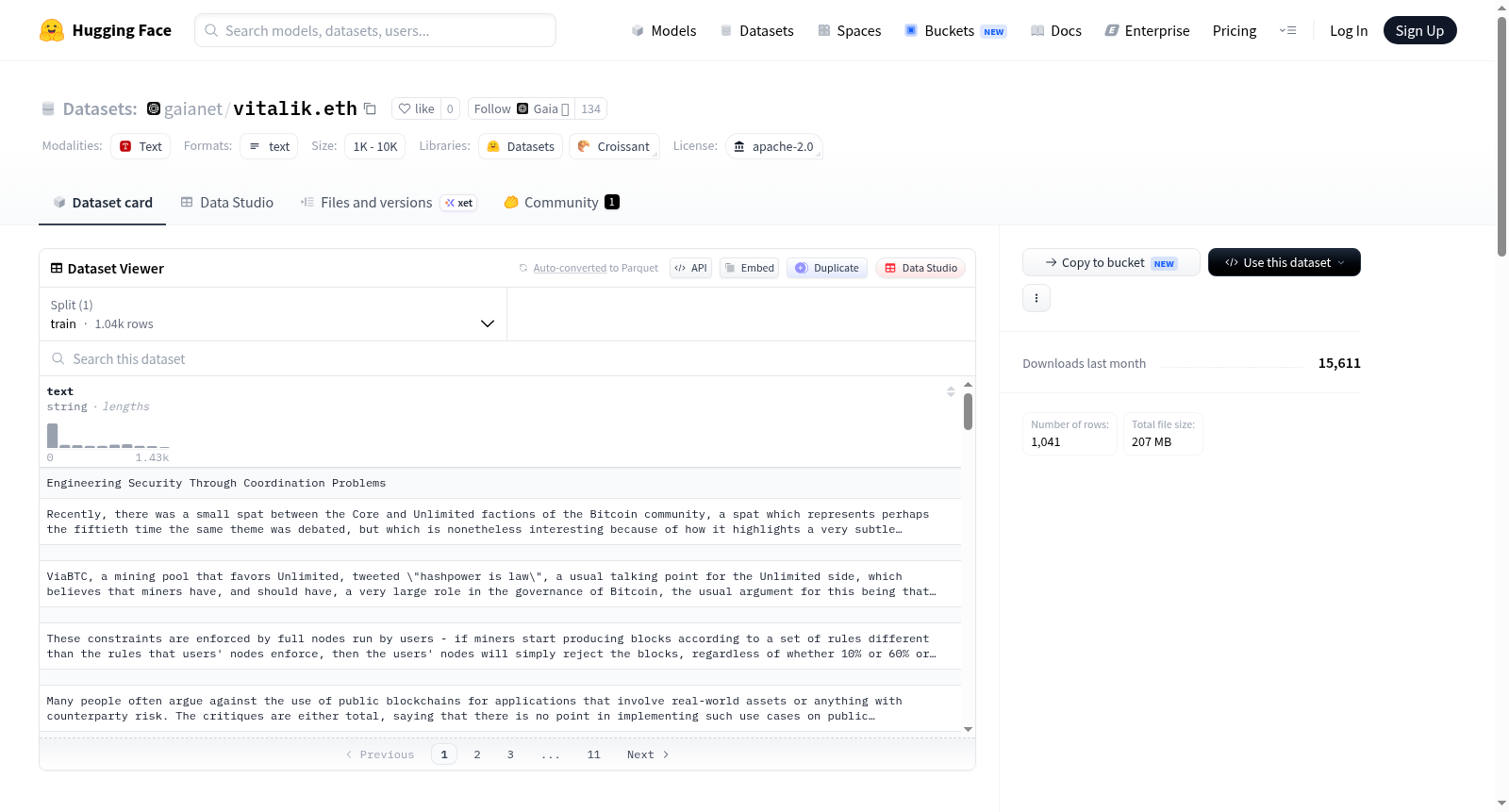
gaianet/vitalik.eth
收藏资源简介:
--- license: apache-2.0 --- Prepare Qdrant: ``` mkdir qdrant_storage mkdir qdrant_snapshots ``` Start Qdrant: ``` docker run -d -p 6333:6333 -p 6334:6334 \ -v $(pwd)/qdrant_storage:/qdrant/storage:z \ -v $(pwd)/qdrant_snapshots:/qdrant/snapshots:z \ qdrant/qdrant ``` Create collection: ``` curl -X PUT 'http://localhost:6333/collections/vitalik.eth' \ -H 'Content-Type: application/json' \ --data-raw '{ "vectors": { "size": 384, "distance": "Cosine", "on_disk": true } }' ``` Query collection: ``` curl 'http://localhost:6333/collections/vitalik.eth' ``` Optional: delete collection ``` curl -X DELETE 'http://localhost:6333/collections/vitalik.eth' ``` Get embedding model: ``` curl -LO https://huggingface.co/second-state/All-MiniLM-L6-v2-Embedding-GGUF/resolve/main/all-MiniLM-L6-v2-ggml-model-f16.gguf ``` Get the embedding app: ``` curl -LO https://raw.githubusercontent.com/YuanTony/chemistry-assistant/main/rag-embeddings/create_embeddings.wasm ``` Create and save the generated embeddings: ``` wasmedge --dir .:. --nn-preload default:GGML:AUTO:all-MiniLM-L6-v2-ggml-model-f16.gguf create_embeddings.wasm default vitalik.eth 384 vitalik-eth.txt ``` Check the results: ``` curl 'http://localhost:6333/collections/vitalik.eth' ``` Create snapshot: ``` curl -X POST 'http://localhost:6333/collections/vitalik.eth/snapshots' ``` Access the snapshots: ``` ls qdrant_snapshots/vitalik.eth/ ```
许可证:Apache-2.0 准备Qdrant: mkdir qdrant_storage mkdir qdrant_snapshots 启动Qdrant: docker run -d -p 6333:6333 -p 6334:6334 -v $(pwd)/qdrant_storage:/qdrant/storage:z -v $(pwd)/qdrant_snapshots:/qdrant/snapshots:z qdrant/qdrant 创建集合: curl -X PUT 'http://localhost:6333/collections/vitalik.eth' -H 'Content-Type: application/json' --data-raw '{ "vectors": { "size": 384, "distance": "Cosine", "on_disk": true } }' 查询集合: curl 'http://localhost:6333/collections/vitalik.eth' (可选)删除集合: curl -X DELETE 'http://localhost:6333/collections/vitalik.eth' 获取嵌入模型: curl -LO https://huggingface.co/second-state/All-MiniLM-L6-v2-Embedding-GGUF/resolve/main/all-MiniLM-L6-v2-ggml-model-f16.gguf 获取嵌入应用程序: curl -LO https://raw.githubusercontent.com/YuanTony/chemistry-assistant/main/rag-embeddings/create_embeddings.wasm 生成并保存嵌入向量: wasmedge --dir .:. --nn-preload default:GGML:AUTO:all-MiniLM-L6-v2-ggml-model-f16.gguf create_embeddings.wasm default vitalik.eth 384 vitalik-eth.txt 检查结果: curl 'http://localhost:6333/collections/vitalik.eth' 创建快照: curl -X POST 'http://localhost:6333/collections/vitalik.eth/snapshots' 访问快照: ls qdrant_snapshots/vitalik.eth/
数据集概述
数据集许可证
- 许可证: Apache-2.0
数据集操作流程
-
环境准备
- 创建存储目录:
mkdir qdrant_storage和mkdir qdrant_snapshots
- 创建存储目录:
-
启动服务
- 使用Docker启动Qdrant服务,映射端口和存储目录。
-
创建集合
- 使用HTTP请求创建名为
vitalik.eth的集合,设置向量大小为384,距离计算方式为余弦距离,存储方式为磁盘存储。
- 使用HTTP请求创建名为
-
查询集合
- 通过HTTP请求查询
vitalik.eth集合。
- 通过HTTP请求查询
-
删除集合(可选)
- 通过HTTP请求删除
vitalik.eth集合。
- 通过HTTP请求删除
-
获取嵌入模型
- 下载嵌入模型文件
all-MiniLM-L6-v2-ggml-model-f16.gguf。
- 下载嵌入模型文件
-
获取嵌入应用
- 下载嵌入应用
create_embeddings.wasm。
- 下载嵌入应用
-
生成并保存嵌入
- 使用WasmEdge运行嵌入应用,生成并保存嵌入到
vitalik-eth.txt。
- 使用WasmEdge运行嵌入应用,生成并保存嵌入到
-
检查结果
- 再次查询
vitalik.eth集合以检查结果。
- 再次查询
-
创建快照
- 为
vitalik.eth集合创建快照。
- 为
-
访问快照
- 列出
qdrant_snapshots/vitalik.eth/目录下的快照文件。
- 列出