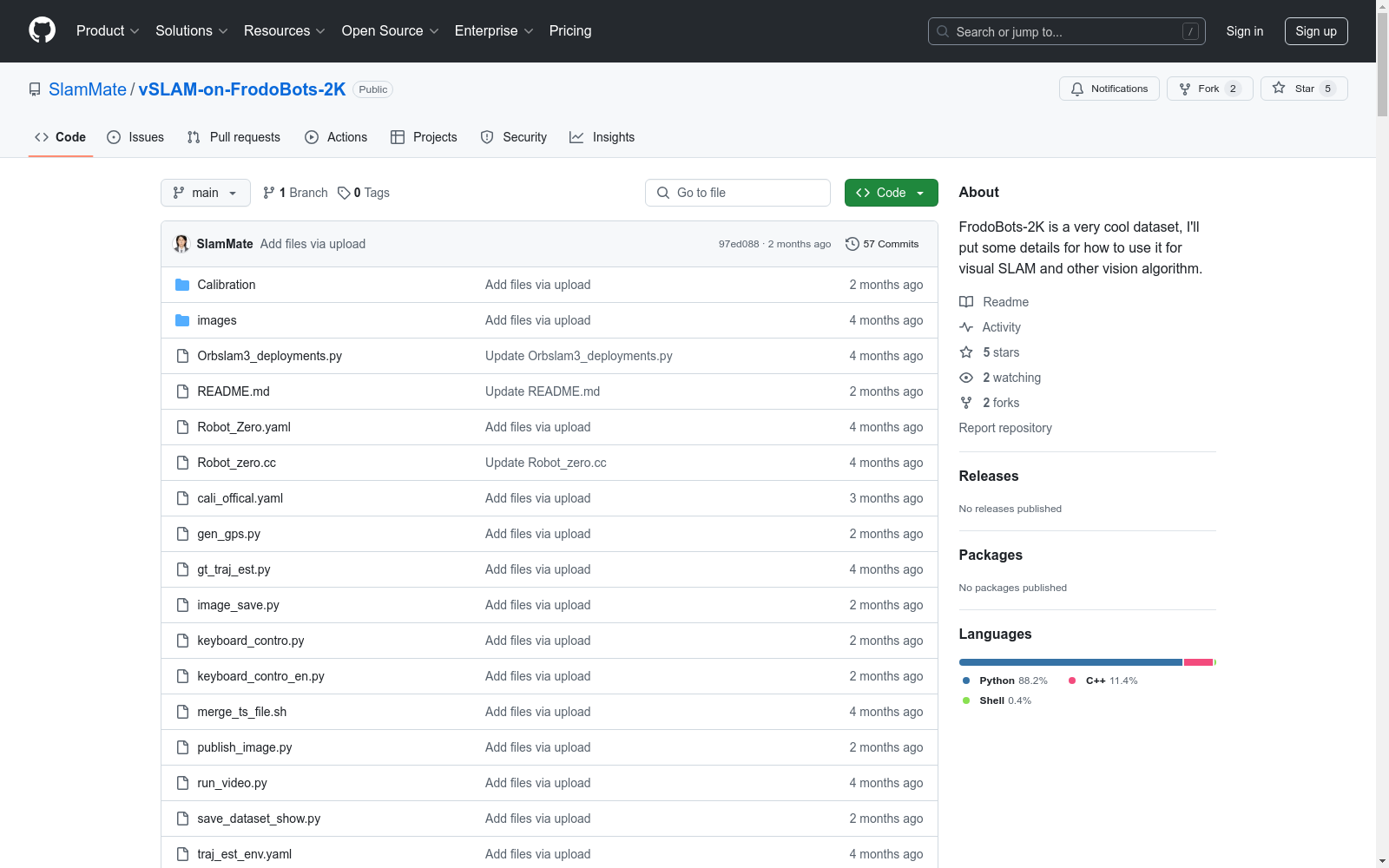
FrodoBots-2K
收藏vSLAM on FrodoBots-2K
FrodoBots-2K 是一个令人兴奋的数据集,我们将提供如何使用它进行视觉SLAM的详细信息。
目录
1. SLAM 设置(以 ORBSLAM3 为例)
1.1 下载数据集
从以下链接下载数据集:FrodoBots-2K 数据集
1.2 校准
根据我们的实验,校准参数如下:Robot_Zero.yaml。
1.3 合并视频帧
使用 merge_ts_files.sh 脚本合并视频帧:
bash
mv merge_ts_files.sh /home/zhangqi/Downloads/output_rides_21/ride_38222_20240501013650
chmod +x merge_ts_files.sh
./merge_ts_files.sh
1.4 修改 CMakeLists.txt 以编译新的校准模型
在 CMakeLists.txt 中添加以下内容:
cmake
add_executable(Robot_zero
Examples/Monocular/Robot_zero.cc)
target_link_libraries(Robot_zero ${PROJECT_NAME})
1.5 运行 ORBSLAM3
使用以下命令运行 ORBSLAM3: bash ./Examples/Monocular/Robot_Zero Vocabulary/ORBvoc.txt Examples/Monocular/Robot_zero.yaml /home/zhangqi/Downloads/output_rides_21/ride_38222_20240501013650
1.6 评估 ORBSLAM3
参考以下仓库估计轨迹并通过 GPS 和控制数据作为地面实况保存为 TUM 轨迹格式: bash conda env create --file traj_est_env.yaml conda activate traj_est python gt_traj_est.py --input_path ./ --output_path ./result --num_workers 4 --overwrite
2. 目标检测(以 YOLOX 为例)
2.1 合并视频帧
使用 merge_ts_files.sh 脚本合并视频帧:
bash
mv merge_ts_files.sh /home/zhangqi/Downloads/output_rides_21/ride_38222_20240501013650
chmod +x merge_ts_files.sh
./merge_ts_files.sh
2.2 生成目标检测结果
下载 run_video.py 脚本并运行目标检测:
bash
python run_video.py video -f /home/zhangqi/Documents/Library/YOLOX/exps/default/yolox_s.py -c /home/zhangqi/Documents/Library/YOLOX/yolox_s.pth --path /home/zhangqi/Downloads/output_rides_21/ride_38222_20240501013650/recordings/rgb.ts --save_result
2.3 获取结果视频
结果视频位于 ./YOLOX_outputs/yolox_s/vis_res/2024_07_07_21_30_59。
3. 深度估计(以 Lite-Mono 为例)
3.1 合并视频帧
使用 merge_ts_files.sh 脚本合并视频帧:
bash
mv merge_ts_files.sh /home/zhangqi/Downloads/output_rides_21/ride_38222_20240501013650
chmod +x merge_ts_files.sh
./merge_ts_files.sh
3.2 估计深度
下载 video_depth_prediction.py 脚本并运行深度估计:
bash
python video_depth_prediction.py --video_path /home/zhangqi/Downloads/output_rides_21/ride_38222_20240501013650/recordings/rgb.ts --output_path output_video_depth.avi --load_weights_folder /home/zhangqi/Documents/Library/Lite-Mono/pretrained_model --model lite-mono8m
3.3 获取结果视频
结果视频位于 LiteMono/。
实际 FrodoBots 部署
0. 想要校准?
参考校准文件夹进行校准,并获取 TOKEN: bash pip install requirements.txt python auto_calibration.py
1. 想要应用 vSLAM 算法?(以 ORBSLAM3 为例)
bash python Orbslam3_deployments.py
引用
引用此工作时,请使用以下参考:
plaintext
@misc{zhang2024earthroverdatasetrecorded,
title={An Earth Rover dataset recorded at the ICRA@40 party},
author={Qi Zhang and Zhihao Lin and Arnoud Visser},
year={2024},
eprint={2407.05735},
archivePrefix={arXiv},
primaryClass={cs.RO},
url={https://arxiv.org/abs/2407.05735}
}