AnyEdit
收藏AnyEdit 数据集概述
简介
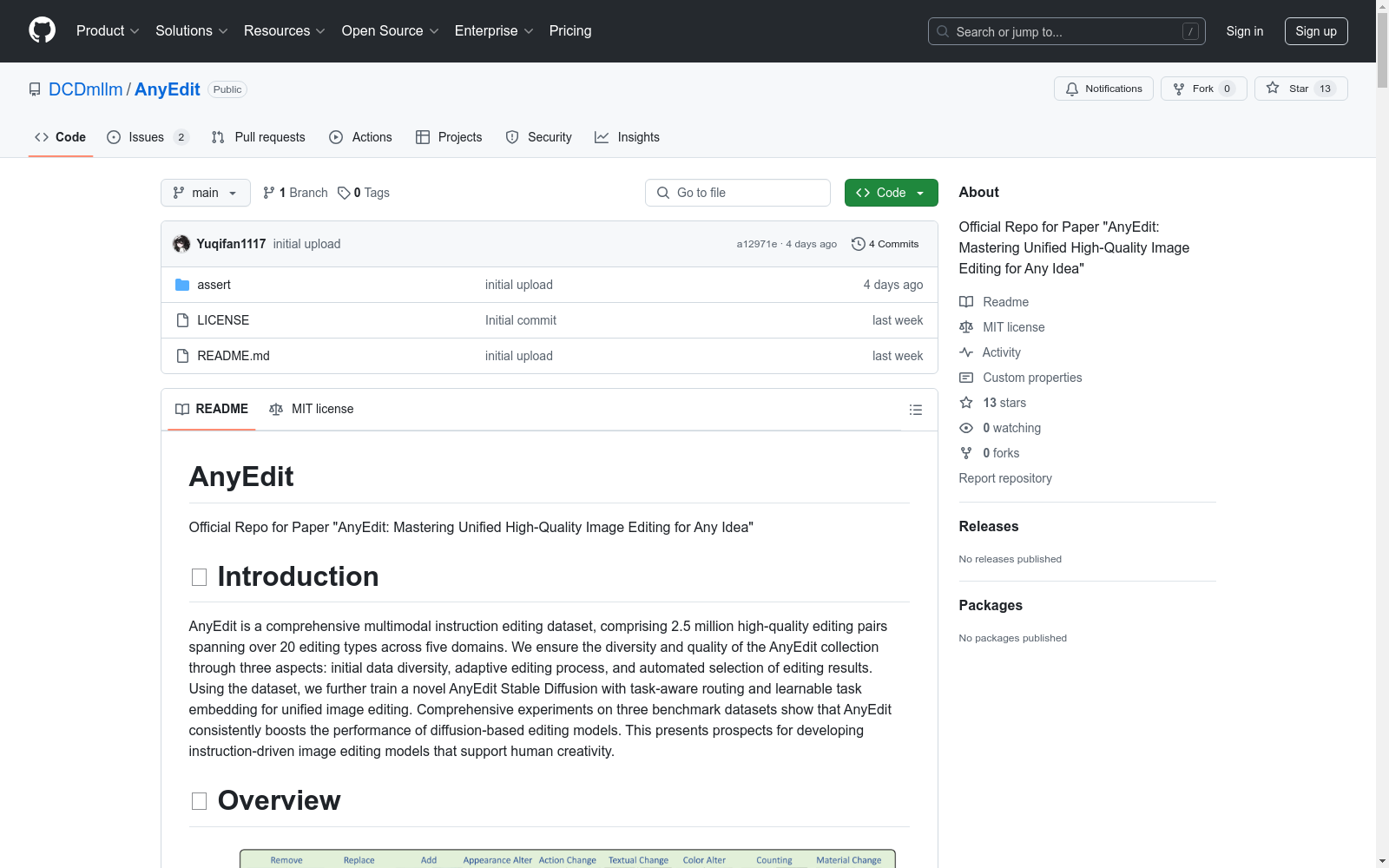
AnyEdit 是一个综合的多模态指令编辑数据集,包含超过 250 万个高质量的编辑对,涵盖 20 种编辑类型,跨越五个领域。通过初始数据多样性、自适应编辑过程和编辑结果的自动选择,确保了 AnyEdit 集合的多样性和质量。使用该数据集,进一步训练了一种新的 AnyEdit Stable Diffusion 模型,该模型具有任务感知路由和可学习的任务嵌入,用于统一图像编辑。在三个基准数据集上的综合实验表明,AnyEdit 持续提升了基于扩散的编辑模型的性能,展示了开发支持人类创造力的指令驱动图像编辑模型的前景。
数据集概览
数据集将图像编辑任务分为五组,基于不同的编辑能力:
- 局部编辑 (Local Editing):专注于基于区域的编辑。
- 全局编辑 (Global Editing):专注于全范围的图像渲染。
- 相机移动编辑 (Camera Move Editing):专注于视点的改变而非场景。
- 隐式编辑 (Implicit Editing):需要常识知识来完成复杂的编辑。
- 视觉编辑 (Visual Editing):包含额外的视觉输入,满足多模态编辑的需求。
数据集收集步骤
- 通用数据准备
- 多样化指令生成
- 自适应编辑流程
- 数据质量增强
指令格式
python { "edit": "change the airplane to green", # 编辑指令 "edited object": "airplane", # 编辑区域,仅用于局部编辑,否则为 None "input": "a small airplane sits stationary on a piece of concrete.", # 原始图像的描述 "output": "A green small airplane sits stationary on a piece of concrete.", # 编辑后图像的描述 "edit_type": "color_alter", # 编辑类型 "visual_input": "None", # 视觉输入的参考图像,否则为 None "image_file": "COCO_train2014_000000521165.jpg", # 原始图像文件 "edited_file": "xxxxx.png" # 编辑后图像文件 }
数据集设置
-
创建新的 Python 环境并下载预训练权重 bash bash setup.sh
-
下载所有候选数据集
-
指令生成(参考 CaptionsGenerator)
-
预过滤目标图像(编辑前) bash CUDA_VISIBLE_DEVICES=2 python pre_filter.py --instruction-path [xx.json] --instruction-type [] --image-root []
-
图像编辑(参考脚本以获取更多示例)
-
后过滤最终数据集 bash CUDA_VISIBLE_DEVICES=2 python post_filter.py --instruction-type []
项目文件夹结构
- Datasets/
- anyedit_datasets/
- add
- remove
- replace
- coco/
- train2014/
- 0.jpg
- 1.jpg
- train2014/
- flux_coco_images/
- 0.jpg
- 1.jpg
- add_postfilter.json
- remove_postfilter.json
- replace_postfilter.json
- anyedit_datasets/
编辑结果示例
部分Ⅰ
| 原始图像 | 编辑类型 | 编辑指令 | 编辑后图像 |
|---|---|---|---|
| <img src="assert/example_figures/action_change_origin.jpg" width="250" height="250"> | Action Change | Make the action of the plane to taking off | <img src="assert/example_figures/action_change_edit.jpg" width="250" height="250"> |
| <img src="assert/example_figures/add_origin.jpg" width="250" height="250"> | Add | Include a candle on top of the cake | <img src="assert/example_figures/add_edit.jpg" width="250" height="250"> |
| <img src="assert/example_figures/appearance_alter_new_origin.jpg" width="250" height="250"> | Appearance Alter | Make the horses wearing garlands | <img src="assert/example_figures/appearance_alter_new_edit.jpg" width="250" height="250"> |
| <img src="assert/example_figures/background_change_new_origin.jpg" width="250" height="250"> | Background Change | Alter the background to a garden | <img src="assert/example_figures/background_change_new_edit.jpg" width="250" height="250"> |
| <img src="assert/example_figures/color_alter_origin.jpg" width="250" height="250"> | Color Alter | Alter the color of frame to orange | <img src="assert/example_figures/color_alter_edit.jpg" width="250" height="250"> |
| <img src="assert/example_figures/counting_origin.jpg" width="250" height="250"> | Counting | The number of camels increases to two | <img src="assert/example_figures/counting_edit.jpg" width="250" height="250"> |
| <img src="assert/example_figures/implicit_change_new_origin.jpg" width="250" height="250"> | Implicit Change | What will happen if the sun never go down? | <img src="assert/example_figures/implicit_change_new_edit.jpg" width="250" height="250"> |
| <img src="assert/example_figures/material_change_origin.jpg" width="250" height="250"> | Material Change | Change the material of kitten like aluminium_foil | <img src="assert/example_figures/material_change_edit.jpg" width="250" height="250"> |
| <img src="assert/example_figures/movement_origin.jpg" width="250" height="250"> | Movement | Shift the man in the image | <img src="assert/example_figures/movement_edit.jpg" width="250" height="250"> |
| <img src="assert/example_figures/outpaint_origin.jpg" width="250" height="250"> | Outpaint | Outpaint the image as you can | <img src="assert/example_figures/outpaint_edit.jpg" width="250" height="250"> |
| <img src="assert/example_figures/relation_origin.jpg" width="250" height="250"> | Relation | Place two yellow flowers in the middle of the table | <img src="assert/example_figures/relation_edit.jpg" width="250" height="250"> |
| <img src="assert/example_figures/remove_origin.jpg" width="250" height="250"> | Remove | Remove the person on skis | <img src="assert/example_figures/remove_edit.jpg" width="250" height="250"> |
| <img src="assert/example_figures/replace_origin.jpg" width="250" height="250"> | Replace | Replace the elephant with a seal | <img src="assert/example_figures/replace_edit.jpg" width="250" height="250"> |
| <img src="assert/example_figures/resize_origin.jpg" width="250" height="250"> | Resize | Zoom out the giraffes in the image | <img src="assert/example_figures/resize_edit.jpg" width="250" height="250"> |
| <img src="assert/example_figures/rotation_change_origin.jpg" width="250" height="250"> | Rotation Change | Turn the bag counterclockwise | <img src="assert/example_figures/rotation_change_edit.jpg" width="250" height="250"> |
| <img src="assert/example_figures/style_change_origin.jpg" width="250" height="250"> | Style Change | Change the style of the image to contrast | <img src="assert/example_figures/style_change_edit.jpg" width="250" height="250"> |
| <img src="assert/example_figures/textual_change_origin.jpg" width="250" height="250"> | Textual Change | Replace the text eddie with stobart | <img src="assert/example_figures/textual_change_edit.jpg" width="250" height="250"> |
| <img src="assert/example_figures/tune_transfer_origin.jpg" width="250" height="250"> | Tune Transfer | Change the season to autumn | <img src="assert/example_figures/tune_transfer_edit.jpg" width="250" height="250"> |
部分Ⅱ
| 原始图像 | 参考图像 | 编辑类型 | 编辑指令 | 编辑后图像 |
|---|---|---|---|---|
| <img src="assert/example_figures/visual_bbox_origin.jpg" width="250" height="250"> | <img src="assert/example_figures/visual_bbox_visual_input.jpg" width="250" height="250"> | Visual Bbox | Follow the given bounding box [v*] to remove the skis | <img src="assert/example_figures/visual_bbox_edit.jpg" width="250" height="250"> |
| <img src="assert/example_figures/visual_depth_origin.jpg" width="250" height="250"> | <img src="assert/example_figures/visual_depth_visual_input.jpg" width="250" height="250"> | Visual Depth | Refer to the given depth image [v*] to remove umbrella | <img src="assert/example_figures/visual_depth_edit.jpg" width="250" height="250"> |
| <img src="assert/example_figures/visual_material_transfer_new_origin.jpg" width="250" height="250"> | <img src="assert/example_figures/visual_material_transfer_new_visual_input.jpg" width="250" height="250"> | Visual Material Transfer | Change the material of monument like linen | <img src="assert/example_figures/visual_material_transfer_new_edit.jpg" width="250" height="250"> |
| <img src="assert/example_figures/visual_reference_origin.jpg" width="250" height="250"> | <img src="assert/example_figures/visual_reference_visual_input.jpg" width="250" height="250"> | Visual Reference | Replace the elephants to [v*] | <img src="assert/example_figures/visual_reference_edit.jpg" width="250" height="250"> |
| <img src="assert/example_figures/visual_scribble_origin.jpg" width="250" height="250"> | <img src="assert/example_figures/visual_scribble_visual_input.jpg" width="250" height="250"> | Visual Scribble | Refer to the given scribble [v*] to replace the toilet paper with a book | <img src="assert/example_figures/visual_scribble_edit.jpg" width="250" height="250"> |
| <img src="assert/example_figures/visual_segment_origin.jpg" width="250" height="250"> | <img src="assert/example_figures/visual_segment_visual_input.jpg" width="250" height="250"> | Visual Segment | Follow the given segment image [v*] to remove truck | <img src="assert/example_figures/visual_segment_edit.jpg" width="250" height="250"> |
| <img src="assert/example_figures/visual_sketch_origin.jpg" width="250" height="250"> | <img src="assert/example_figures/visual_sketch_visual_input.jpg" width="250" height="250"> | Visual Sketch | Watch the given sketch [v*] to replace the bananas to apples | <img src="assert/example_figures/visual_sketch_edit.jpg" width="250" height="250"> |