
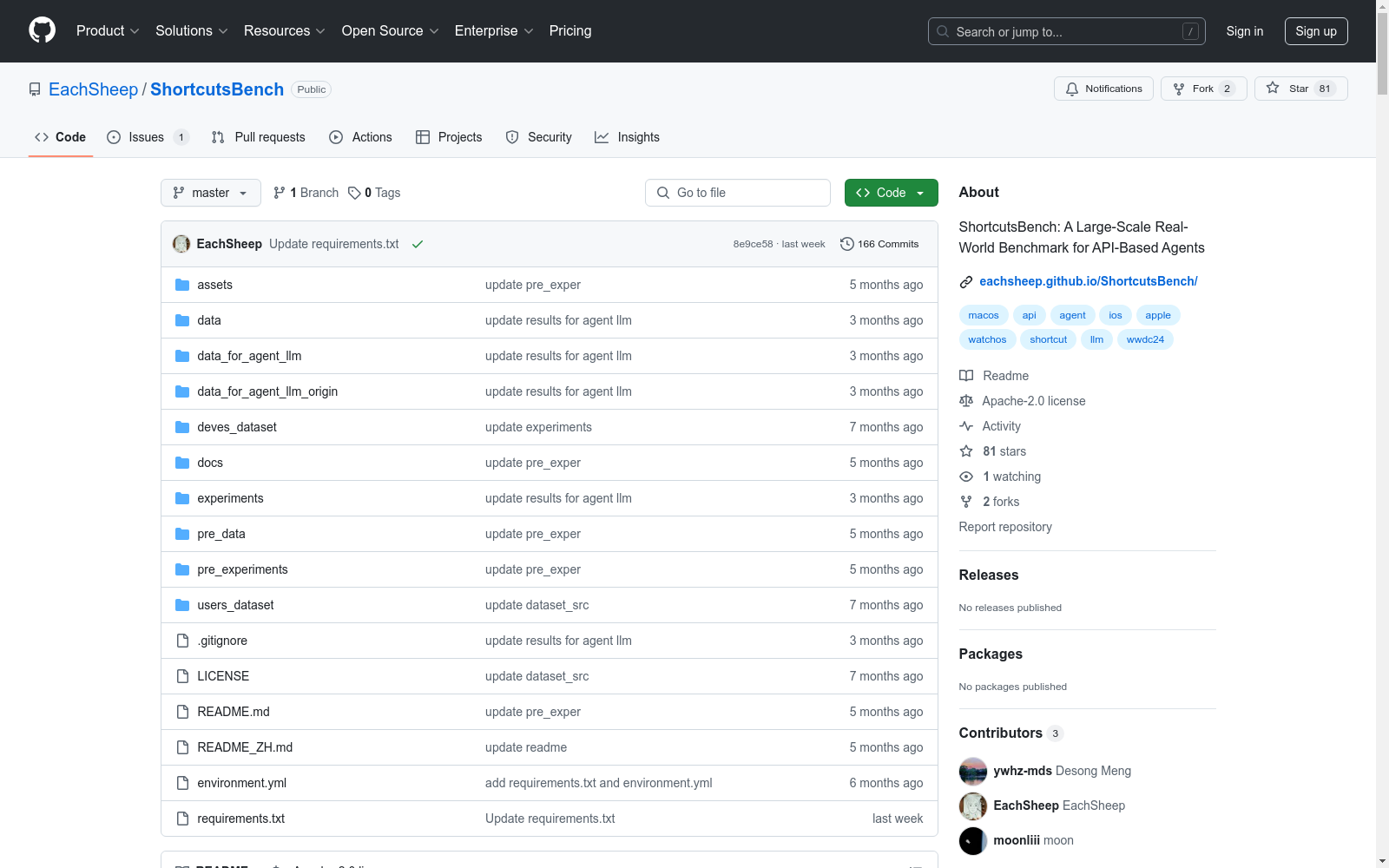
SHORTCUTSBENCH
收藏数据集概述
数据集名称
ShortcutsBench
数据集统计信息
- 应用数量: 88
- API 数量: 1414
- 快捷指令数量: 7628
- 平均 API 使用量: 7.86
- 平均动作数量: 21.46
数据集内容
ShortcutsBench 数据集包含以下内容:
- 快捷指令:即
golden中的动作序列。 - 查询:即分配给代理的任务。
- API:即代理可用的工具。
数据集文件
- 原始快捷指令数据集:文件
1_final_detailed_records_remove_repeat.json,可从 Google Drive 或 Baidu Cloud 下载。 - 过滤后的快捷指令数据集:文件
1_final_detailed_records_filter_apis.json,可从 Google Drive 或 Baidu Cloud 下载。 - 快捷指令数据集(长度 <=30):文件
1_final_detailed_records_filter_apis_leq_30.json,可从 Google Drive 或 Baidu Cloud 下载。 - 生成的查询:文件
generated_success_queries.json,可从 Google Drive 或 Baidu Cloud 下载。 - API 数据:文件
4_api_json_filter.json,可从 Google Drive 或 Baidu Cloud 下载。
数据集优势
ShortcutsBench 在 API 的真实性、丰富性和复杂性,查询和相应动作序列的有效性,参数值的准确填充,以及整体规模方面具有显著优势。它是基于真实 API 的大规模代理基准,提供了丰富的真实 API、不同难度和任务类型的查询、高质量的人工标注动作序列,以及精确的参数值填充。
用户指南
- 搜索快捷指令:在
users_dataset/${website name}/${category name}/README.md文件中查找快捷指令的元数据,包括名称、描述、iCloud 下载链接等。 - 导入快捷指令:在 Apple 设备上点击 iCloud 链接,快捷指令将自动打开并导入到 Shortcuts 应用中。
- 下载快捷指令源文件:除了逐个下载快捷指令,还可以从 Baidu Cloud 或 Google Drive 获取完整数据。
数据来源和链接
- Matthewcassinelli:Google Drive 链接 | Baidu Cloud 链接
- Routinehub:Google Drive 链接 | Baidu Cloud 链接
- MacStories:Google Drive 链接 | Baidu Cloud 链接
- ShareShortcuts:Google Drive 链接 | Baidu Cloud 链接
- ShortcutsGallery:Google Drive 链接 | Baidu Cloud 链接
- iSpazio:Google Drive 链接 | Baidu Cloud 链接
- Jiejingku:Google Drive 链接 | Baidu Cloud 链接
- SSPai:Google Drive 链接 | Baidu Cloud 链接
- Jiejing.fun:Google Drive 链接 | Baidu Cloud 链接
- Kejicut:Google Drive 链接 | Baidu Cloud 链接
- RCuts:Google Drive 链接 | Baidu Cloud 链接
快捷指令源文件介绍
快捷指令源数据在云盘中的目录结构如下:
users_dataset/ ├── matthewcassinelli.com_sirishortcuts_library_free # 网站名称 │ ├── file1 │ ├── file2 │ └── file3
或
users_dataset/ ├── jiejingku.net # 网站名称 │ ├── category1 # 分类 │ │ ├── file1 # 每个具体的快捷指令 │ │ └── file2 │ ├── category2 │ │ └── file3
每个文件代表一个快捷指令。文件名是通过简单处理快捷指令名称生成的,使用以下代码: python file_name = re.sub(r[^a-zA-Z0-9], _, name)
我们提供的快捷指令源文件是 JSON 格式,而 Apple 设备导出的快捷指令是 iCloud 链接(以链接形式共享)或加密的快捷指令文件(.shortcut 扩展名)。
要在 macOS 上的 Shortcuts 应用中导入快捷指令源文件,请按照以下步骤操作:
-
将
JSON文件格式转换为PLIST格式: python import xml.etree.ElementTree as ETdef parse_element(element): """ Recursively parse XML elements and return dictionaries and lists. """ if element.tag == dict: return {element[i].text: parse_element(element[i+1]) for i in range(0, len(element), 2)} elif element.tag == array: return [parse_element(child) for child in element] elif element.tag == true: return True elif element.tag == false: return False elif element.tag == integer: return int(element.text) elif element.tag == string: return element.text elif element.tag == real: return float(element.text) else: raise ValueError("Unsupported tag: " + element.tag)
tree = ET.parse(file_path) root_element = tree.getroot() parsed_data = parse_element(root_element[0]) data = parsed_data
save_path = "./" with open(save_path, w) as f: json.dump(data, f, indent=4)
-
使用
shortcuts sign --mode anyone --input $input_file --output $output_file对PLIST文件进行签名,替换$input_file和$output_file为实际文件路径。 -
将签名后的文件导入 Shortcuts 应用。
以上是根据提供的数据集详情页面内容提炼的关键信息,结构化地展示了数据集的概述、内容、优势、用户指南和数据来源。
- 1ShortcutsBench: A Large-Scale Real-world Benchmark for API-based Agents北京大学 · 2024年



