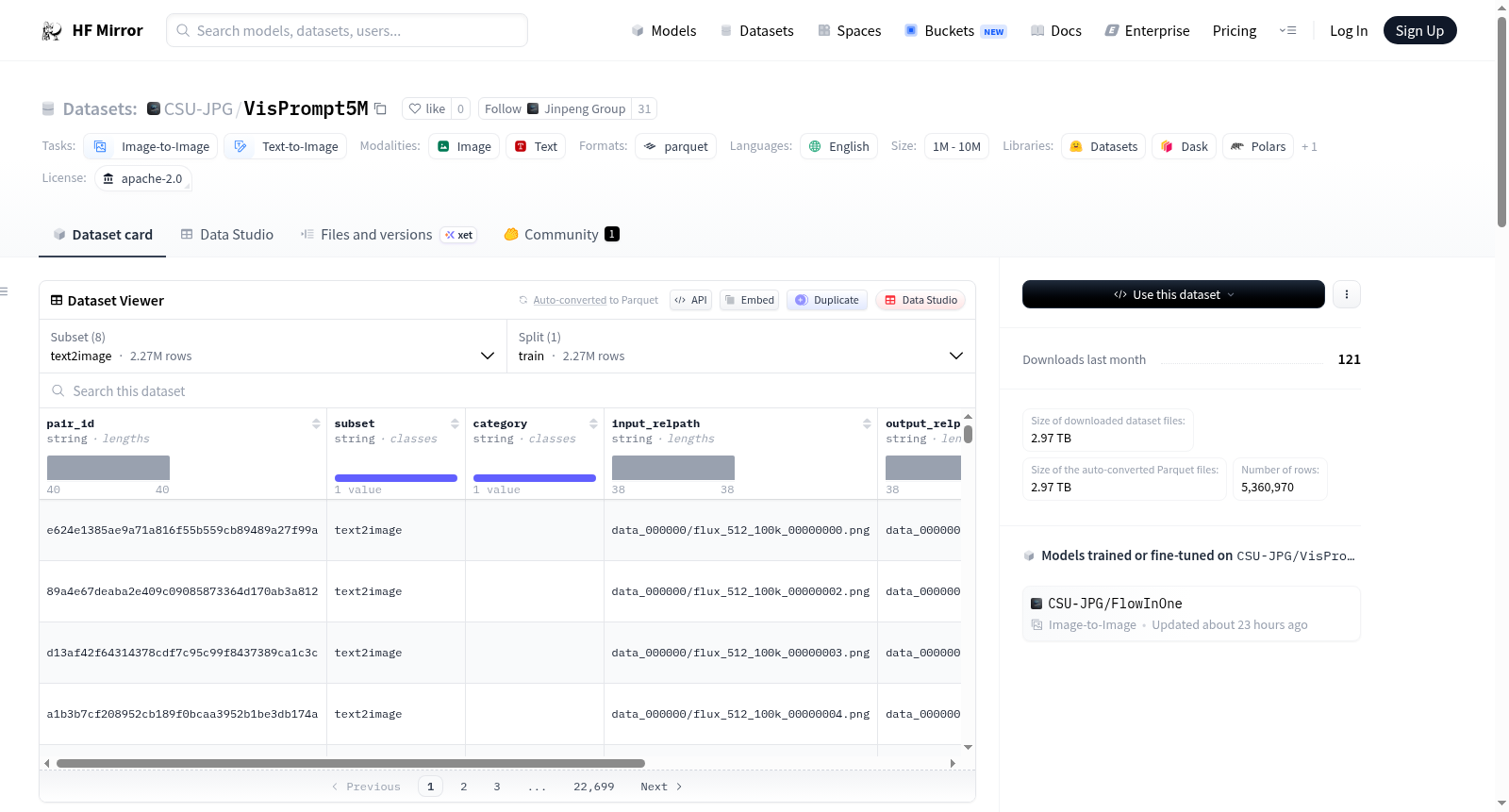
CSU-JPG/VisPrompt5M
收藏资源简介:
--- license: apache-2.0 configs: - config_name: doodles_edit data_files: - split: train path: doodles_edit/train-*.parquet - config_name: trajectory_understand data_files: - split: train path: trajectory_understand/train-*.parquet - config_name: force_understand data_files: - split: train path: force_understand/train-*.parquet - config_name: text_bbox_edit data_files: - split: train path: text_bbox_edit/train-*.parquet - config_name: visual_marker_edit data_files: - split: train path: visual_marker_edit/train-*.parquet - config_name: class2image data_files: - split: train path: class2image/train-*.parquet - config_name: text2image data_files: - split: train path: text2image/train-*.parquet default: true - config_name: text_in_image_edit data_files: - split: train path: text_in_image_edit/train-*.parquet task_categories: - image-to-image - text-to-image language: - en size_categories: - 1M<n<10M --- <div align="center"> <h2 align="center" style="margin-top: 0; margin-bottom: 15px;"> <span style="color:#0052CC">F</span><span style="color:#135FD0">l</span><span style="color:#266CD4">o</span><span style="color:#3979D7">w</span><span style="color:#4C86DB">I</span><span style="color:#6093DF">n</span><span style="color:#73A0E3">O</span><span style="color:#86ADE7">n</span><span style="color:#99BAEB">e</span>: Unifying Multimodal Generation as <span style="color:#0052CC">I</span><span style="color:#0958CE">m</span><span style="color:#125ED0">a</span><span style="color:#1B64D2">g</span><span style="color:#246AD4">e</span><span style="color:#2D70D6">-</span><span style="color:#3676D8">i</span><span style="color:#3F7CDA">n</span><span style="color:#4882DC">,</span> <span style="color:#5188DE">I</span><span style="color:#5A8EE0">m</span><span style="color:#6394E2">a</span><span style="color:#6C9AE4">g</span><span style="color:#75A0E6">e</span><span style="color:#7EA6E8">-</span><span style="color:#87ACEA">o</span><span style="color:#90B2EC">u</span><span style="color:#99B8EE">t</span> Flow Matching </h2> <p align="center" style="font-size: 15px;"> <span style="color:#E74C3C; font-weight: bold;">TL;DR:</span> <strong>The first vision-centric image-in, image-out image generation model.</strong> </p> <p align="center" style="font-size: 16px;"> <a href="https://csu-jpg.github.io/FlowInOne.github.io/" style="text-decoration: none;">🌐 Homepage</a> | <a href="https://github.com/CSU-JPG/FlowInOne" style="text-decoration: none;">💻 Code</a> | <a href="https://arxiv.org/pdf/2604.06757" style="text-decoration: none;">📄 Paper</a> | <a href="https://huggingface.co/datasets/CSU-JPG/VisPrompt5M" style="text-decoration: none;">📁 Dataset</a> | <a href="https://huggingface.co/datasets/CSU-JPG/VPBench" style="text-decoration: none;">🌏 Benchmark</a> | <a href="https://huggingface.co/CSU-JPG/FlowInOne" style="text-decoration: none;">🤗 Model</a> </p> </div> # VisPrompt5M This dataset is the official training dataset for [**FlowInOne**](https://csu-jpg.github.io/FlowInOne.github.io/). **VisPrompt5M** is a large-scale image editing and generation dataset.Each sample contains an input image and an output image pair, with metadata fields for subset and category. ## Dataset subsets This dataset currently includes the following subsets: - `class2image` - `doodles_edit` - `force_understand` - `text_bbox_edit` - `text_in_image_edit` - `text2image` - `trajectory_understand` - `visual_marker_edit` Each subset contains a `train` split stored in Parquet shards. ## Dataset Features Each record includes: - `pair_id` (`string`): Stable unique ID for each image pair. - `subset` (`string`): Subset name. - `category` (`string`): Category or relative folder label. - `input_relpath` (`string`): Relative path of the input image. - `output_relpath` (`string`): Relative path of the output image. - `input_image` (`image`): Input image bytes/path. - `output_image` (`image`): Output image bytes/path. ## Load the dataset ### Load a specific subset ```python from datasets import load_dataset ds = load_dataset( "CSU-JPG/VisPrompt5M", "doodles_edit", split="train", ) ``` ### Load all dataset ```python from datasets import load_dataset subsets = [ "class2image", "doodles_edit", "force_understand", "text_bbox_edit", "text_in_image_edit", "text2image", "trajectory_understand", "visual_marker_edit", ] for subset in subsets: ds = load_dataset("CSU-JPG/VisPrompt5M", subset, split="train", streaming=True) ``` ## Citation If you found our work useful, please consider citing: ``` @article{yi2026flowinoneunifyingmultimodalgenerationimagein, title={FlowInOne:Unifying Multimodal Generation as Image-in, Image-out Flow Matching}, author={Junchao Yi and Rui Zhao and Jiahao Tang and Weixian Lei and Linjie Li and Qisheng Su and Zhengyuan Yang and Lijuan Wang and Xiaofeng Zhu and Alex Jinpeng Wang}, journal={arXiv preprint arXiv:2604.06757}, year={2026} } ```
许可证:Apache-2.0 配置项: - 配置名称:doodles_edit 数据文件: - 拆分:训练集 路径:doodles_edit/train-*.parquet - 配置名称:trajectory_understand 数据文件: - 拆分:训练集 路径:trajectory_understand/train-*.parquet - 配置名称:force_understand 数据文件: - 拆分:训练集 路径:force_understand/train-*.parquet - 配置名称:text_bbox_edit 数据文件: - 拆分:训练集 路径:text_bbox_edit/train-*.parquet - 配置名称:visual_marker_edit 数据文件: - 拆分:训练集 路径:visual_marker_edit/train-*.parquet - 配置名称:class2image 数据文件: - 拆分:训练集 路径:class2image/train-*.parquet - 配置名称:text2image 数据文件: - 拆分:训练集 路径:text2image/train-*.parquet 默认配置:是 - 配置名称:text_in_image_edit 数据文件: - 拆分:训练集 路径:text_in_image_edit/train-*.parquet 任务类别: - 图像到图像 - 文本到图像 语言:英语 数据规模:100万 < 样本数 < 1000万 <div align="center"> <h2 align="center" style="margin-top: 0; margin-bottom: 15px;"> FlowInOne:将多模态生成统一为图像输入-图像输出流匹配 </h2> <p align="center" style="font-size: 15px;"> <span style="color:#E74C3C; font-weight: bold;">核心要点:</span> <strong>首款以视觉为中心的图像输入-图像输出型图像生成模型。</strong> </p> <p align="center" style="font-size: 16px;"> <a href="https://csu-jpg.github.io/FlowInOne.github.io/" style="text-decoration: none;">🌐 主页</a> | <a href="https://github.com/CSU-JPG/FlowInOne" style="text-decoration: none;">💻 代码仓库</a> | <a href="https://arxiv.org/pdf/2604.06757" style="text-decoration: none;">📄 论文</a> | <a href="https://huggingface.co/datasets/CSU-JPG/VisPrompt5M" style="text-decoration: none;">📁 数据集</a> | <a href="https://huggingface.co/datasets/CSU-JPG/VPBench" style="text-decoration: none;">🌏 基准测试集</a> | <a href="https://huggingface.co/CSU-JPG/FlowInOne" style="text-decoration: none;">🤗 模型</a> </p> </div> # VisPrompt5M 数据集 本数据集为[**FlowInOne**](https://csu-jpg.github.io/FlowInOne.github.io/)的官方训练数据集。 **VisPrompt5M** 是一款大规模图像编辑与生成数据集,每个样本均包含一组输入图像与输出图像,并附带用于标识子集与类别的元数据字段。 ## 数据集子集 本数据集当前包含以下子集: - `class2image` - `doodles_edit` - `force_understand` - `text_bbox_edit` - `text_in_image_edit` - `text2image` - `trajectory_understand` - `visual_marker_edit` 每个子集均包含以Parquet(帕尔克列式存储格式)分片存储的`train`拆分数据集。 ## 数据集特征 每条记录包含以下字段: - `pair_id`(字符串类型):每一组图像对的稳定唯一标识符。 - `subset`(字符串类型):子集名称。 - `category`(字符串类型):类别或相对文件夹标签。 - `input_relpath`(字符串类型):输入图像的相对路径。 - `output_relpath`(字符串类型):输出图像的相对路径。 - `input_image`(图像类型):输入图像的字节数据或路径。 - `output_image`(图像类型):输出图像的字节数据或路径。 ## 加载数据集 ### 加载指定子集 python from datasets import load_dataset ds = load_dataset( "CSU-JPG/VisPrompt5M", "doodles_edit", split="train", ) ### 加载全量数据集 python from datasets import load_dataset subsets = [ "class2image", "doodles_edit", "force_understand", "text_bbox_edit", "text_in_image_edit", "text2image", "trajectory_understand", "visual_marker_edit", ] for subset in subsets: ds = load_dataset("CSU-JPG/VisPrompt5M", subset, split="train", streaming=True) ## 引用 若您的工作得益于本数据集,请引用如下文献: @article{yi2026flowinoneunifyingmultimodalgenerationimagein, title={FlowInOne:Unifying Multimodal Generation as Image-in, Image-out Flow Matching}, author={Junchao Yi and Rui Zhao and Jiahao Tang and Weixian Lei and Linjie Li and Qisheng Su and Zhengyuan Yang and Lijuan Wang and Xiaofeng Zhu and Alex Jinpeng Wang}, journal={arXiv preprint arXiv:2604.06757}, year={2026} }