
SimdBench
收藏SimdBench数据集概述
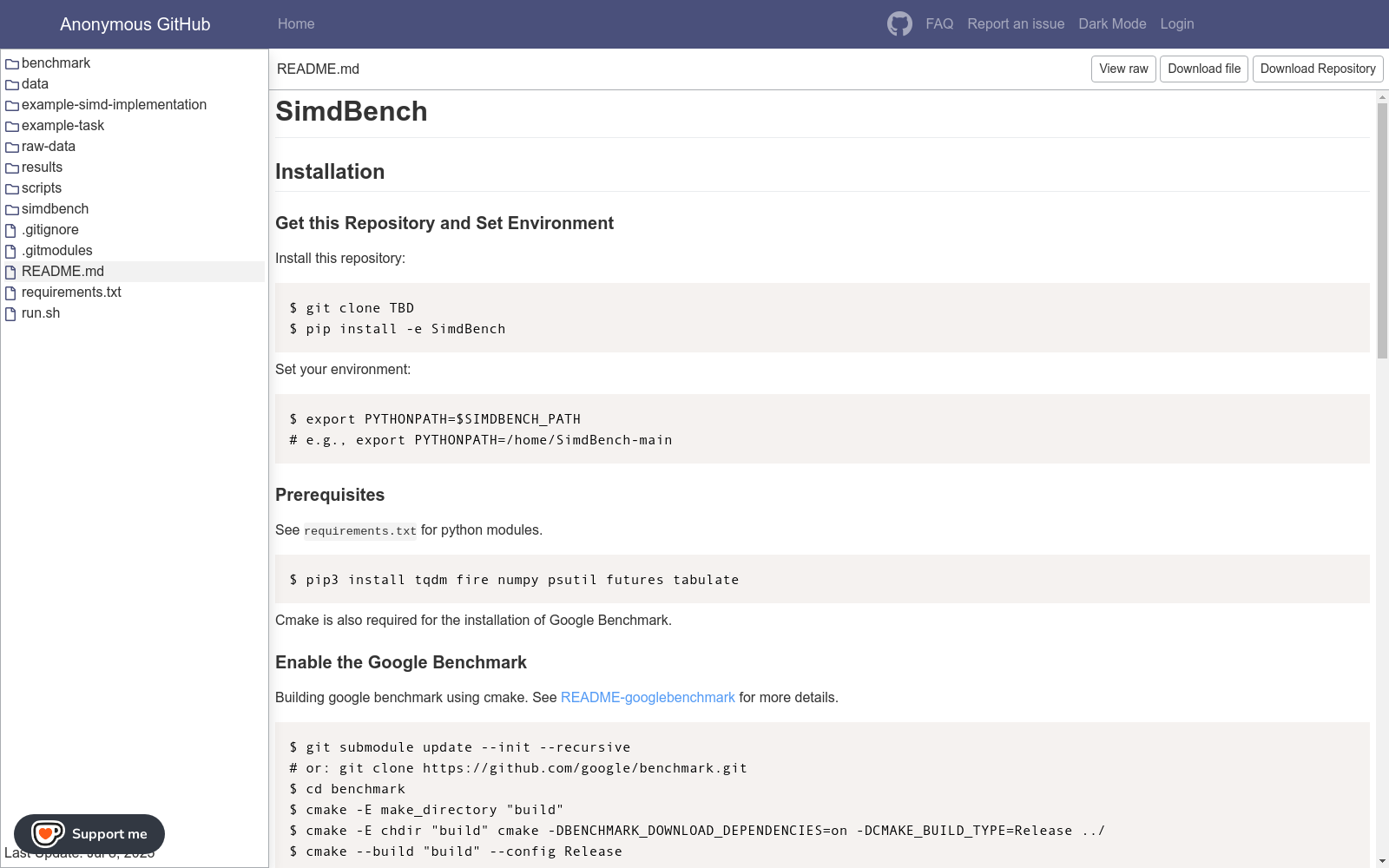
数据集基本信息
- 数据集名称: SimdBench
- 最后更新时间: 2025年7月8日
- 数据集组成:
- benchmark
- data
- example-simd-implementation
- example-task
- raw-data
- results
- scripts
- simdbench
- 配置文件(.gitignore, .gitmodules, README.md, requirements.txt, run.sh)
安装与配置
获取仓库与环境设置
bash $ git clone TBD $ pip install -e SimdBench $ export PYTHONPATH=$SIMDBENCH_PATH
前置条件
- Python模块: tqdm, fire, numpy, psutil, futures, tabulate
- Cmake (用于安装Google Benchmark)
启用Google Benchmark
bash $ git submodule update --init --recursive $ cd benchmark $ cmake -E make_directory "build" $ cmake -E chdir "build" cmake -DBENCHMARK_DOWNLOAD_DEPENDENCIES=on -DCMAKE_BUILD_TYPE=Release ../ $ cmake --build "build" --config Release
使用说明
设置C++编译器
- 支持的SIMD指令集: SSE, AVX, SVE, Neon, RVV
- 编译器配置: 在
simdbench/global_var.py中设置cpp_compilers - 模拟器配置: 在
simdbench/global_var.py中设置emulators(如需要)
获取LLM补全
- 样本格式: 与HumanEval相同 (
{"task_id": "XXX", "completion":"XXX"}) - 样本来源:
results/model-output或使用simdbench/request_llm.py生成
复现结果
-
正确性评估: 约3-6小时 (256 CPU核心) bash nohup python3 ./scripts/correctness_eval.py --correctness_output=[/your/output/path] > pass_at_k.out 2>&1 &
-
性能评估: 每种指令集约2-4小时 bash nohup python3 ./scripts/performance_eval.py --intrinsic=[your_intrinsic] --performance_output=[/your/output/path] > intrinsic.out 2>&1 &
评估方法
正确性评估
bash $ python3 simdbench/evaluate_functional_correctness.py example-task/example_samples.jsonl --intrinsic=AVX --problem_file=example-task/example_problem.jsonl
性能评估
bash $ python3 simdbench/evaluate_performance.py example-task/example_samples.jsonl --intrinsic=AVX
- 1SimdBench: Benchmarking Large Language Models for SIMD-Intrinsic Code Generation北京大学 · 2025年



