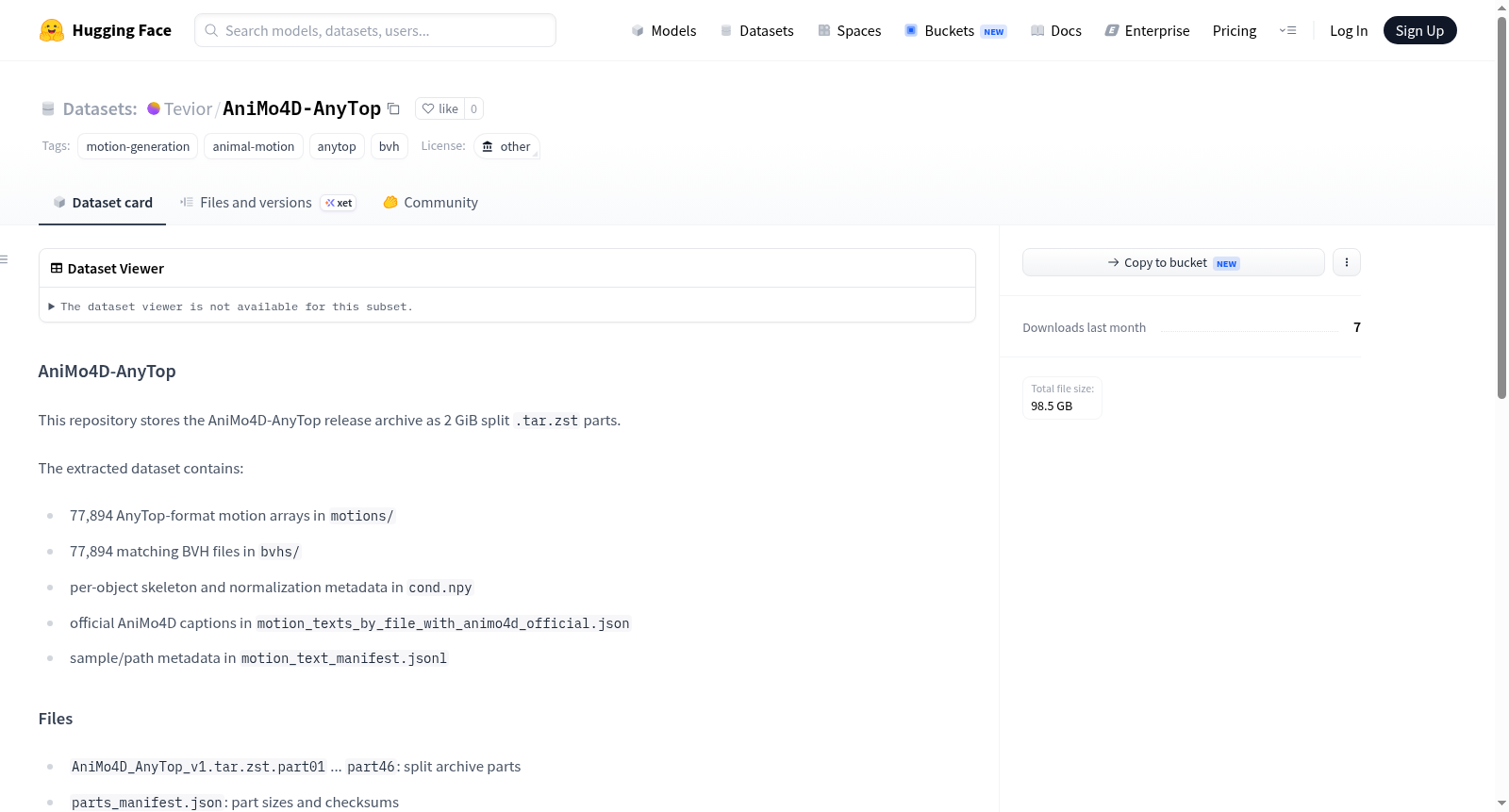
AniMo4D-AnyTop
收藏资源简介:
AniMo4D-AnyTop 是一个专注于动物运动生成的数据集,包含 77,894 个运动样本。数据集以 AnyTop 格式和 BVH 格式提供运动数据:motions/ 目录包含 AnyTop 格式的运动数组,bvhs/ 目录包含对应的 BVH 文件。此外,数据集还提供了每个对象的骨骼和归一化元数据(cond.npy)、官方的 AniMo4D 描述文本(motion_texts_by_file_with_animo4d_official.json)以及样本/路径元数据清单(motion_text_manifest.jsonl)。该数据集是 AniMo4D 官方标注列表的精确匹配子集,覆盖了 78,149 个官方行中的 77,894 行,未应用模糊运动替换。数据集适用于运动生成任务,特别是动物运动相关的研究和应用。
AniMo4D-AnyTop is a dataset focused on animal motion generation, containing 77,894 motion samples. The dataset provides motion data in both AnyTop and BVH formats: the motions/ directory contains motion arrays in AnyTop format, while the bvhs/ directory holds the corresponding BVH files. In addition, the dataset also provides skeleton and normalization metadata for each object (cond.npy), official AniMo4D descriptive texts (motion_texts_by_file_with_animo4d_official.json), and a sample/path metadata manifest (motion_text_manifest.jsonl). It is an exact-match subset of the official AniMo4D annotation list, covering 77,894 out of 78,149 official entries, with no fuzzy motion substitution applied. This dataset is suitable for motion generation tasks, particularly for research and applications related to animal motion.
AniMo4D-AnyTop 数据集概述
基本信息
- 数据集名称: AniMo4D-AnyTop
- 标签: motion-generation, animal-motion, anytop, bvh
- 许可协议: 其他(other)
- 发布地址: https://huggingface.co/datasets/Tevior/AniMo4D-AnyTop
数据集规模
- 总样本数: 77,894 条运动数据
- 与官方 AniMo4D 注释列表精确匹配(官方共 78,149 行,本数据集匹配了 77,894 行),未使用模糊运动替代。
数据集内容
解压后的数据集包含以下内容:
| 文件/目录 | 说明 | 数量 |
|---|---|---|
motions/ |
AnyTop 格式的运动数组 | 77,894 个 |
bvhs/ |
匹配的 BVH 格式文件 | 77,894 个 |
cond.npy |
每个对象的骨架和归一化元数据 | 1 个文件 |
motion_texts_by_file_with_animo4d_official.json |
官方 AniMo4D 描述文本 | 1 个文件 |
motion_text_manifest.jsonl |
样本/路径元数据 | 1 个文件 |
发布文件
数据集以分块压缩包形式发布,共 46 个 .tar.zst 分片文件(每片约 2 GiB):
AniMo4D_AnyTop_v1.tar.zst.part01至part46- 附带
parts_manifest.json(记录分片大小与校验和) - 附带
checksums.sha256(记录完整压缩包及各分片的 SHA256 值)
完整压缩包校验
- SHA256:
059c30d3bbcbb46348e3f70c7950c005917ef227e51eec1248b2a000828339e8
使用方法
用户需将分片合并后解压。Linux 系统使用 cat 合并并用 tar --zstd 解压;Windows PowerShell 使用 cmd /c copy /b 合并后用相同命令解压。