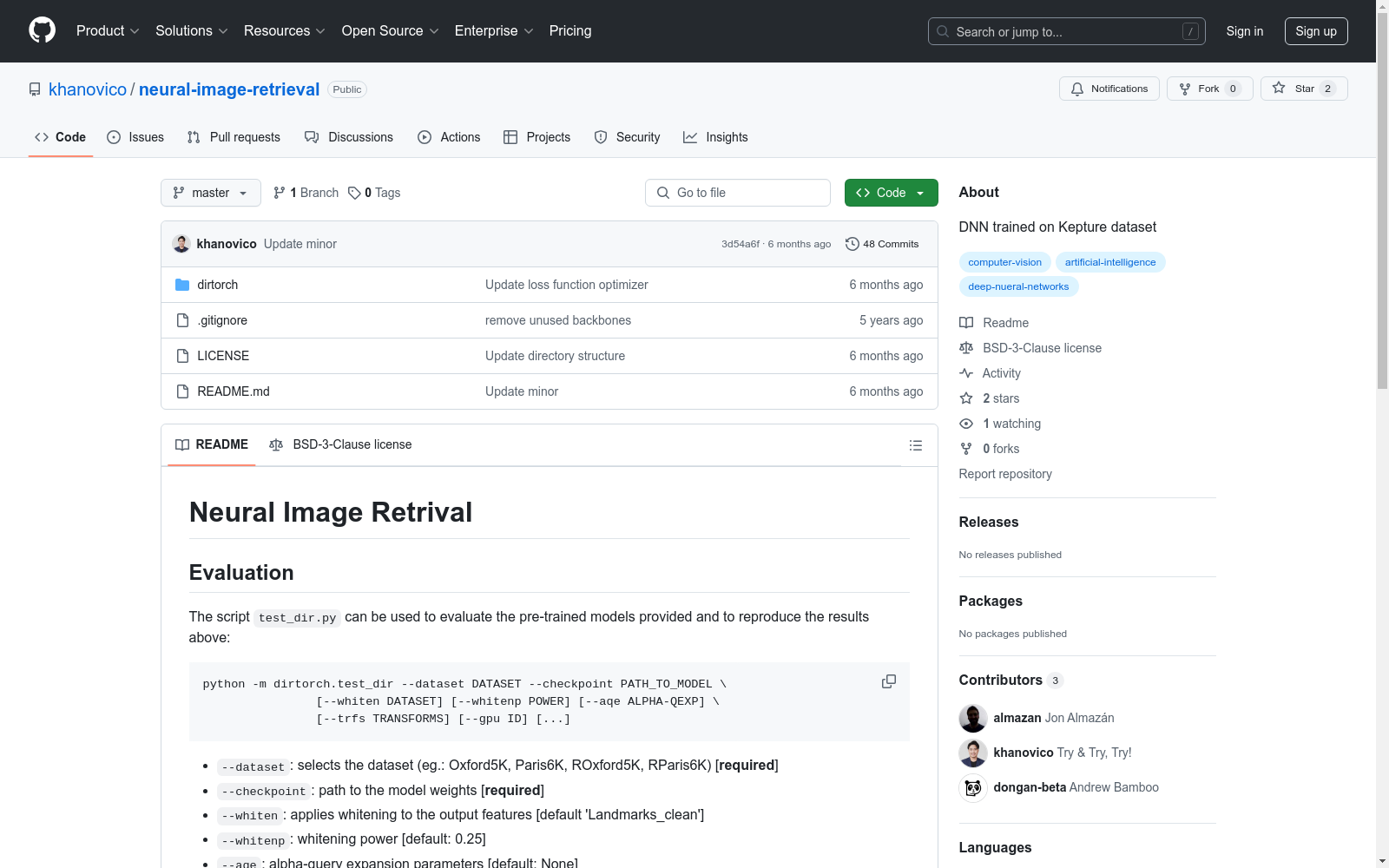
Oxford5K, Paris6K, ROxford5K, RParis6K
收藏Neural Image Retrieval 数据集概述
评估
-
脚本使用: 使用
test_dir.py脚本可以评估预训练模型并重现结果。 -
参数说明:
--dataset: 选择数据集(例如:Oxford5K, Paris6K, ROxford5K, RParis6K)[必需]--checkpoint: 模型权重路径 [必需]--whiten: 输出特征的 whitening 处理 [默认 Landmarks_clean]--whitenp: whitening 功率 [默认: 0.25]--aqe: alpha-query 扩展参数 [默认: None]--trfs: 输入图像变换(可用于多尺度处理)[默认: None]--gpu: 选择 GPU ID(-1 选择 CPU)
-
示例命令: bash cd $DIR_ROOT export DB_ROOT=/PATH/TO/YOUR/DATASETS
python -m dirtorch.test_dir --dataset RParis6K --checkpoint dirtorch/data/Resnet101-AP-GeM.pt --whiten Landmarks_clean --whitenp 0.25 --gpu 0
-
输出示例:
Evaluation...
- mAP-easy = 0.907568
- mAP-medium = 0.803098
- mAP-hard = 0.608556
-
数据集自动下载: 脚本集成了 Oxford5K, Paris6K, ROxford5K, RParis6K 数据集的自动下载功能,数据将保存在
$DB_ROOT。
特征提取与 kapture 数据集
-
kapture 安装: bash pip install kapture
-
数据集下载: bash kapture_download_dataset.py update kapture_download_dataset.py list
例如:安装 Extended-CMU-Seasons_slice22 的 mapping 和 query
kapture_download_dataset.py install "Extended-CMU-Seasons_slice22_*"
-
自定义数据集转换: 可以将自己的数据集转换为 kapture 格式,示例参见 这里。
-
特征提取: bash cd $DIR_ROOT python -m dirtorch.extract_kapture --kapture-root pathto/yourkapturedataset --checkpoint dirtorch/data/Resnet101-AP-GeM-LM18.pt --gpu 0
-
更多信息: 运行
python -m dirtorch.extract_kapture --help获取更多提取参数信息。