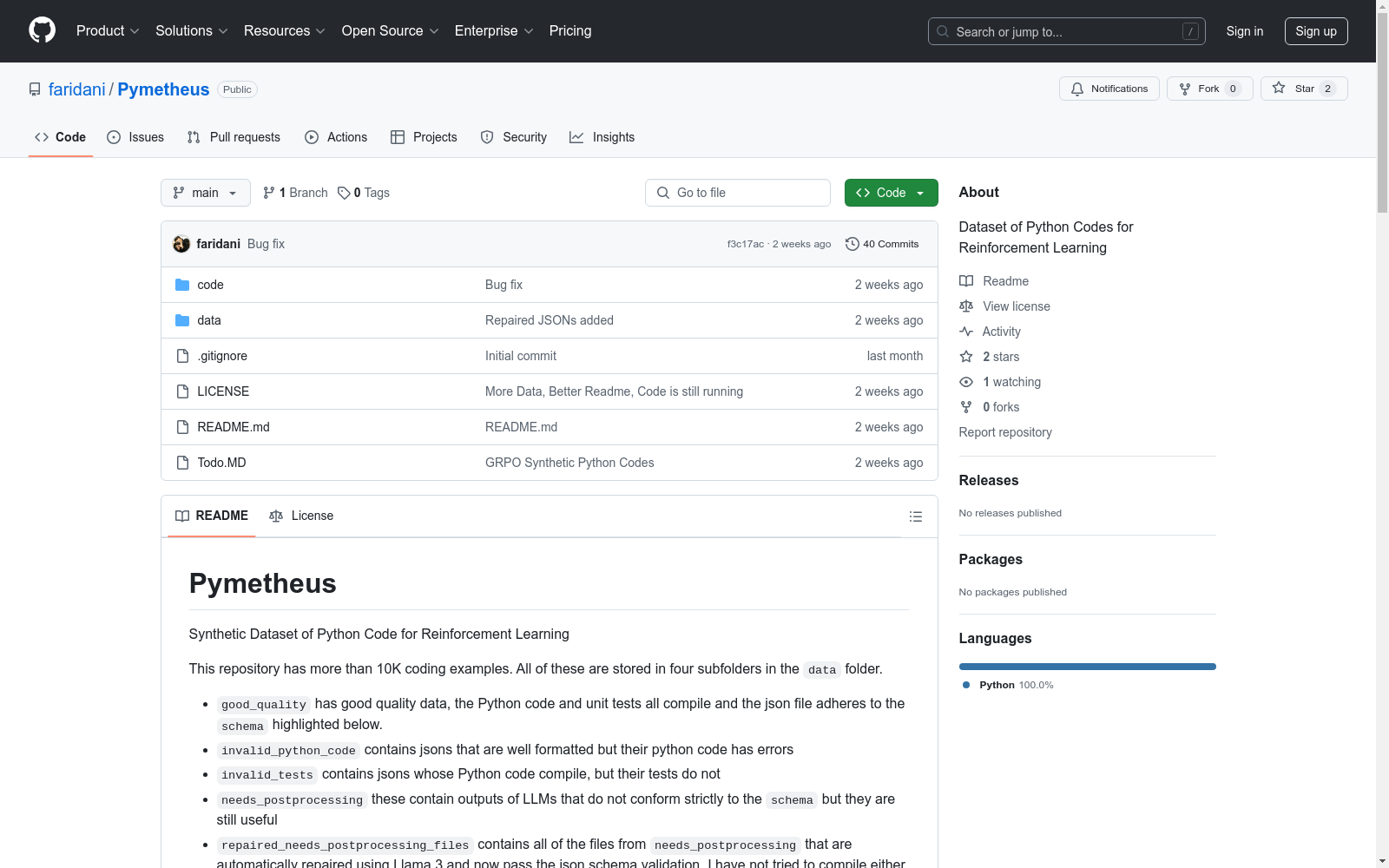
Pymetheus
收藏Pymetheus 数据集概述
数据集简介
- 名称:Pymetheus
- 类型:Python代码合成数据集
- 用途:强化学习
- 规模:超过10,000个编码示例
数据文件夹结构
good_quality:高质量数据,Python代码和单元测试均可编译,json文件符合指定schemainvalid_python_code:json格式正确但Python代码有误invalid_tests:Python代码可编译但测试无法通过needs_postprocessing:LLM输出不完全符合schema但仍有用repaired_needs_postprocessing_files:自动修复后的needs_postprocessing文件,通过json schema验证
推荐使用数据
good_qualityrepaired_needs_postprocessing_files
数据统计(good_quality文件夹)
模型生成数据量
- mistral:latest: 355
- llama3:latest: 41
- qwen2:7b: 34
- gemma2:27b: 28
- aya:35b: 24
- phi3:14b: 21
- mistral-nemo:latest: 18
- codestral:latest: 12
- phi4:latest: 10
- llama3.1:8b: 10
- command-r7b:latest: 8
- gemma2:27b-instruct-q5_K_S: 8
- deepseek-coder:33b: 7
- codebooga:latest: 6
- codeqwen:7b: 6
- mistral:7b-instruct: 5
- codellama:34b: 5
- codestral:22b: 5
- llama2:latest: 5
- codegemma:7b: 4
- codegeex4:9b: 3
- phind-codellama:34b: 2
- deepseek-coder-v2:16b: 1
- deepseek-r1:32b: 1
- codeup:latest: 1
重复问题统计
- Anagram Detector (Hard): 49
- Anagram Detector (Hard): 12
- Anagram Checker (Hard): 9
- Anagram Detection (Hard): 9
- Anagram Finder (Hard): 8
- Anagram Detection (Hard): 6
- Anagram Checker (Hard): 6
- Easy: Sum of Digits: 6
- Levenshtein Distance Calculator (Easy): 4
- Prime Factorization (Hard): 4
- Fibonacci Sequence Generator (Hard): 4
数据生成方法
- 使用Ollama加载模型
- 自动选择小于GPU NVRAM容量的模型
- 模型重复失败时自动切换
数据schema
python schema = { "type": "object", "properties": { "title": {"type": "string"}, "description": {"type": "string"}, "code": {"type": "string"}, "tests": { "type": "array", "items": {"type": "string"} } }, "required": ["title", "description", "code", "tests"] }
示例数据
json
{
"title": "Graph Coloring Challenge (Hard)",
"description": "You are given an undirected graph with n vertices and m edges...",
"code": "from typing import List, Tuple
def can_color_graph(n: int, m: int, k: int, edges: List[Tuple[int, int]]) -> str: ...", "tests": [ "assert can_color_graph(3, 2, 2, [(0, 1), (1, 2)]) == YES", "..." ], "difficulty": "super hard", "model": "phi4:latest", "style": "Facebook Hacker Cup" }
环境配置
bash conda create --name pymetheus python=3.8 conda activate pymetheus pip install ollama jsonschema pynvml