
Snowflake Data Governance App
收藏Snowflake2024-02-12 更新2024-05-01 收录
下载链接:
https://app.snowflake.com/marketplace/listing/GZTYZKVKB7P
下载链接
链接失效反馈官方服务:
资源简介:
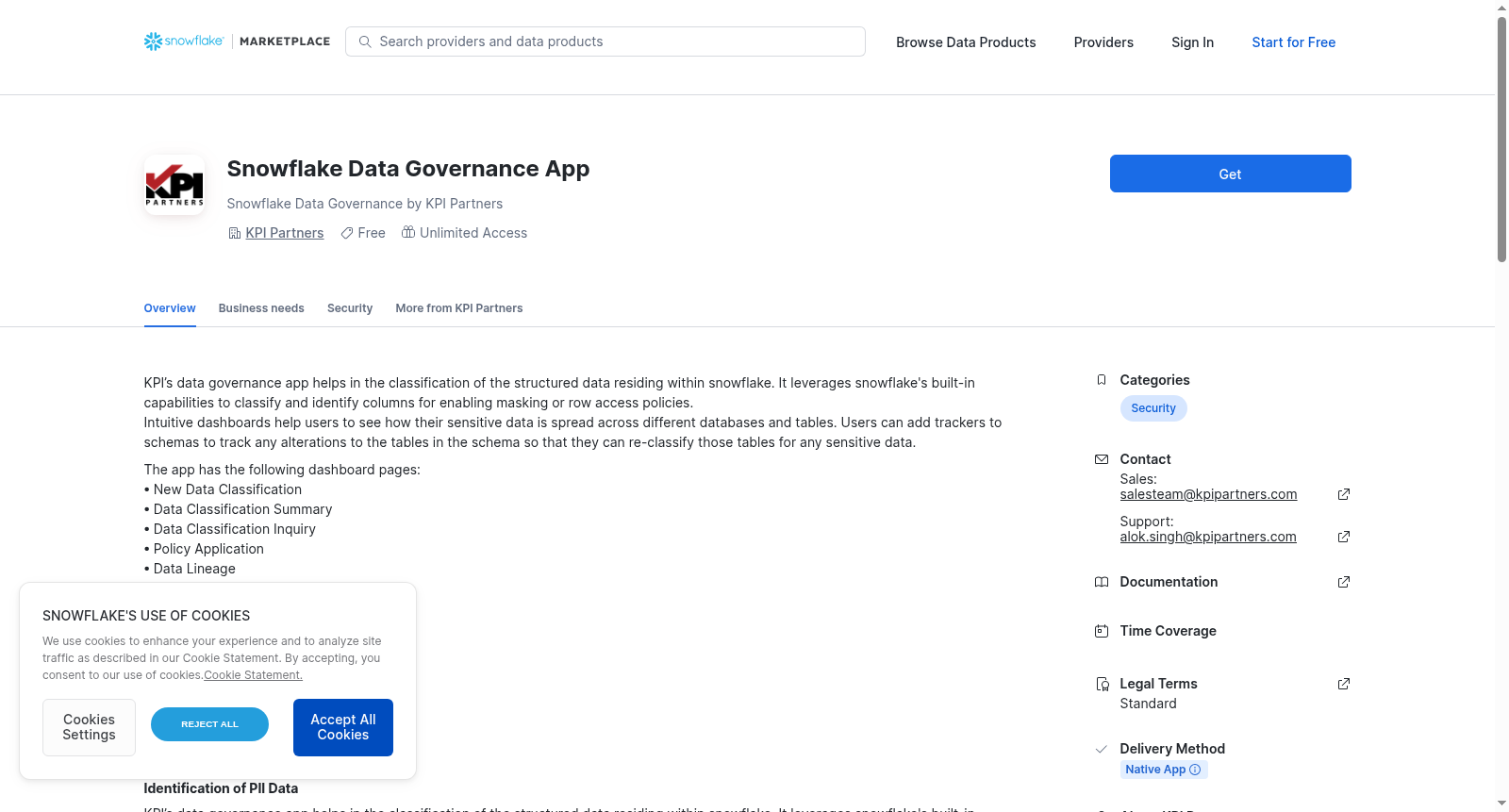
KPI’s data governance app helps in the classification of the structured data residing within snowflake. It leverages snowflake's built-in capabilities to classify and identify columns for enabling masking or row access policies.
Intuitive dashboards help users to see how their sensitive data is spread across different databases and tables. Users can add trackers to schemas to track any alterations to the tables in the schema so that they can re-classify those tables for any sensitive data.
The app has the following dashboard pages:
• New Data Classification
• Data Classification Summary
• Data Classification Inquiry
• Policy Application
• Data Lineage
• Data Catalog
• Schema Monitoring
• App Settings.
App Installation Steps:
1. Go to snowflake marketplace and hit the get button
2. Once the app is installed and you open it a dialog box will pop up and will request EXECUTE TASK, EXECUTE MANAGED TASK and IMPORTED PRIVILEGES ON SNOWFLAKE DB.These permissions are required for the app to function smoothly.
3. Once the above permissions are granted navigate to the App Settings page. Please read the help text on this page before performing any action.
4. In the App Settings page set the "Trigger full load" to "yes" choose a date from which you want to load history data and hit submit.
5. Once the full load is finished the set "Set Incremental Task schedule" to "Yes" in "Enter Task Schedule", add a cron based schedule (refer example in help text). Set "Task action" to "Resume". Hit the Submit button.
On completion of above steps you are ready to use the app.
Note: Please read the ReadMe and Help text in the App Settings section as this gives an idea about the app and if any steps are needed for smooth running of the app.
提供机构:
KPI Partners创建时间:
2024-02-01
搜集汇总
数据集介绍
背景与挑战
背景概述
Snowflake Data Governance App是一款用于分类和管理Snowflake平台中结构化数据的应用,它利用内置功能识别列以实施数据掩码或行访问策略。该应用提供多个仪表板页面,如数据分类摘要和模式监控,帮助用户可视化敏感数据分布并跟踪表变更。安装过程包括从Snowflake市场获取、授予必要权限,并设置初始加载和增量任务计划以确保应用正常运行。
以上内容由遇见数据集搜集并总结生成


